
The Ultimate Audio‑Visual Lighting Upgrade for Pro DJs
Both tools are designed to elevate a DJ’s show with synchronized lighting, but DjMirror Pulse goes beyond lighting control to deliver a complete, tightly integrated audio-visual experience.
This page explains the key advantages Pulse offers over SoundSwitch for professional DJs and event companies.
Two Different Tools for Two Different Jobs
It’s absolutely fair to compare DjMirror Pulse with SoundSwitch. SoundSwitch is a great company and a very popular product. But it’s important to understand that they are built with different goals in mind. SoundSwitch is a lighting specialist. DjMirror Pulse is an audio‑visual show designer.
SoundSwitch: Lighting Specialist
SoundSwitch’s core mission is to make your existing DMX lighting rig dance to the music. It focuses on fixtures: moving heads, strobes, washes, and other lights that respond to your tracks with predefined looks and automated shows. If your main goal is to automate lighting in sync with the beat, SoundSwitch is a solid and proven option.
DjMirror Pulse: Audio‑Visual Show Designer
DjMirror Pulse is built to create a complete, immersive environment. It not only controls your DMX lighting; it also generates its own professional, real‑time visuals. Instead of being “just” a lighting controller, Pulse behaves like a creative director for your entire show: lights, motion graphics, and visual atmosphere, all driven from the same deep musical analysis.
DjMirror Pulse vs SoundSwitch: Feature Comparison Table
Use this quick comparison to see how DjMirror Pulse and SoundSwitch differ in visuals, DJ lighting control, audio analysis, automation, and ideal use cases for professional DJs and event companies.
| Feature | DjMirror Pulse | SoundSwitch |
|---|---|---|
| Type of Tool | Audio‑visual lighting and DJ show designer (lights + visuals) | DJ lighting controller (DMX automation only) |
| Visual Engine | Built‑in GPU‑accelerated particle and geometric visuals | No built‑in visuals (requires separate VJ or media server) |
| Lighting Control | Professional DMX control with multiple fixtures and universes | Professional DMX control for moving heads, washes, strobes, etc. |
| Audio Analysis Depth | Advanced BPM, key detection, and automatic song‑structure analysis | BPM, beat grids, and phrase‑based cues |
| Automation Engine | Advanced Audio Rules Engine with 80+ configurable parameters | Scenes, autoloops, and automation tools for lighting looks |
| Workflow | Single interface for lighting and audio‑reactive visuals | Lighting control only; visuals handled by a separate system |
| Ideal Users | Pro DJs, AV companies, and venues needing immersive audio‑visual shows | DJs and venues focused primarily on automated DJ lighting |
| Show Style | Festival‑style, luxury weddings, and branded visual experiences | Enhanced lighting shows using existing fixtures |
| Setup Role | Acts as the central “brain” for lights and visuals | Acts as the intelligent controller for DMX lighting |
1. Integrated, High‑End Visuals (Beyond Just Lights)
This is the single biggest difference between the two tools.
SoundSwitch focuses on controlling your lighting fixtures. It sends DMX data to your moving heads, washes, and effects, but it does not generate any video content on its own. If you want LED walls or screens with visuals, you typically need a separate VJ system or media server.
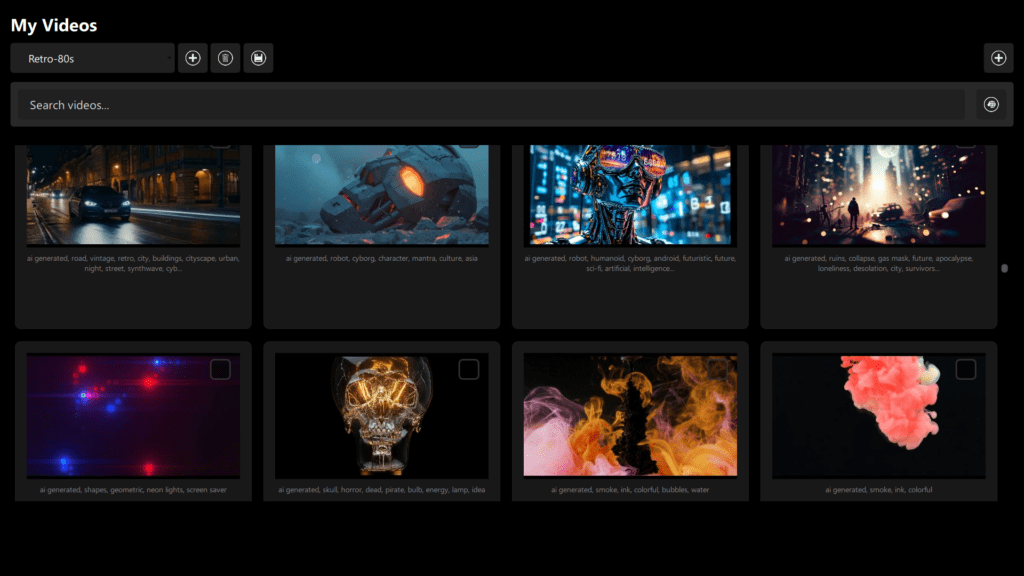
DjMirror Pulse includes a powerful, GPU‑accelerated visual engine. It creates hypnotic particle systems, geometric forms, and reactive animations that move with the music in real time. These visuals can be routed to projectors, LED walls, or your LED DJ booth, adding a whole new dimension to your show.
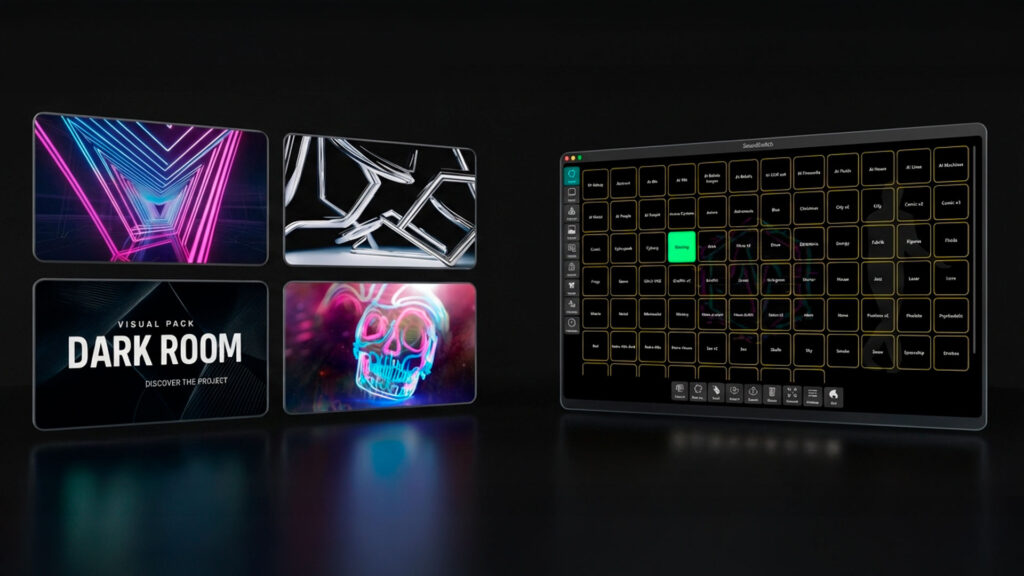
Pulse Advantage: you get a fully integrated visual show, not just lighting control. The same software that analyzes the music is also creating the content your audience sees. This is ideal if you want a “festival‑style” or “luxury” look where lights and screens feel like one unified design.
2. Deeper, Studio‑Grade Audio Analysis
Both products analyze music, but Pulse digs much deeper into the musical structure.
SoundSwitch works very well with BPM, beat grids, and phrase‑based lighting cues. It understands the rhythm strongly enough to generate reliable automatic light shows and scenes that follow your tracks.
DjMirror Pulse goes into studio‑level analysis. In addition to BPM and transient detection, it performs musical key recognition and advanced song‑structure detection (intros, builds, breakdowns, verses, choruses, drops, bridges, and more). Pulse can tell where tension is being built and where it is released in the track.
Pulse Advantage: because the system understands the musical arc, your lights and visuals can follow the emotion of the song, not just the beat. For example, Pulse can automatically build suspense during a breakdown, soften during a vocal section, and explode with energy at the drop—without you having to manually program each bar.
3. More Powerful and Flexible Automation
SoundSwitch offers strong automation. Pulse is designed for granular, rule‑based control.
SoundSwitch lets you work with pre‑built scenes, autoloops, and automation tools to create reliable lighting looks quickly. It’s excellent for DJs who want their lighting to “just work” with minimal fuss.
DjMirror Pulse adds an Advanced Audio Rules Engine on top of this idea. You get access to more than 80 configurable parameters from the audio analysis. This allows you to define highly specific triggers based on what the music is doing.
- “If a key change happens during a build‑up, trigger this specific combination of beams and particle effects.”
- “During long breakdowns, slowly shift the color palette and simplify the visuals to build tension.”
- “On a strong drop after a quiet section, fire strobe accents, widen the beams, and trigger a burst of particles on the LED wall.”
Pulse Advantage: you can decide how hands‑on or hands‑off you want to be. The rules engine lets you create shows that feel as if they were fully pre‑programmed, while still adapting automatically to whatever track you play next.
4. Unified AV Control in a Single Interface
Fewer moving parts during a show means less stress and more creativity.
- With SoundSwitch, the usual setup for a high‑end show is: SoundSwitch for lights, plus a separate VJ application or media server for video. This means two UIs, two sets of presets, and two systems to monitor while you are DJing.
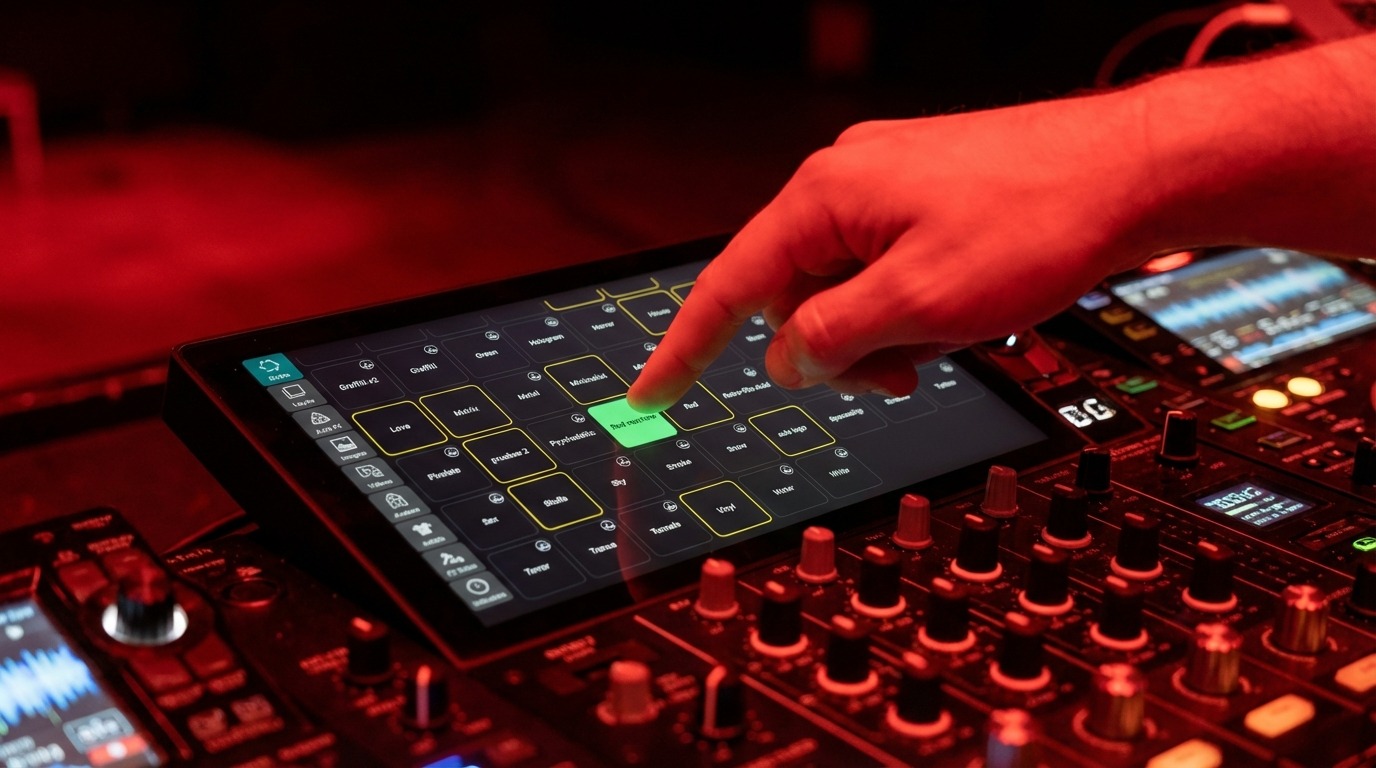
- With DjMirror Pulse, you control both synchronized lighting and visuals from one unified interface. The same rules and the same audio analysis drive everything. Your cognitive load during the performance is much lower, which leaves you free to focus on the music and the crowd.
- Pulse Advantage: you no longer need to run separate VJ software to get a “big show” look. Pulse is your all‑in‑one audio‑visual brain.
DjMirror Pulse vs SoundSwitch: Summary for Sound & Event Companies
SoundSwitch is a powerful tool for making your existing DMX lights dance to the music. It is a lighting specialist.
DjMirror Pulse is an audio‑visual show designer. It does everything you expect from professional lighting automation and adds a breathtaking visual layer on top. This aligns perfectly with your goal of offering a modern, luxury experience with your LED DJ setups.
If you are happy with automated lighting alone, SoundSwitch is a great option. If you want to stand out as a top‑tier, innovative provider with a signature visual identity, DjMirror Pulse is designed for exactly that.
Would you like to see a focused demo showing how Pulse’s visuals and advanced audio analysis work with the lighting fixtures you already own?
How the Integration Works in a Professional Rig
DjMirror Pulse is designed to fit neatly into the kind of professional setups you already use: club rigs, mobile DJ systems, and corporate AV installations.
1. The Brain: A Compact Computer
Pulse runs on a small, dedicated computer (for example, a modern mini‑PC or a spare laptop). This machine handles the real‑time audio analysis, generates the GPU‑accelerated visuals, and sends out the DMX commands. Keeping it separate from your main DJ laptop helps maximize stability.
2. The Ears: Audio Interface or Capture Card
To analyze the music accurately, Pulse needs a clean audio feed. You simply connect an audio interface or video capture card to the Pulse computer, then run a cable from your DJ mixer’s REC OUT or BOOTH OUT to that interface. This gives Pulse a direct, isolated copy of your master mix for perfect BPM and beat detection, independent of room noise.
3. The Hands: USB‑to‑DMX Interface
From the Pulse computer, you connect a standard USB‑to‑DMX interface (e.g. Enttec DMX USB Pro or similar). From there you patch into your existing DMX chain: moving heads, uplighters, strobes, LED bars, etc. Pulse sends DMX commands directly and in real time to your lighting rig, synchronized to the same musical analysis that is driving the visuals.
4. The Result: One Synchronized AV Show
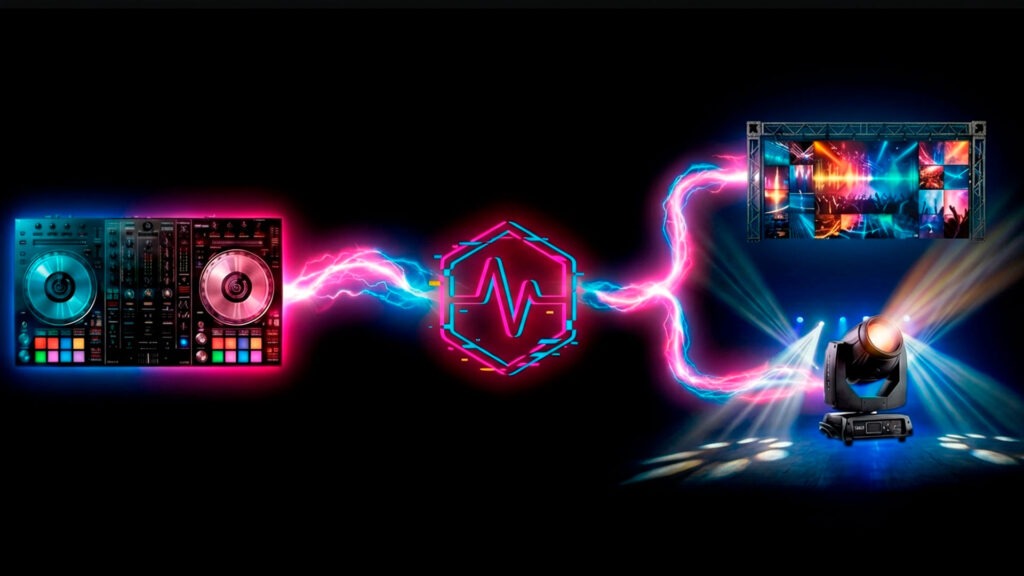
Your mixer sends audio to the Pulse computer. Pulse analyzes the track, generates visuals for your screens or LED booth, and simultaneously controls your lights through the DMX interface. You retain full creative control over the music, and Pulse takes care of delivering a tightly synchronized audio‑visual show on top.
Next Step: See It in Your Own Setup
If you already run a professional rig with LED booth, DMX lighting, and high‑end audio, DjMirror Pulse is designed to sit right in the middle and bring everything to life. Let us know your current hardware and we can recommend a compact Pulse system tailored to your shows.