DjMirror Traktor – Features
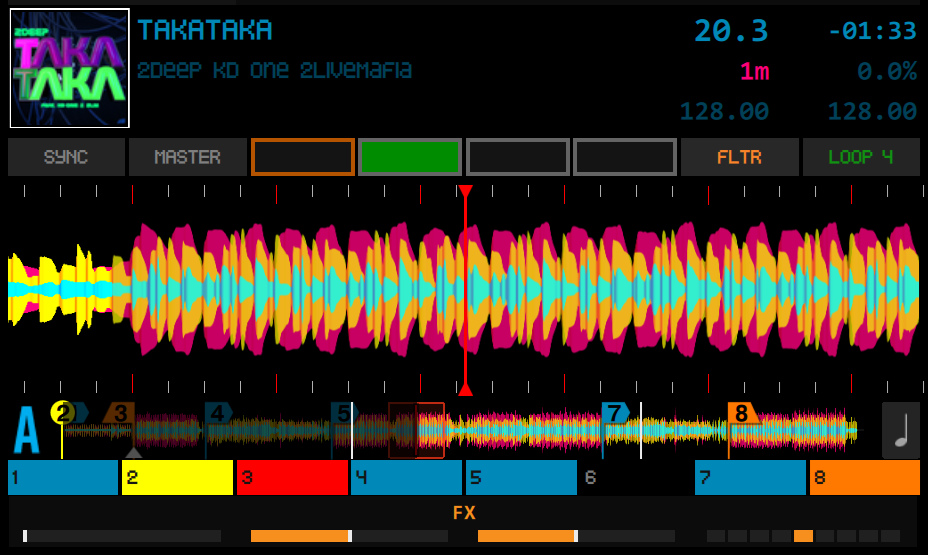
Display of Tracks, Stems, Remix Sets, hotcues, stripes, phase meter and the representation of their waves
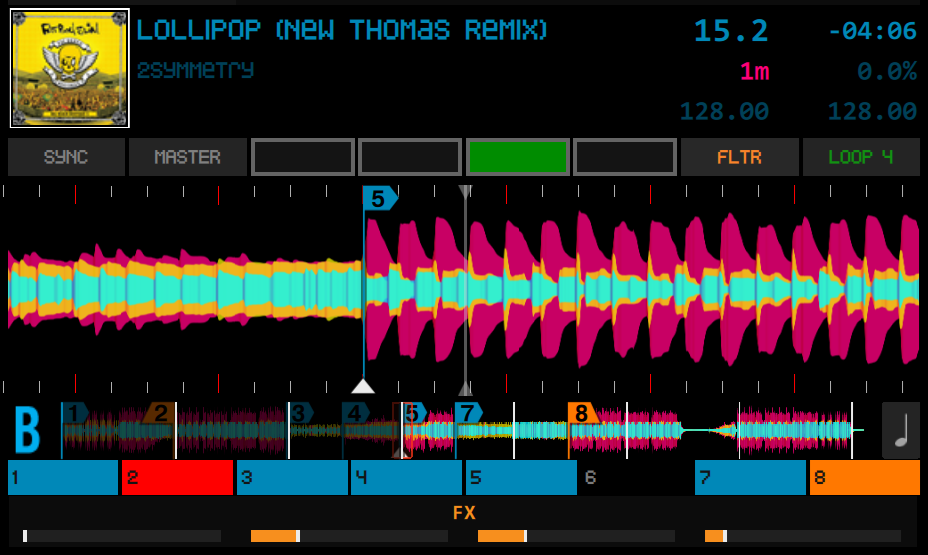
Visualization of Tracks
You can close the laptop and continue playing with precision thanks to the visual elements:
- Real-time themes
- Multiple font customization options
- Extensive waveform and visual customization
- Musical key colors (4 notations)
- Compatibility with Traktor Pro 3.10.x, 3.11.x and 4.x, Windows and Mac (review Traktor compatibility with M3/M4)
- Stability and Performance
- Advanced touch browser for load track
- Support view Tracks, Stems and Remix Set
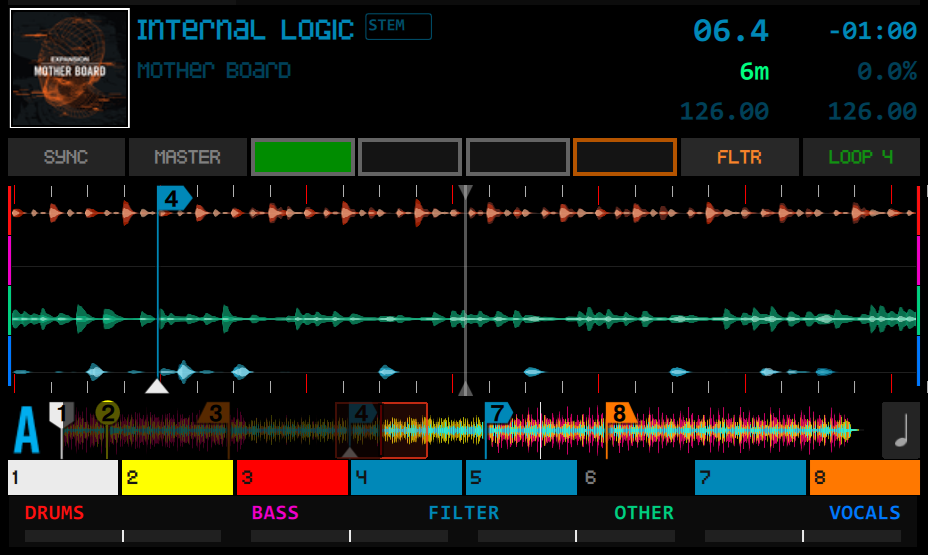
Visualization of Stems
DJMirror support Traktor Pro Stems
- Automatic waveform refresh when loading Stem tracks
- Stem color bars
- Deck header layout with improved visibility
- Album cover display toggle
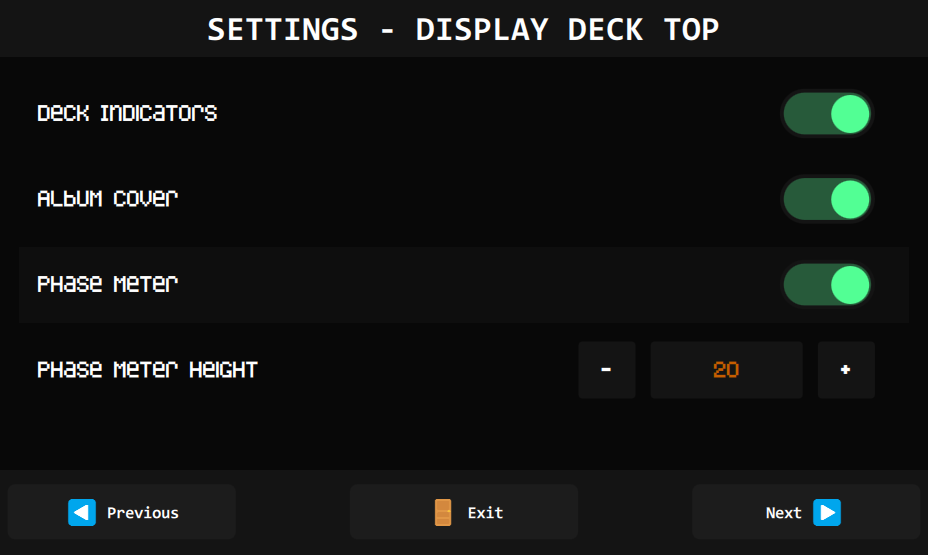
- Phase meter visualization
- Warning message system
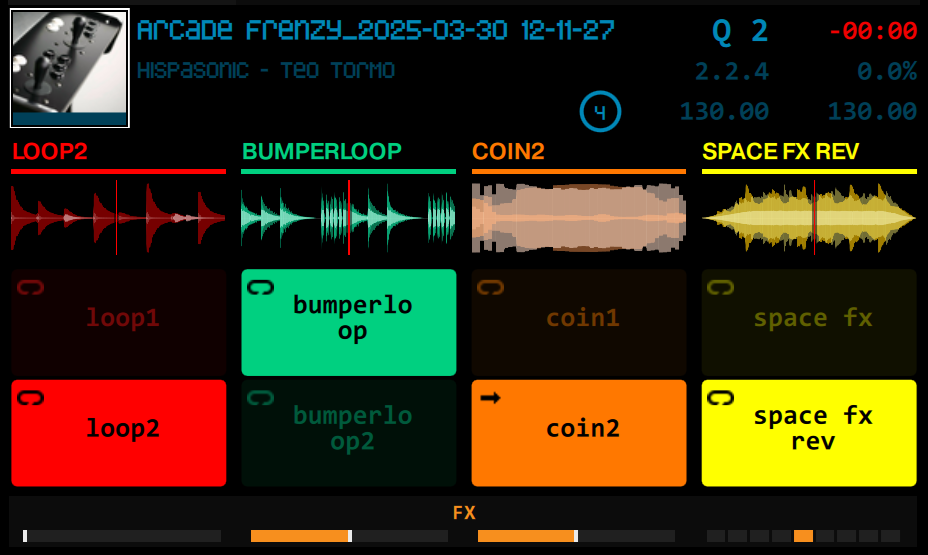
Remix Sets
See the Remix Set with all the necessary information.
- Deck colors (A/B/C/D identifiers)
- Loop line visualization
- Loop size indicator
- Configurable loop dotted lines visualization
- Consistent behavior across all deck types
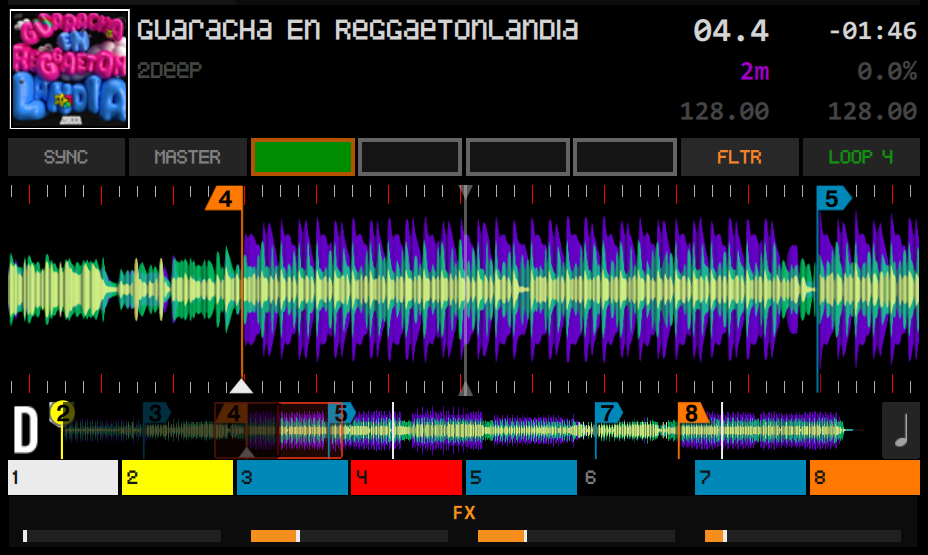
Support Phase Meter
- See sync status
- Configure phase meter height, visible/hide
- Proper bar.beat display (e.g., “04.2”)
- Configurable Beatgrid Lines
- Wave bar Markers
- Stripe wave
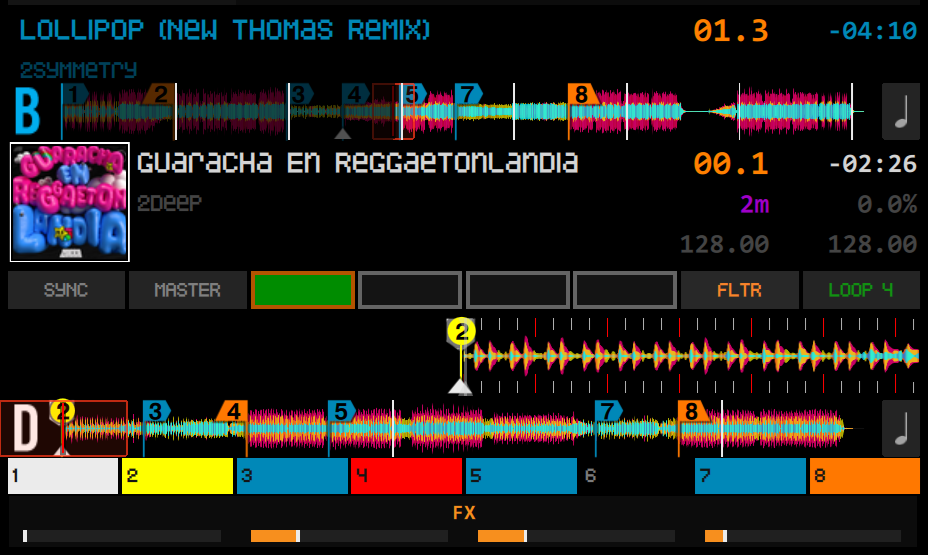
Displays multiple decks simultaneously, toggles between decks (A<>C) (B<>D), sensitive to the current deck…
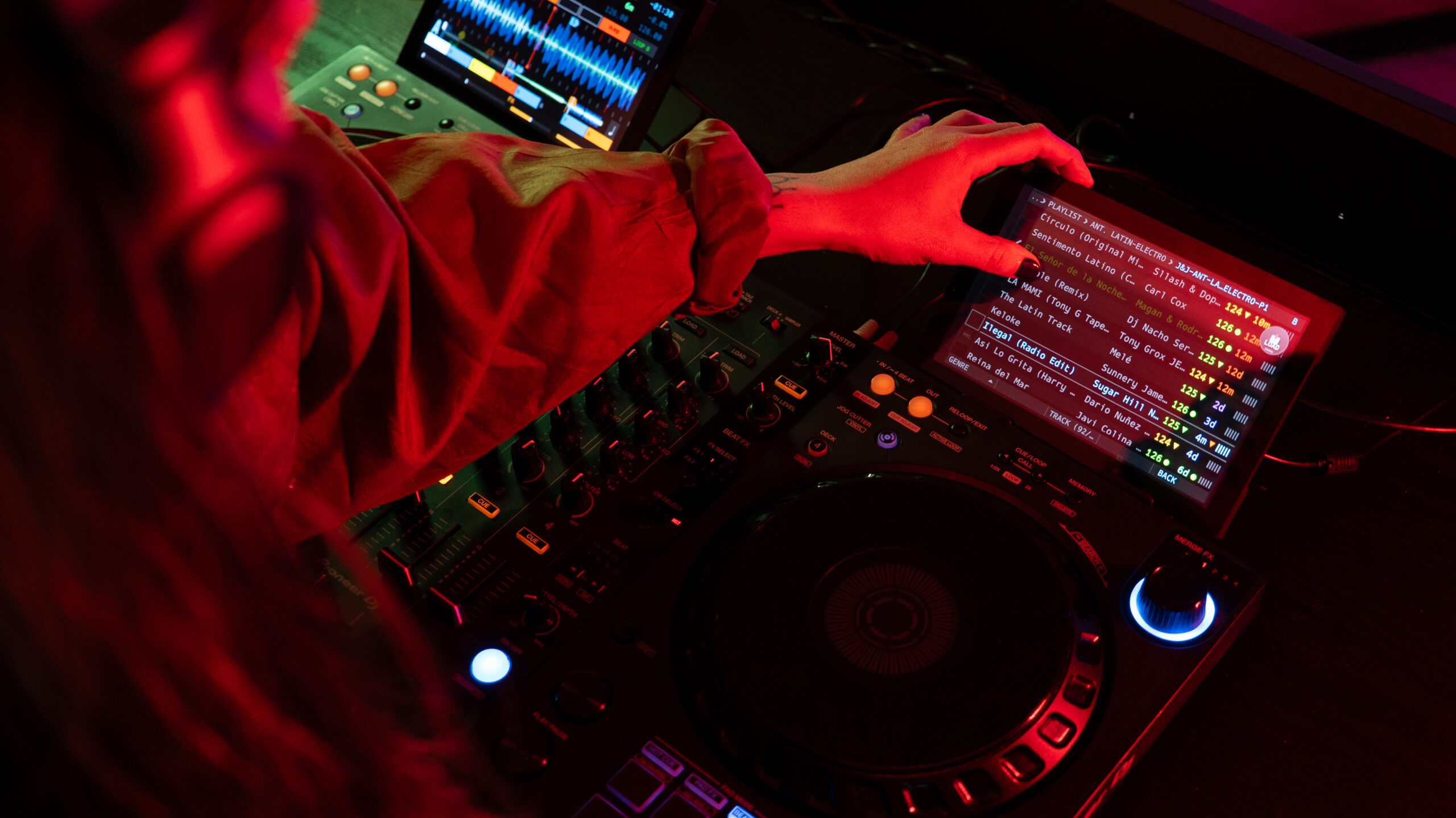
View 2 touch screens
Allows one or two screens and up to four decks (two decks on each screen)
⏱️ BPM difference indicator:
- SYNC indicator turns red when difference is greater than 2 BPM
- Visual feedback for BPM differences between decks
- Helps prevent drastic BPM changes during mixing
✋ Deck indicators:
- Configurable display of SYNC, MASTER, MIXER FX and LOOP indicators
- Dynamic BPM difference calculation and display
View 2 Deck / 4 Deck
Display A+C and B+D channel waves simultaneously.
🛠️ Time display:
- Milliseconds display toggle
- Progress color indicators
- Configurable warning thresholds
- Time warning system, display color indicators
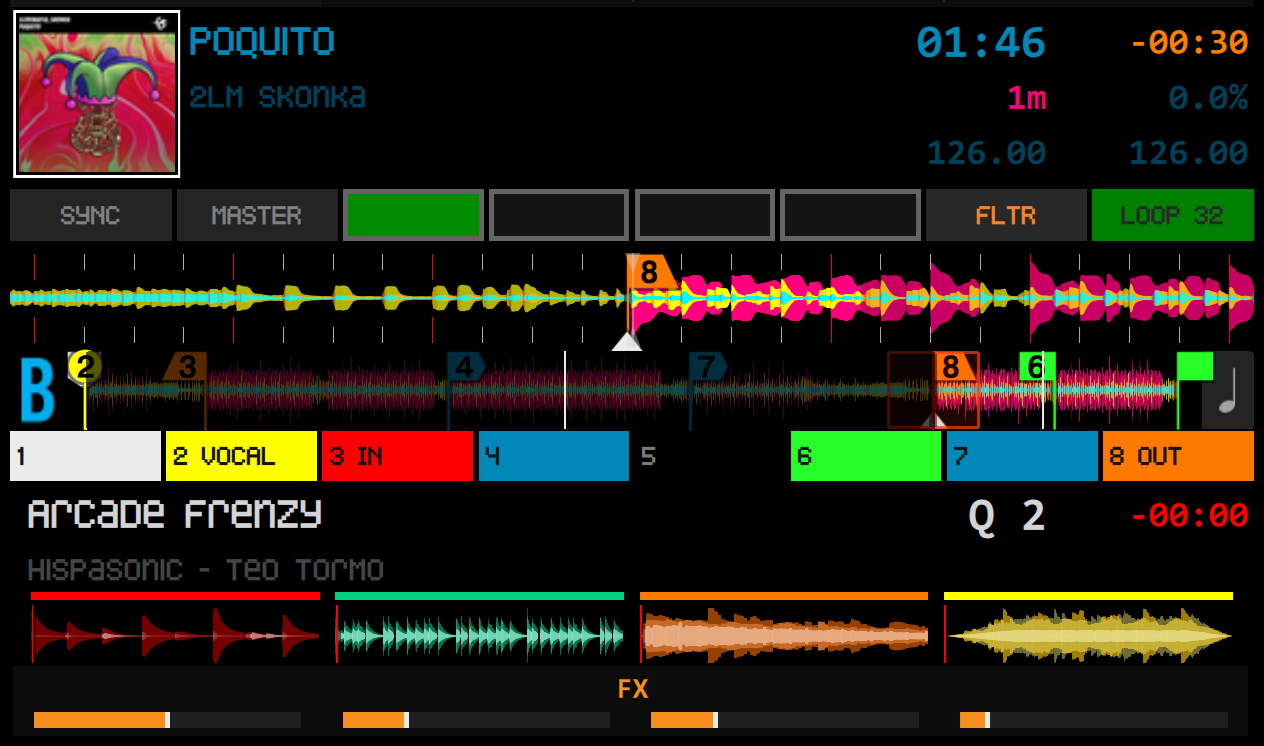
Track + Remix set
Display Track + Remix set simultaneously.
🖼️ Cover Art:
- Cover art handling with drop shadows
- New empty deck state visualization
- Cover through preferences
🔄 State Management:
- Dynamic text updates based on deck state
- Direct thru mode visualization
- Beats-to-cue calculation and display
Visual themes, hotcues, stripes, phase meter, customizable wave color, size adjustment (for different screen types and formats) and color effects
Advanced settings
🌈 Themes: Normal & Light
- Real-time theme switching without restart
- Validation system for musical keys
- All themes are defined in ThemeDefinitions.qml
- Easy to modify existing themes or create new ones
- Detailed color documentation with RGB and HEX values
- Support for opacity levels
- Color inheritance system for consistent modifications
- Multiple built-in themes:
- Default: Classic dark theme optimized for low light
- Light: High contrast theme for bright environments
- Pastel (in progress): Soft color palette for reduced eye strain
Waveform Themes 16 presets
🖼️ 16 presets:
- Kokernutz (Default)
- Nexus
- Prime
- Denon SC5000/SC6000
- Pioneer CDJ-2000
- Pioneer CDJ-3000
- NUMARK
- X-RAY
- Infrared spectrum
- Ultraviolet spectrum
- Spectrum
- CDJ-3000 Pro Style
- Club Style
- Energy Flow
- Deep House
- Techno Dark
Advanced Browser, folder browsing, Beatport, favorites and load tracks
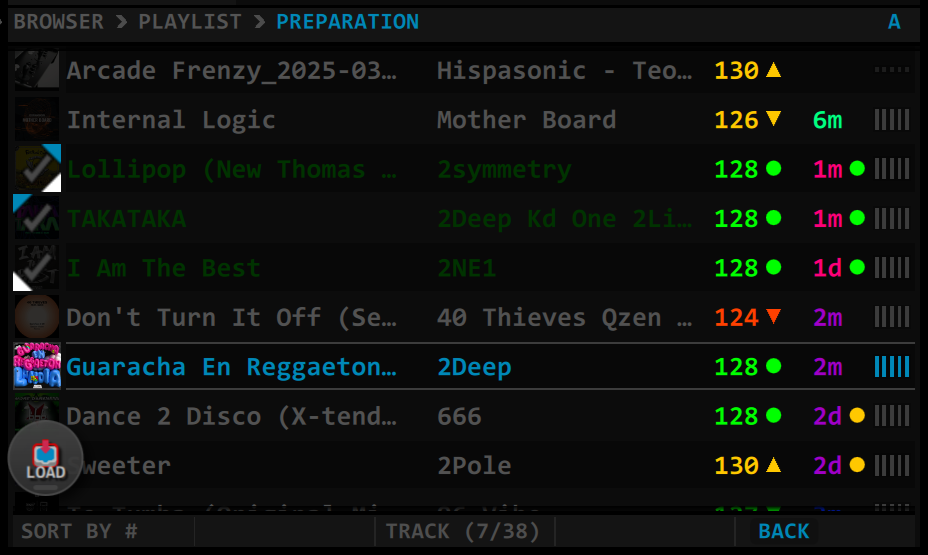
Support Advanced Browser
Allows you to navigate between files, folders, libraries, playlists, beatport… and load songs from the touchpad (long press).
Support sorting.
Supports compatibility indicators.
