
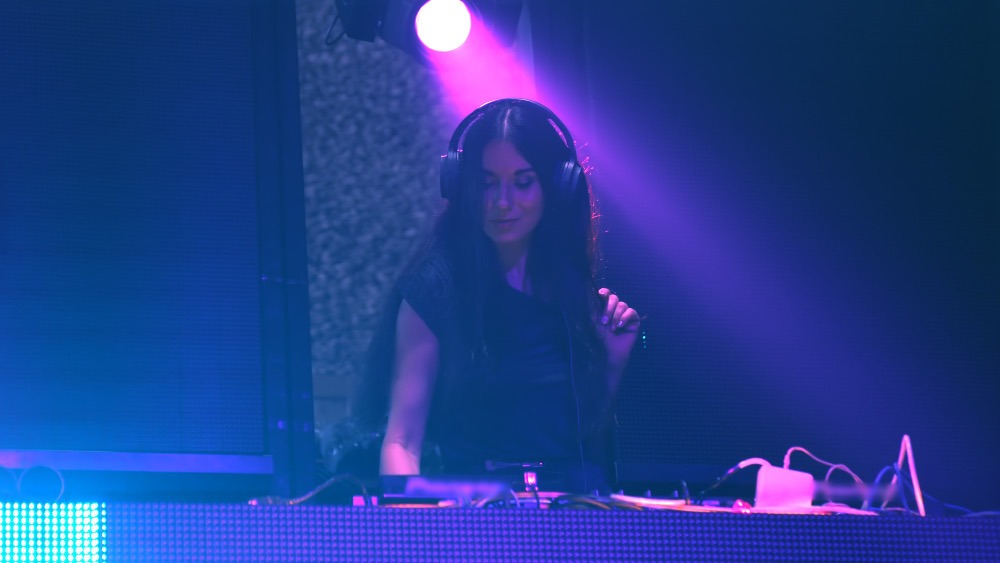
Software to Run Visuals on a Modular LED Wall (No Media Server)
One app for the screen. One app for the lights. Or one app for both.
Running a single LED panel or monitor rather than a tiled wall? The setup works the same way. See the DJ LED screen software guide for single-screen configurations.
If you’ve got a modular LED wall behind your booth, you already know the hardware side. Panels, processor, sending card, Cat6, power. That part you figured out. The software side is where most DJs with walls end up compromising.
The Two-Laptop Problem
The standard setup for a DJ with an LED wall looks like this: Resolume or HeavyM on output one for the visuals, SoundSwitch or MaestroDMX running the fixtures, and both of them trying to stay in sync with whatever your DJ software is doing. Two BPM clocks. Two separate libraries to manage. Two things that can break.
It works, more or less. But the sync is never quite right, and when something goes wrong mid-set it’s rarely obvious which side of the chain has the problem.
What DjMirror Pulse Does Differently
Pulse reads your audio in real time: BPM, musical key, and song structure, and drives both your LED wall and your DMX fixtures from the same analysis. One BPM clock. One sync source. One app to open at load-in.
The visuals on the LED wall react to your music automatically. The DMX lights do the same. When the drop hits, both respond. You don’t program cues for that.
100+
Visual Presets
1
Laptop Needed
16
Countries
| DjMirror Pulse | Resolume + SoundSwitch | HeavyM + MaestroDMX | |
|---|---|---|---|
| LED wall visuals | Automatic | Manual | Manual |
| DMX lighting | Automatic | Manual | Manual |
| BPM sync source | One (shared) | Two separate | Two separate |
| Laptops needed | 1 | 2 | 2 |
| Setup time | ~10 minutes | Several hours | Several hours |
| Price | $99 one-time | $899 + $150/yr | $99/yr + $750 |
How it connects to your LED wall
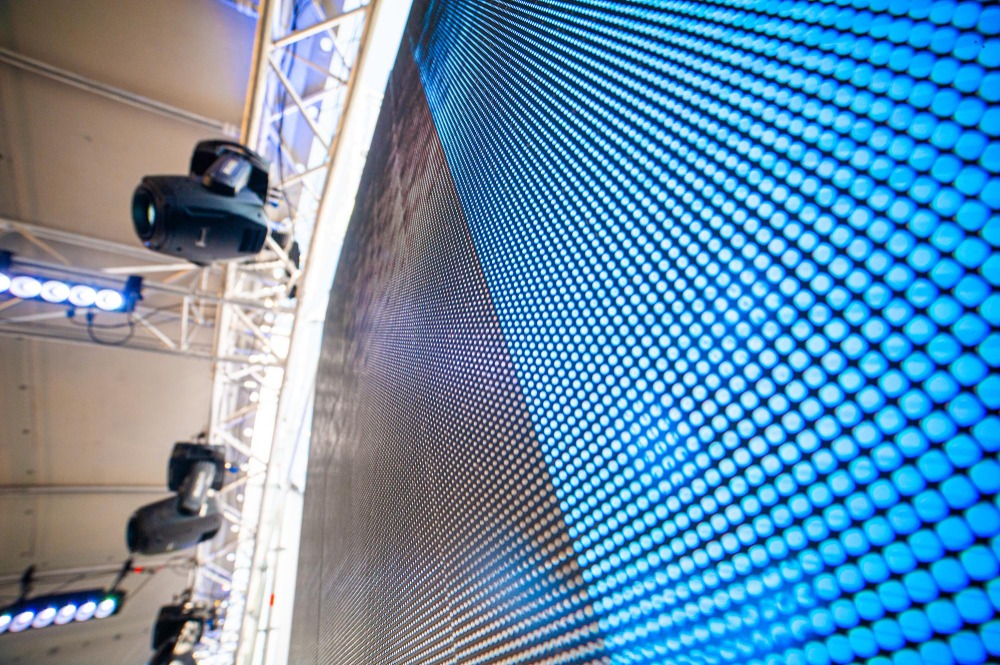
Your LED wall connects to your laptop’s second display output the same way it always has. HDMI or DisplayPort into your sending card, extended display in Windows. Pulse sees the wall as a monitor and renders directly to it at whatever resolution you set.
The DMX side runs over USB. Enttec Open DMX, Enttec Pro, DMXKing ultraDMX, or any Art-Net node over network all work. You pick your fixtures from the library inside Pulse, and it handles the rest.
Works with Nova Star, Linsn, Colorlight, RGBLink and any sending card that Windows picks up as an extended display. Minimum spec: dedicated GPU (GTX 1060 or above), 16 GB RAM, Windows 10/11 or macOS Apple Silicon.
Who this is for
“I have an LED wall and run two laptops every gig”
That’s the setup Pulse was built to replace. One laptop, one app, same result without the extra rig to carry and troubleshoot.
“I just bought panels and haven’t picked software yet”
Good timing. Starting with Pulse means you never build the two-laptop habit. The 14-day trial covers your first few gigs with the wall.
“I use Resolume and want to add DMX without learning a new app”
A useful way to think about this: Pulse doesn’t require you to be a VJ. It’s software for DJs who want the wall and the lights to run themselves while they focus on the music. If you want deep manual control over every clip, Resolume is still the right tool. If you want automation, Pulse is.
“I need this for corporate events, not just clubs”
The commercial plan at $179/year covers professional use. The personal license at $99 one-time is for private and non-commercial work. Both come with the same full app and the same 14-day trial.
Questions
Does it work with my LED wall brand?
If Windows sees your wall as an extended display, Pulse works with it. Nova Star, Linsn, Colorlight, RGBLink, anything where the sending card registers as a monitor in Display Settings.
Do I still need Resolume?
No. Pulse handles the visuals natively. It has over 100 audio-reactive presets built in, and you can also load your own video loops. If you’re already paying for Resolume, most DJs who switch to Pulse stop renewing it.
What if I only have the wall, no DMX fixtures yet?
Pulse runs fine as a visuals-only setup. You add DMX later when you need it. The app doesn’t require both to run.
How long does setup actually take?
About 10 minutes once you know your way around it, including connecting the wall and the DMX interface. First time at a new venue with new fixtures, budget 30. After that it’s the same config every gig. Read the full DJ LED wall setup guide if you’re starting from scratch with the hardware.
