NDI & Spout Video Output
Stream DjMirror Pulse Over Your Network
Your visuals, anywhere on the network.
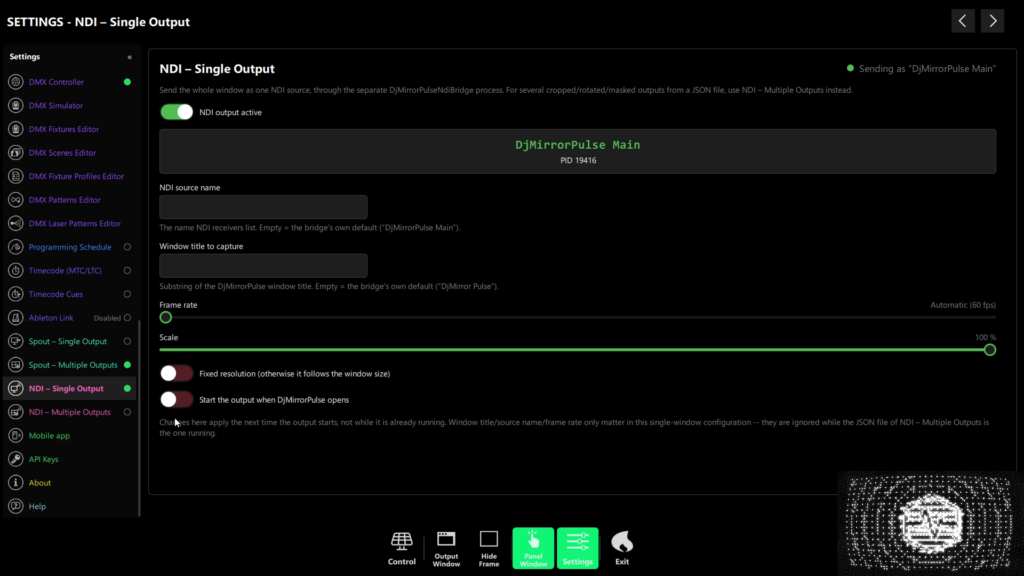
Send your DjMirror Pulse visuals over the network as a clean NDI source — no capture cards, no long HDMI runs. Any NDI-aware app on the same network can pick up the feed: OBS, vMix, video switchers or remote screens.
Perfect for streaming, multi-room events and broadcast setups where the machine running the show isn’t the machine driving the screens. NDI output is available in the Full edition.
What you can do with NDI
- Stream to OBS or vMix — pull the visuals straight into your live stream as an NDI source, no capture hardware.
- Feed a video switcher — send the show to a production switcher for multi-camera events.
- Drive remote screens — run the show on one machine and display it on others across the venue.
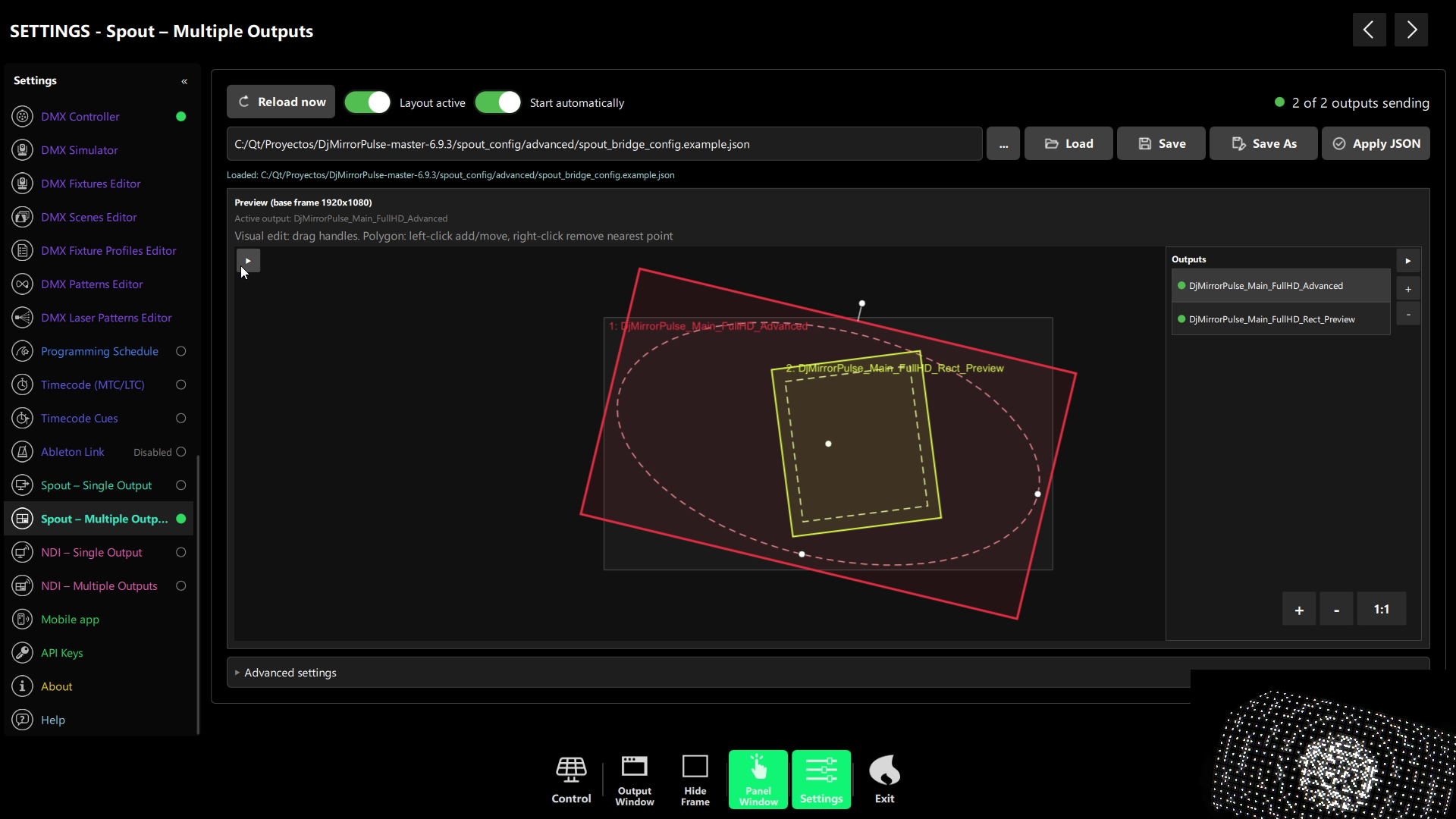
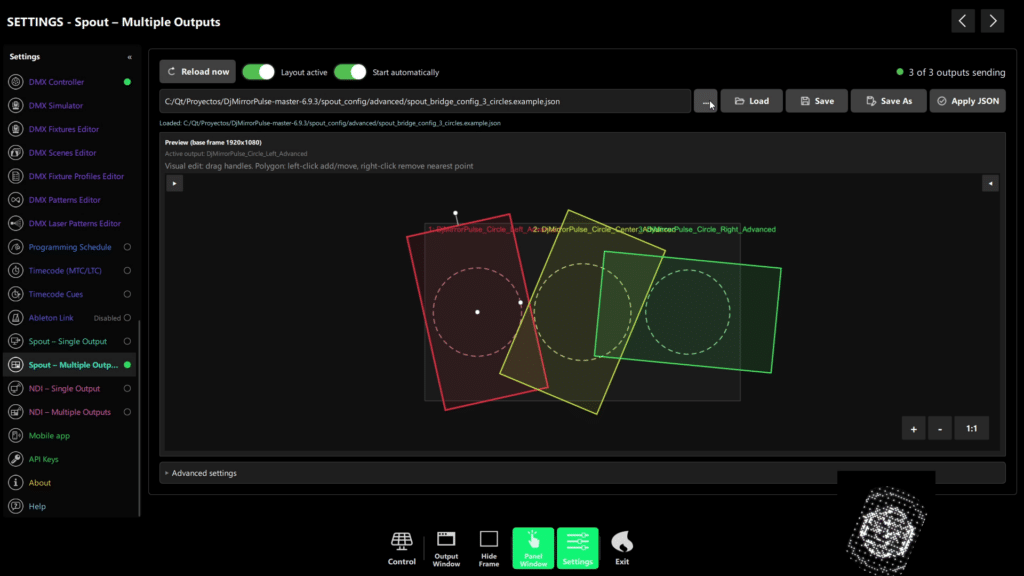
- Shape each output — apply per-output crop, rotate and mask so every screen gets exactly the right frame.
How NDI output works
Enable NDI in DjMirror Pulse and the app publishes a named output (for example, “DjMirror Pulse Main”) onto your local network. Any NDI receiver on the same network discovers it automatically — no IP addresses to type.
Each output is configurable: set its resolution, crop the frame, rotate it, or apply a mask. Need more than one feed? Add additional named outputs, each shaped independently.
NDI output at a glance
| Capability | Details |
|---|---|
| Resolution per output | Up to 1920×1080 |
| Named outputs | One or more (e.g. “DjMirror Pulse Main”) |
| Per-output shaping | Crop, rotate and mask |
| Receivers | OBS, vMix, video switchers, remote screens — any NDI-aware app |
| Recommended network | Wired Gigabit Ethernet |
| Edition | Full edition (Windows and macOS) |
Full edition. Windows and macOS. No credit card needed.
Requirements
NDI output is available in the Full edition of DjMirror Pulse (Windows and macOS). For live shows, connect everything over wired Gigabit Ethernet — NDI is bandwidth-heavy and Wi-Fi can drop frames under load.
Send your show anywhere on the network — OBS, switchers, remote screens. NDI output is built into the Full edition. Try DjMirror Pulse free for 14 days, no credit card.
