
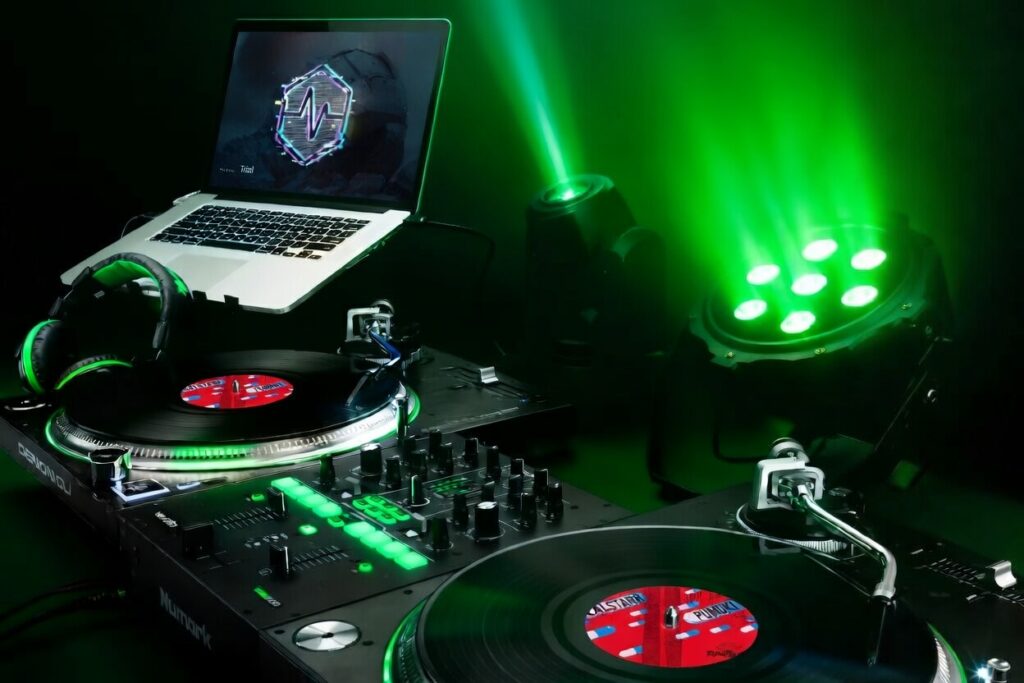
DJ LED Screen Software That Runs Visuals and DMX Together
One Laptop. One App. One Complete Show.
A useful way to think about DjMirror Pulse is as the software you’d build yourself if you spent a year doing weddings and corporate events with an LED wall and finally got fed up with the workflow.
You set up the screen, fire up Resolume on one laptop, get SoundSwitch running on another, and spend the rest of the night hoping both stay roughly in sync while you’re also supposed to be, you know, DJing. Something always slips. More often than not, it’s the crowd.
Pulse is dj led screen software that drives your LED wall and your DMX lights from the same engine, both reacting to the music automatically. One laptop. One app.
Why This Problem Keeps Getting Ignored
The Two-Laptop Problem
Most VJ software was designed for VJs. That sounds obvious, but it matters. Resolume and HeavyM are solid tools for someone whose entire job is managing visuals on stage. For a solo DJ with an LED wall behind the booth, they’re a lot of software to learn for something that should just run in the background.
DMX tools like SoundSwitch and MaestroDMX are the other side of the problem. Great for par cans and moving heads. But they weren’t built with LED screens in mind, so you end up bolting a second app on top and spending the night watching two rigs instead of reading the room.
One App vs Two Setups
How DjMirror Pulse Works
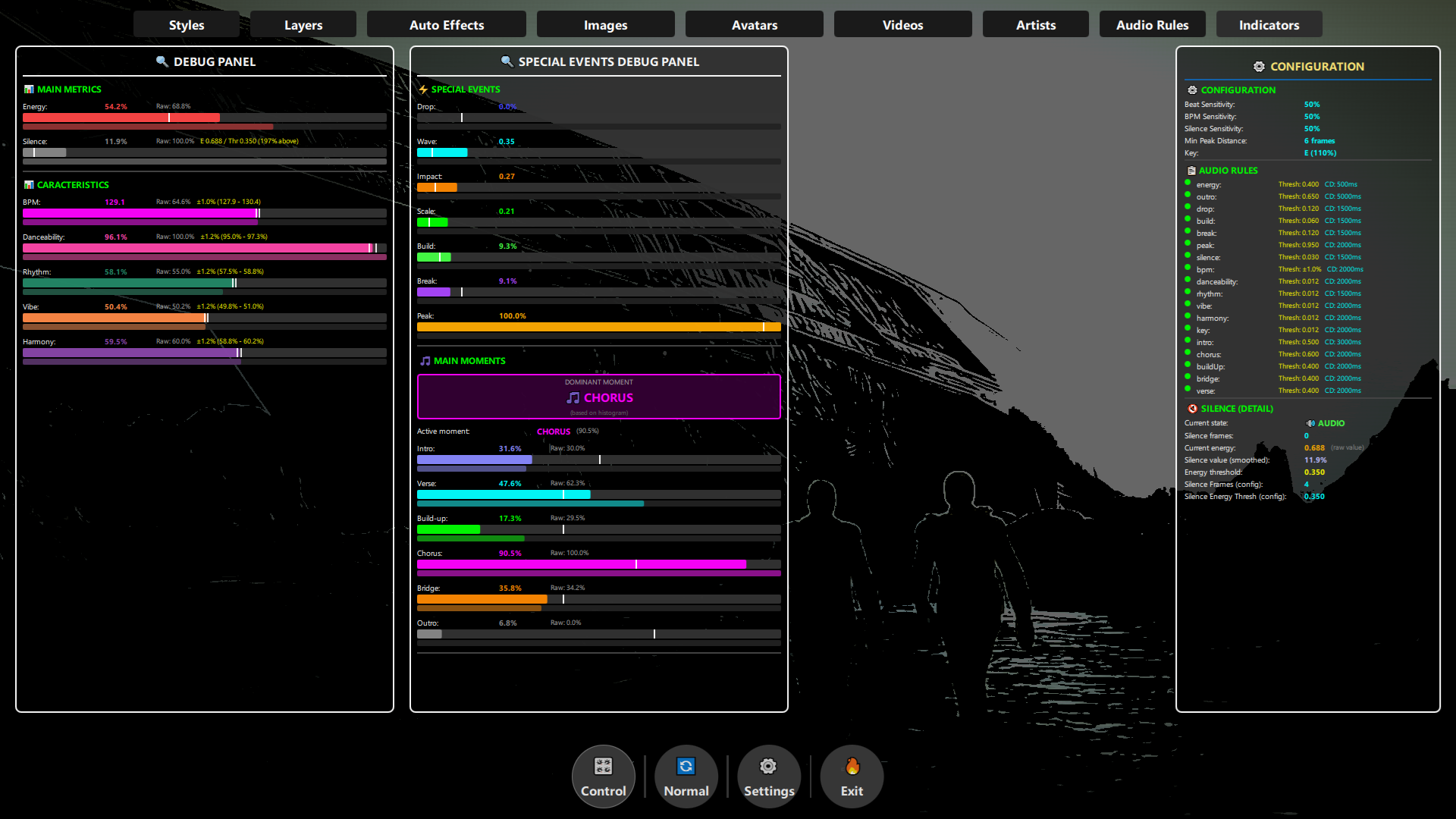
Pulse reads your music in real time: BPM, musical key, energy level, song structure. From that single analysis, it drives both your screen content and your DMX fixtures at the same time. The drop hits and the visuals and lights peak together. The breakdown comes in and everything pulls back.
There’s no timeline programming. No scripting. You add your fixtures, pick a visual style and let it run. The whole point is that you don’t have to think about it mid-set.
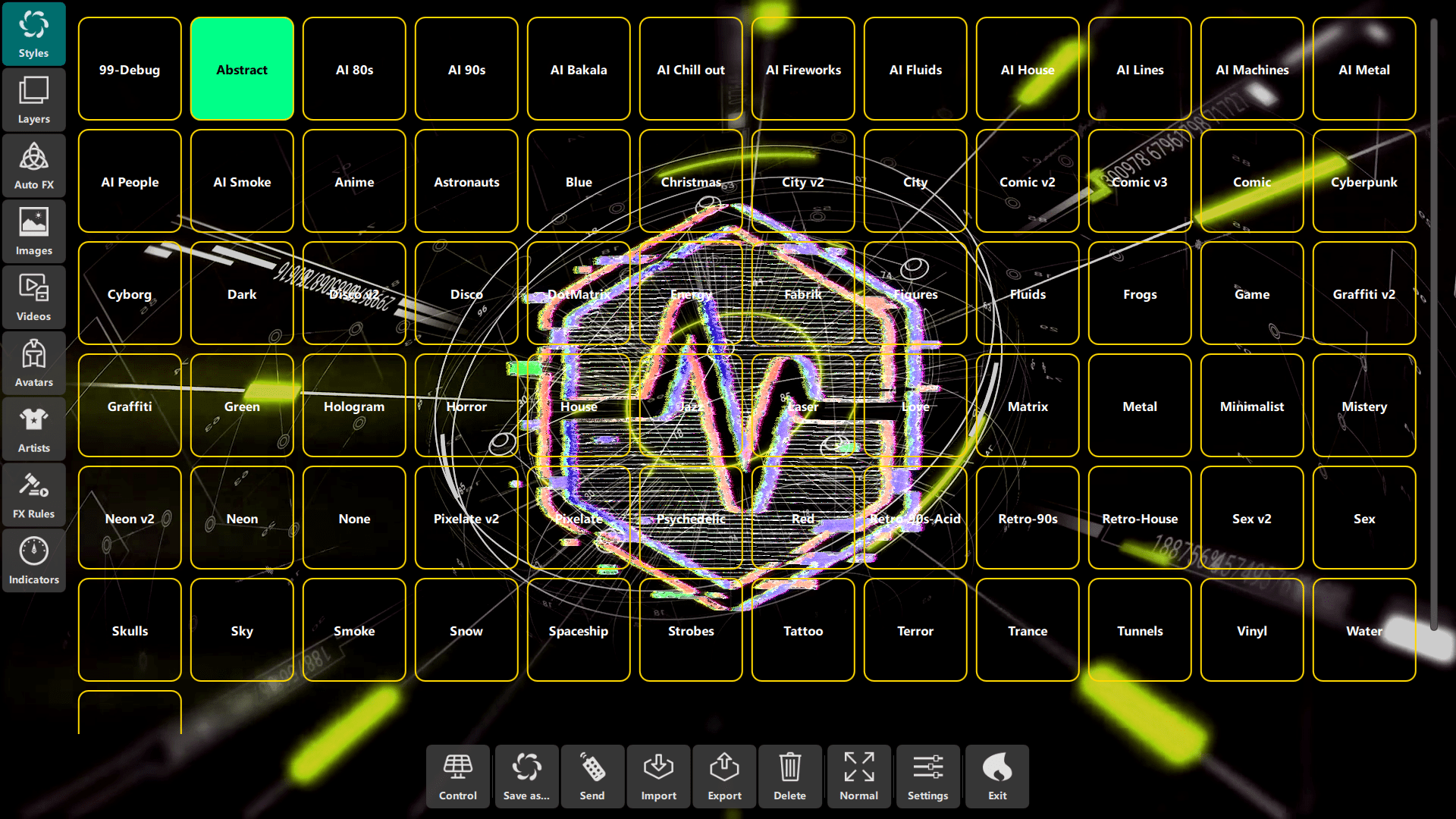
- Over 100 visual styles that respond to BPM, key and energy in real time
- Automatic DMX control , moving heads, pars, strobes and pixel bars follow the same music analysis
- Key detection , colour palettes shift as the musical key of the track changes
- Drop detection , when the track peaks, the visuals and lights peak with it
- Works with Serato, Rekordbox and Traktor. Virtual DJ and Engine OS too.

What It Connects To
Pulse runs on Windows 10/11 and macOS with Apple Silicon (M1 through M4). It connects to your LED processor over HDMI or DisplayPort and to your DMX hardware over USB.
Works with Novastar, Linsn, Colorlight and RGBLink processors, and anything else that takes a standard video signal. On the DJ software side, it reads from Serato and Rekordbox, Traktor, Virtual DJ and Engine OS.
Already running Resolume and SoundSwitch? The switch is easier than you’d expect. No re-wiring, and your fixture setup carries over.
Which Setup Fits You?
“I have an LED wall and run two laptops every gig”
→ DjMirror Pulse. Replace both setups with one app. Pulse handles the screen visuals and the DMX lights from the same audio engine. No second laptop, no syncing problems mid-set.
“I just bought an LED panel and haven’t picked software yet”
→ Start with the trial. Download Pulse before committing to Resolume and you might never need it. You’re usually running a full show about 10 minutes after installing. No card needed.
“I use Resolume and want to add DMX without learning another tool”
→ Switch to Pulse or run it alongside. Some DJs keep Resolume for manual VJ work and use Pulse to handle the lighting layer automatically. Others switch entirely because the single-app workflow is faster to set up at each venue.
“I need this for corporate events and weddings, not clubs”
→ Pulse works well here. The visual styles are clean and professional, not just club-oriented. Drop detection keeps the show in sync with the music without you touching a thing between songs.
The personal license is $99, paid once. The professional plan runs $179 a year. Windows and macOS. No credit card.
Running a modular LED wall with tiles and a sending card? See LED wall software for DJs for processor-specific setup (Novastar, Linsn, Colorlight).
Questions
Does it work with my LED wall brand?
Pulse outputs a standard video signal, so if your LED processor takes HDMI or DisplayPort input (most do), it works. Novastar, Linsn, Colorlight and RGBLink are all confirmed compatible.
Do I still need Resolume?
No. Pulse handles the visuals natively. A lot of users come from Resolume plus SoundSwitch specifically because they want to get back to one laptop.
What DMX fixtures does it support?
Any DMX 512 fixture connected through a USB DMX interface. Moving heads, par cans, strobes, hazers, pixel bars. If it takes DMX, it works.
How long does setup actually take?
About 10 minutes for most people. No timeline programming, no scripting, no building fixture profiles. Add your lights, pick a style and press play.
Try DjMirror Pulse free for 14 days . Windows and macOS. No credit card, no lock-in.
On HeavyM for the screen right now? See how it compares to Pulse when you add DMX.
Coming from SoundSwitch and wondering if it can handle your LED wall? Read the direct answer.
Wondering if your DMX software can also drive a screen? Read: Can SoundSwitch control an LED screen?
Running a modular LED wall panel system? Full DJ LED wall setup guide.
