
Can SoundSwitch Control an LED Screen or LED Wall?
A lot of DJs ask this right after setting up their first LED wall. Makes sense. SoundSwitch is already running the fixtures, the BPM sync is working, so the natural next question is whether it can also handle the screen.
No. SoundSwitch doesn’t output video.
What SoundSwitch actually does
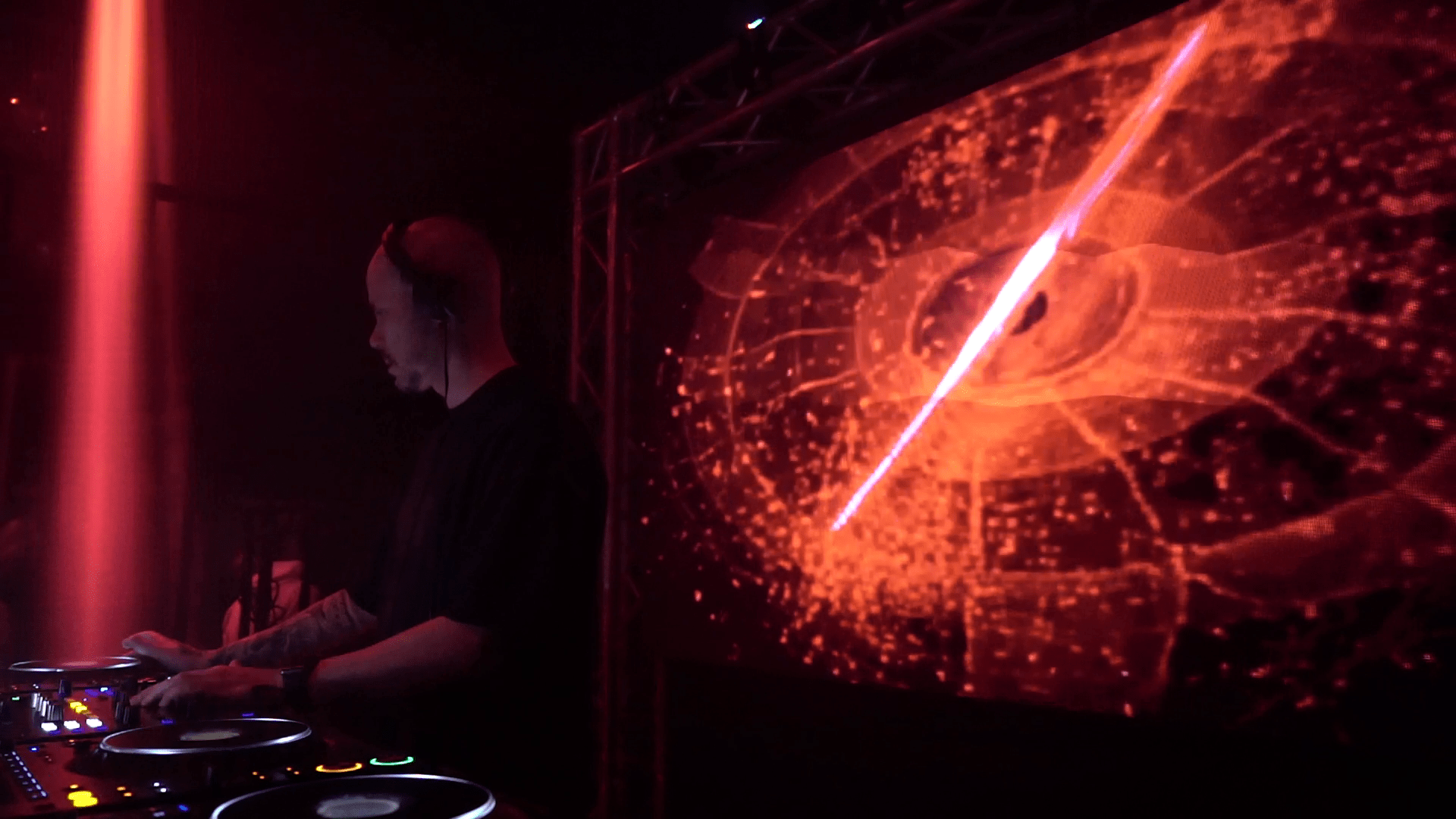
SoundSwitch is a DMX controller. It reads your music, tracks the BPM, and sends DMX commands to your fixtures: par cans, moving heads, wash bars. It does that job well, and it integrates tightly with Serato and Engine OS in particular.
Video output just isn’t part of what SoundSwitch does. There’s no display output, no content management for video loops, no way to push visuals to a screen.
The software the screen actually needs
LED walls need a video source. Your laptop sends a video signal to the LED processor, which drives the panels. The software for that job is a different category: Resolume, HeavyM, DjMirror Pulse. They generate or play back visual content and output it over HDMI or DisplayPort.
The problem this creates
If you’ve got both fixtures and an LED wall, you now need two tools. SoundSwitch for DMX, something else for the screen. Most DJs who go this route end up on two laptops: one locked to SoundSwitch, one on the visual software. It works, but it’s two machines to keep an eye on while you’re also mixing.
The overlap between the two is smaller than it looks.
| SoundSwitch | DjMirror Pulse | |
|---|---|---|
| DMX auto-sync | Yes | Yes |
| LED screen / video output | No | Yes |
| Audio analysis | BPM and energy | BPM, key, and song structure |
| Serato and Engine OS | Native integration | Via audio signal |
| Traktor | Not supported | Native integration |
| Price | Monthly subscription | $99 one-time |
| Machines needed (fixtures + screen) | Two | One |
Both tools sync with audio and send DMX to fixtures. The screen is what separates them. SoundSwitch doesn’t output video, and nothing in the settings changes that.
The one-laptop option
DjMirror Pulse handles both from the same interface. It sends video to your LED wall and DMX commands to your fixtures, and it drives both off the same audio analysis engine. So when the drop hits, the lights and the screen respond to the same event, not just the same BPM.
If you’re already on SoundSwitch and thinking about adding a screen, it’s worth a look before committing to a second laptop. The trial is fourteen days, no card needed.
Questions
Can SoundSwitch send HDMI output to an LED wall?
No. SoundSwitch has no video output capability.
What about video playback in newer SoundSwitch versions?
Some versions added basic video playback for simple screen content. The feature wasn’t built for LED wall performance, and a dedicated visual engine handles things differently.
Does DjMirror Pulse replace SoundSwitch completely?
Yes. Pulse handles the DMX side natively with the same auto-sync approach, so SoundSwitch isn’t needed alongside it. Some DJs run both during a transition period, which is fine.
What DJ software does Pulse work with?
Traktor natively. For Serato, Rekordbox, and Virtual DJ it reads the audio signal directly, so it works alongside them without official integration.
Setting up an LED wall for the first time? DJ LED wall setup guide — hardware, cables, and software.
Related Posts

MaestroDMX Alternative: When You’d Rather Skip the Box
How to Set Up DMX Lighting for DJs: A Beginner’s Guide (2026)
The Best VJ Software for Solo DJs in 2026 (One Laptop, No Partner)
Want unlimited visual styles?
You’ve reached today’s free download limit. Get every style — plus audio-reactive visuals and automatic DMX lighting — with DjMirror Pulse.
Download free — 14-day trial No credit card required