

MaestroDMX Alternative: When You’d Rather Skip the Box

If you have an LED wall behind you, the box only does half the show
The scope problem

I’ve spent enough time reading MaestroDMX threads and reviews to know the setup people describe. You buy the box, you love it, then the wedding company you work with adds an LED backdrop to the package, and suddenly you’re back to running Resolume on the side, watching two rigs instead of reading the room.
That’s not a MaestroDMX problem in the strict sense. It’s a scope choice. LimbicMedia built a lighting product, not a full audiovisual controller, and they’re honest about it. Fair enough.
Where a software approach goes the other way
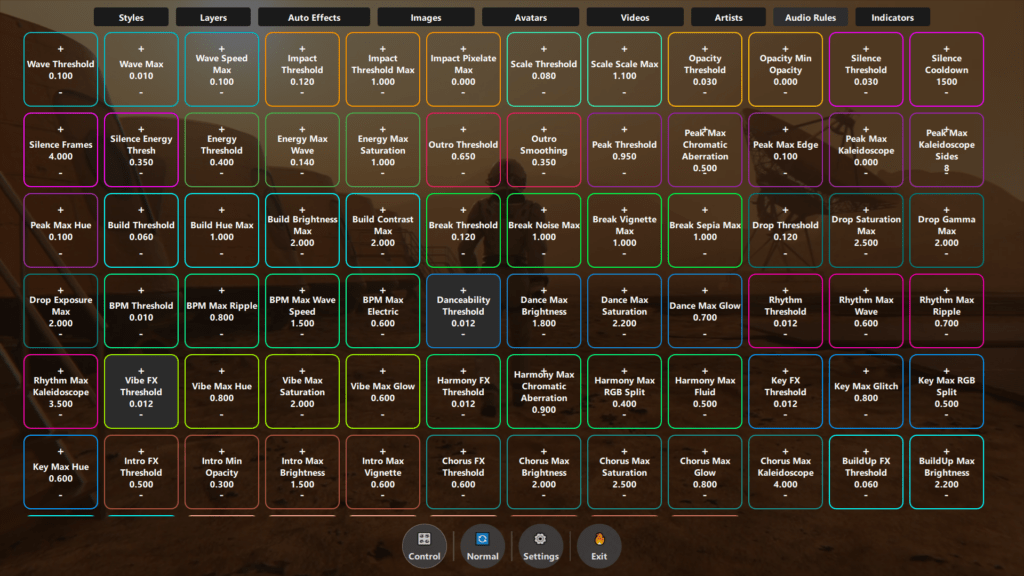
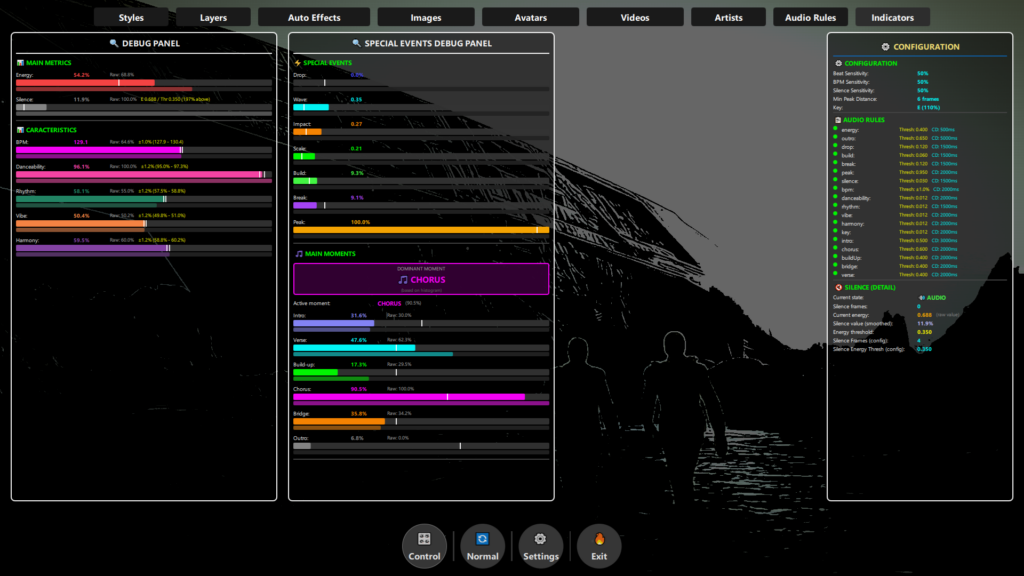
DjMirror Pulse takes the other route. It’s software, not hardware, and it runs both sides of your show from the same laptop. The visuals on your LED screen and the DMX lights above you react to the same beat, key, and song structure at the same time.
The trade-off is obvious. You need a laptop. You need a USB DMX interface if you want to control fixtures. You don’t get the standalone-box experience, so if that’s what you were paying MaestroDMX for, you won’t get it here.
How it works in the room

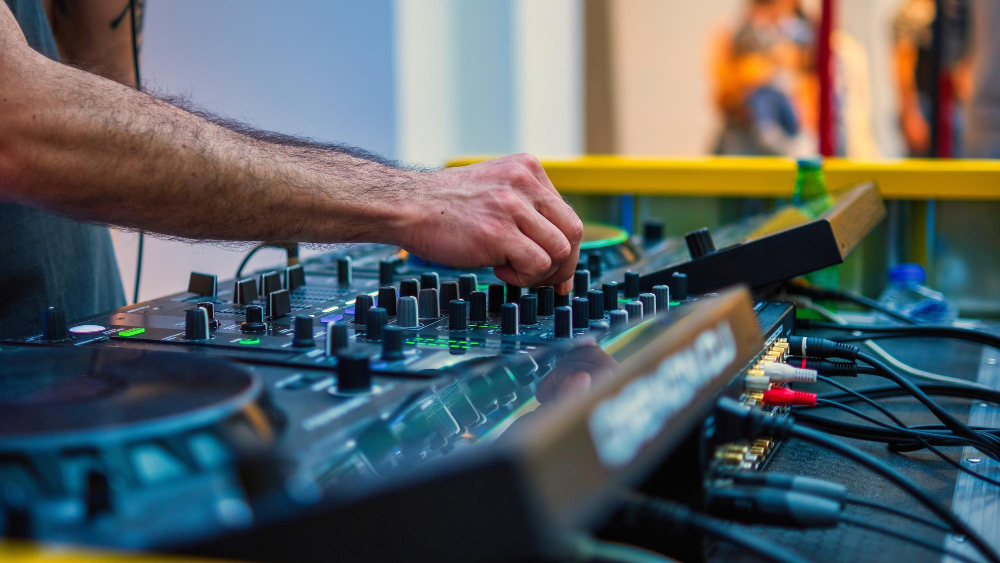
The way Pulse works is closer to how MaestroDMX works than you’d think. Your audio feed goes into the app. A USB DMX interface handles the lights. The LED wall connects over HDMI, and Pulse reads the audio to drive both sides at once.
No scenes to build, no cues to trigger, no VJ next to you touching sliders. When the drop hits, the visuals and the lights react together, because they’re reading the same audio.
Where each one wins
Who should buy MaestroDMX
Solo DJs with just DMX fixtures, no screen, no laptop in the booth, who want a box they can drop in the bag and forget about. It’s a good box for that job. LimbicMedia has been at this for years and the AI logic behind the fixture control is solid.
If that’s your show, buy it and stop reading. Really.

Who should look elsewhere

If you have an LED wall or LED panels behind you, if you already carry a laptop for Rekordbox or Serato, or if you want to control both video and lights from a single audio source without babysitting two apps, MaestroDMX is going to leave you needing more.
That’s the case where Pulse was built for you specifically.
What it costs
Pricing works differently too. MaestroDMX is a hardware purchase, in the region of a lighting console. Pulse is a software license. Personal is $99 paid once, commercial is $179 a year. There’s a 14-day trial with no card required, so you can plug it into your actual setup and see if it holds up before you commit anything.
The honest question
If you’re weighing this up, the honest question isn’t “which one wins”. It’s whether your setup has a screen in it or not.
If the answer is yes, download the trial and run one gig with it. If the answer is no, and you don’t ever plan to add one, MaestroDMX is a better fit and I’d tell you the same thing.

Related Posts
How to Set Up DMX Lighting for DJs: A Beginner’s Guide (2026)
Can SoundSwitch Control an LED Screen or LED Wall?
The Best VJ Software for Solo DJs in 2026 (One Laptop, No Partner)
Want unlimited visual styles?
You’ve reached today’s free download limit. Get every style — plus audio-reactive visuals and automatic DMX lighting — with DjMirror Pulse.
Download free — 14-day trial No credit card required