How to Set Up DMX Lighting for DJs
Automatic DMX. Zero Programming. Full Show.
You spent years perfecting your mix. But when you hit that first drop and your lights do nothing — or blink randomly — the crowd disconnects.
DMX lighting for DJs is the difference between a DJ set and a show. This guide explains exactly how to set it up, even if you’ve never touched a DMX cable. And if you want to skip the manual programming entirely, we’ll show you how DJMirror Pulse automates the whole thing.
What Is DMX and Why Every DJ Needs It
DMX (Digital Multiplex) is the industry-standard protocol connecting lighting controllers to fixtures — moving heads, LED bars, strobes, fog machines. Every professional venue uses it.
The controller sends commands (brightness, colour, movement) to each fixture via numbered channels. One DMX universe supports up to 512 channels — enough to run dozens of fixtures simultaneously.
The traditional problem: manual DMX programming takes 3–5 hours per show, requires specialized knowledge, and demands constant attention during the set. DJMirror Pulse eliminates all of that with real-time audio analysis.
Set Up Your DMX Show in 3 Steps
1. Wire
Connect your USB DMX interface to your laptop, then daisy-chain your fixtures: interface → fixture 1 → fixture 2 → terminator.
2. Address
Set unique starting addresses on each fixture (001, 006, 011…). DJMirror Pulse auto-patches them from its 1,000+ fixture database.
3. Play
Open DJMirror Pulse, select your interface, and let the audio engine drive your lights automatically — no programming, no scenes.
The Intelligence Behind Automatic DMX
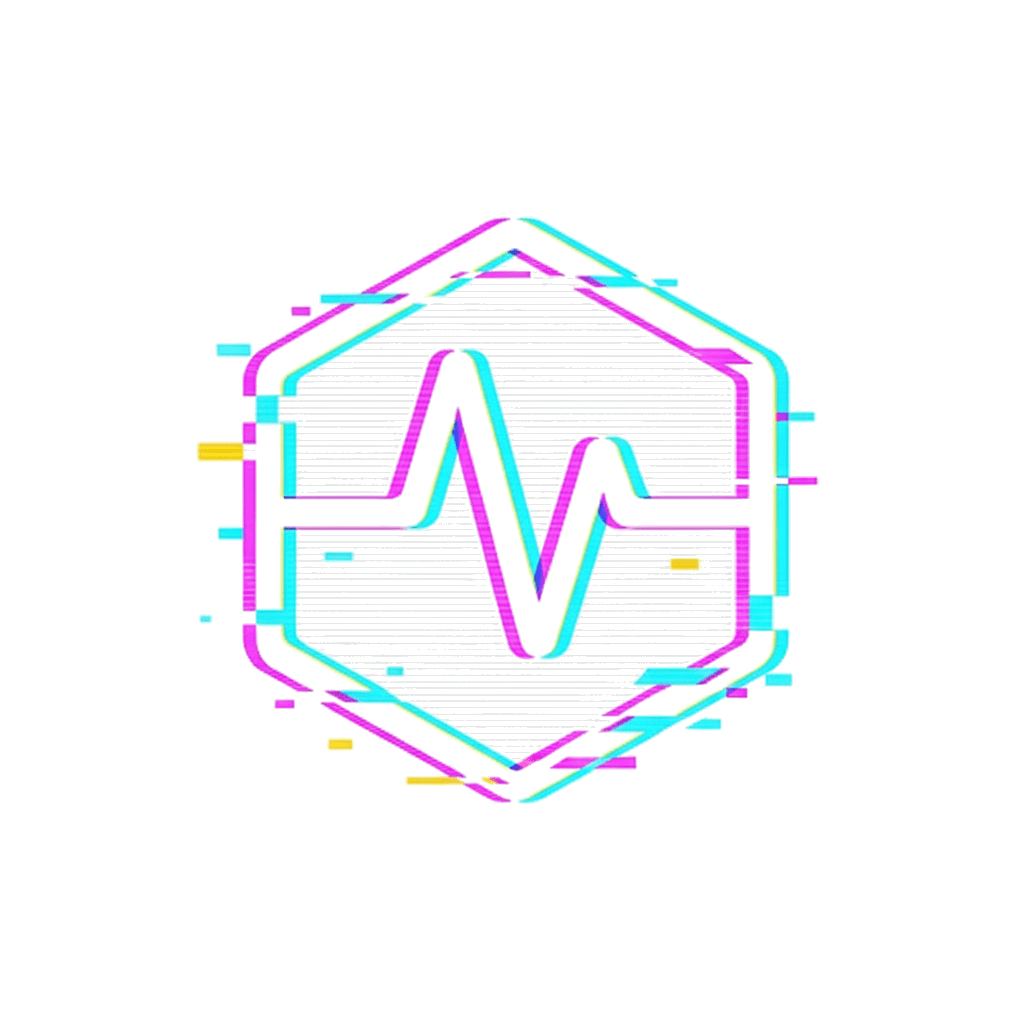
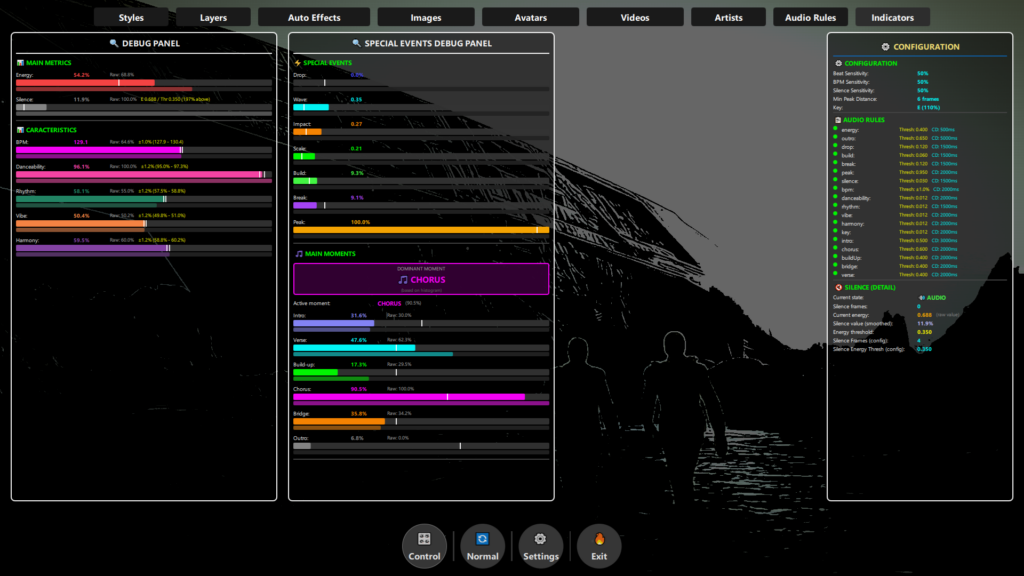
DJMirror Pulse processes over 80 audio parameters simultaneously — BPM, energy, harmonic content, song structure (intro, build, chorus, drop, outro) — and maps them to precise lighting behaviours in real time.
Full Creative Control: Override any fixture or scene manually at any moment, or let the software run the full show hands-free.
No MIDI Mapping Needed: Strobes, colour washes, and movement patterns respond to your track’s energy automatically.
Works With Your Existing Gear: Compatible with Enttec Open DMX, Enttec DMX USB Pro, DMXking, and other standard USB DMX interfaces.
Which DMX Interface Should You Buy?
For DJs starting out, the Enttec Open DMX USB (~€40) is the most affordable entry point. For professional use, the Enttec DMX USB Pro (~€110) offers rock-solid timing stability. Both are fully supported by DJMirror Pulse — auto-detected on Windows and macOS with no manual driver configuration.
Common DMX Mistakes — And How to Avoid Them
Used by 900+ DJs Across 16 Countries
“I used to spend Sunday afternoons programming my DMX scenes. Now I load DJMirror, plug in my interface, and the lights just work.” — Rony Rex, DJ, Music Producer & Radio Host.
Available for Windows, macOS, and Android. No credit card required for the 14-day trial.
900+ DJs already performing with automatic DMX. The trial installs in 5 minutes.
Skip the DMX programming. DJMirror Pulse maps 80+ parameters and drives your lights automatically from BPM, key and song structure. Try free for 14 days — no credit card.
Sources
- ENTTEC — Open DMX USB interface
- SoundSwitch — DMX lighting automation for DJs
- DJMirror Pulse — Automatic DMX lighting for DJs
Skip the DMX programming. DJMirror Pulse maps 80+ parameters and drives your lights automatically from the music. Try free for 14 days — no credit card.
Related Posts
MaestroDMX Alternative: When You’d Rather Skip the Box
Can SoundSwitch Control an LED Screen or LED Wall?
The Best VJ Software for Solo DJs in 2026 (One Laptop, No Partner)
Want unlimited visual styles?
You’ve reached today’s free download limit. Get every style — plus audio-reactive visuals and automatic DMX lighting — with DjMirror Pulse.
Download free — 14-day trial No credit card required