DJ LED Wall Setup Guide (2026) — Hardware + Software
The complete guide , panels, processors, cables and the software that ties it all together.
The hardware
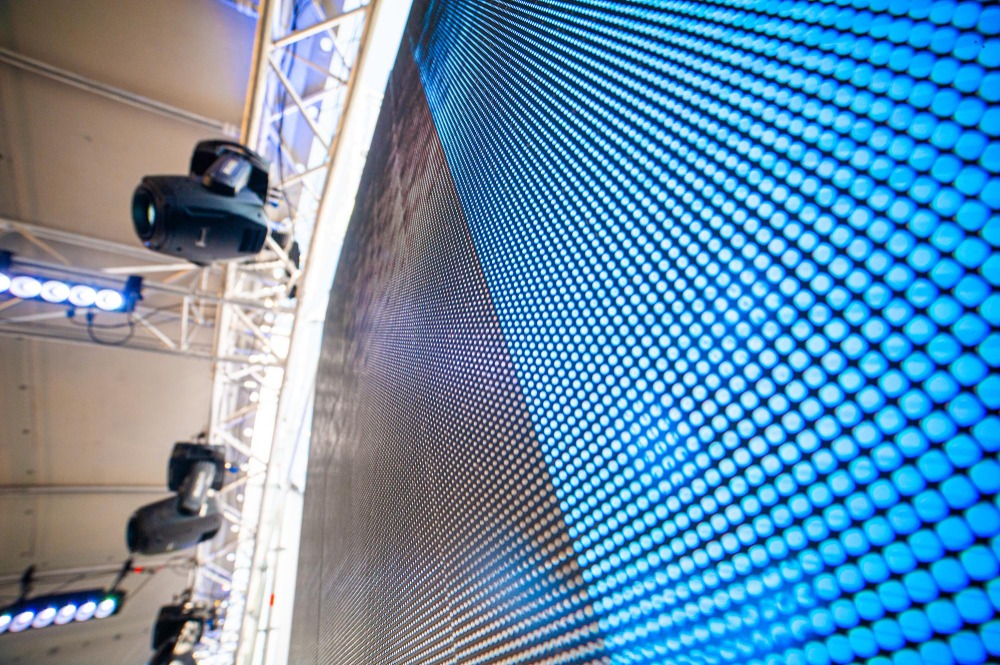
P3.9 is where most DJs start, and for good reason. It’s cheap enough to buy a 3×2m rig without mortgaging your van, and from a normal stage distance the pixel pitch is fine. P2.9 gives you a sharper image at close range, though you’ll pay 30–40% more for the same surface area, which is fair enough if you’re playing smaller rooms where the audience stands close to the screen.
A 4×2m wall at P3.9 typically runs eight panels wide and four tall in the 500×500mm tile format. The key spec to pin down before you buy is the receiver card brand, because you’ll need a sending card that talks to it. Nova Star and Linsn are the two main systems, and they don’t cross over.
The sending card connects to your laptop via HDMI or DisplayPort and converts the signal to the LED data protocol. Panels then chain together with Cat5e or Cat6, one cable per column of panels as a rule. Power is the bit that surprises people. A 4×2m wall pulls 2–3kW under full white, so check what the venue is actually wired for before you commit to load-in.
For ground support, a simple goal-post truss base works fine up to around 4m wide. Above that, get an engineer to sign it off, especially on a public stage.
The software problem nobody plans for
Most DJs with LED walls end up in a setup they didn’t really intend. You get the screen working, you find a VJ app to push content to it, then you still need to deal with DMX fixtures, so you pick up SoundSwitch or Luminair, and suddenly you’re managing two separate software rigs. Two sync clocks, two BPM sources, two things that can fail at 11 PM in a dark venue.
It works. A lot of DJs run it this way. But when something goes wrong mid-set it’s rarely obvious which side of the chain has the problem, and troubleshooting two apps at once doesn’t look great to the crowd.
Running it all from one laptop
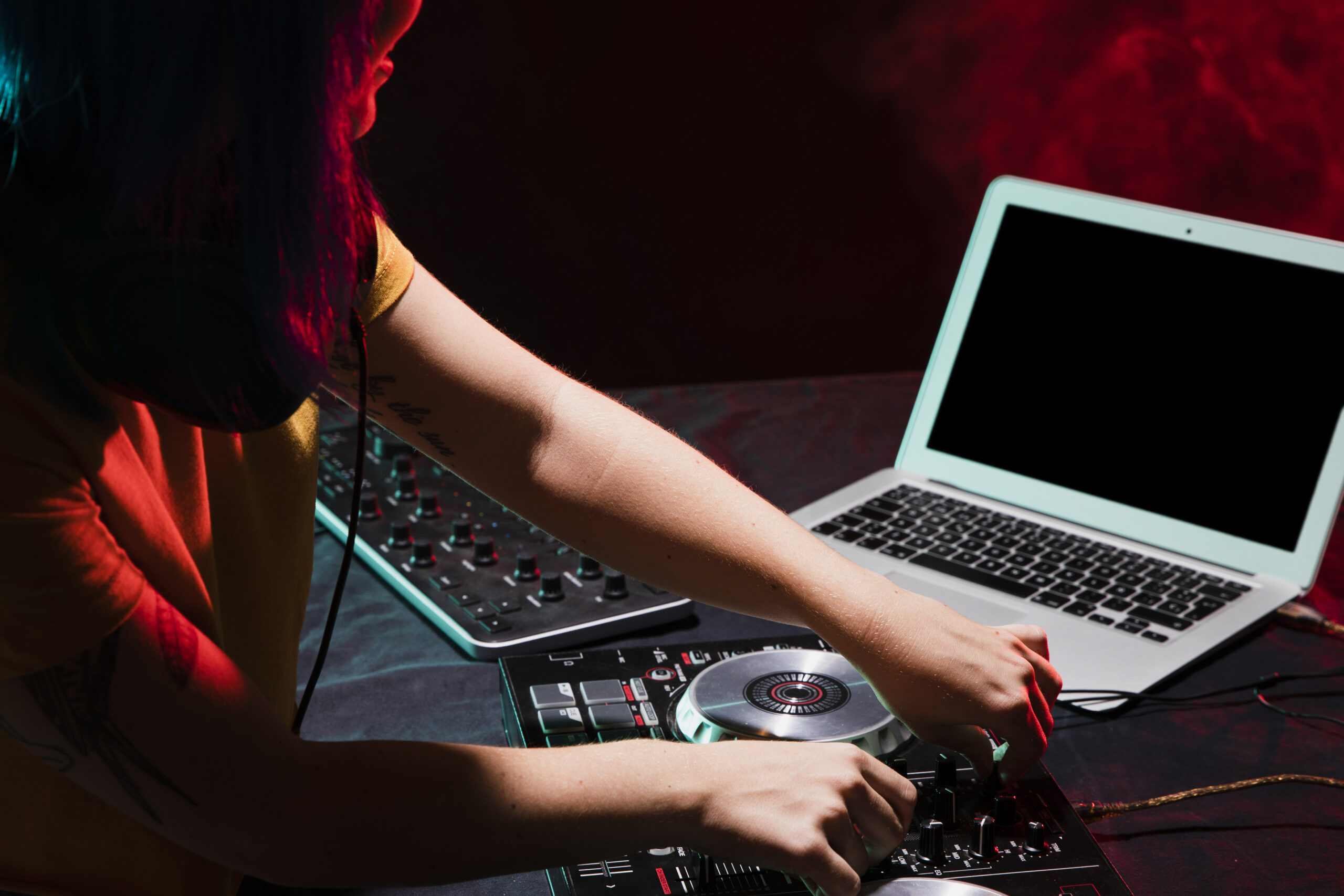
DjMirror Pulse was built for this exact situation. It handles audio-reactive visuals on the LED wall and auto DMX lighting from a single app, reading BPM, musical key, and song structure in real time and syncing both the screen and the lights to your music without a separate cue list.
You connect the LED wall as a second display, plug a USB-DMX interface into any free port, open Pulse and pick a visual preset. The minimum spec is a laptop with a dedicated GPU, 16 GB RAM and a spare USB port, which most DJs running Traktor or Rekordbox already have. A GTX 1060 is the floor. A 3060 or above is comfortable.
The actual setup process
Before you open Pulse, extend your desktop to the LED wall in Windows Display Settings. Extend, not duplicate. Set the resolution to match your panel configuration — your sending card software (Novastar, Linsn) shows the correct pixel count for your tile layout. Windows won’t detect an LED wall correctly on its own.
In DjMirror Pulse, go to Settings, select the LED display as output and your DMX device from the dropdown. Load a preset and hit play. Audio analysis starts as soon as your DJ software is sending audio to the same interface Pulse is listening to.
First setup at a new venue takes 20–30 minutes, including finding your DMX fixtures in the library and saving the configuration. After that, load-in is considerably faster.

Questions
What resolution should I set the LED wall to?
Your sending card software shows the pixel count for your specific tile configuration. Enter that as a custom resolution in Windows Display Settings. Pulse outputs to whatever resolution the display is set to.
Does it work with any LED wall brand?
Pulse outputs to whatever Windows sees as an extended display. As long as your sending card converts to a signal Windows picks up as a monitor, it works. Nova Star, Linsn, Colorlight, anything with a sending card that plays nice with Windows.
Can I run this alongside Rekordbox or Traktor on the same laptop?
Yes, that’s the most common setup. GPU matters more than CPU here. A dedicated card is not optional if you want the visuals to run cleanly while your DJ software is also running.
What DMX interfaces are compatible?
Enttec Open DMX, Enttec Pro, DMXKing ultraDMX, and most Art-Net or sACN nodes over network. USB-DMX is the simpler starting point if this is your first time setting it up.
Once the hardware is sorted, the next decision is software. The full breakdown is on the DJ LED wall software page.
