Control Your Show with AI
Just ask. Your visuals respond.
DjMirror Pulse is one of the first DJ/VJ tools with a built-in MCP (Model Context Protocol) server. Connect Claude — or any MCP-compatible AI assistant — straight to your setup and ask it, in plain language, to switch styles, flip a layer, tune an audio rule or find new content.
No macros to pre-program, no scripting. The assistant reads your live show state through the app’s local server and applies changes in real time — while you stay on the music.
What can you ask your AI assistant?
- “Switch to a dark techno style and pull the lighting intensity down.”
- “Turn on the video layer and turn off avatars.”
- “Find some neon-style videos on Pixabay and add them to the current playlist.”
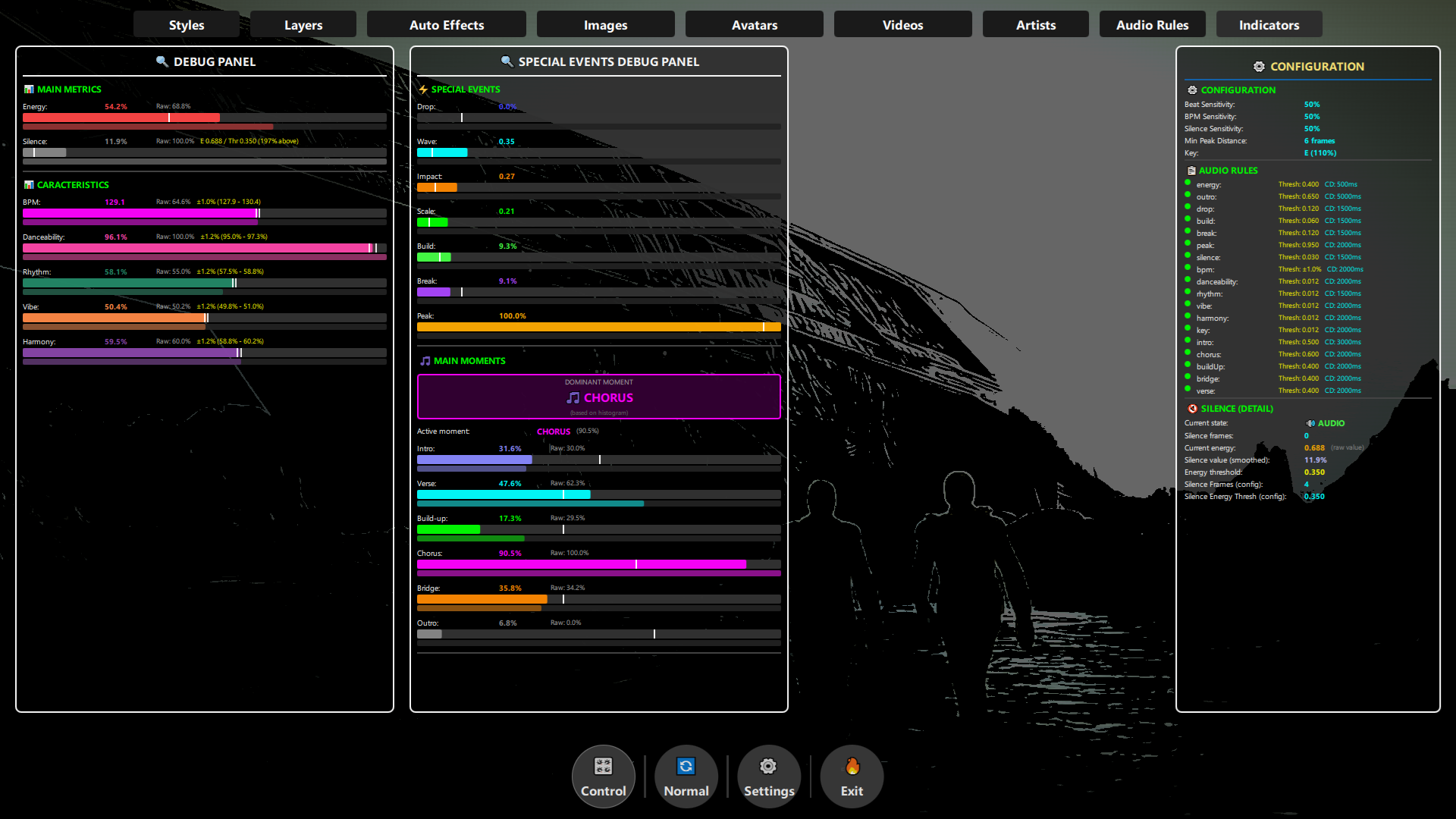
- “What BPM and key is playing right now?”
- “Generate a logo for the current artist and show it on the screen.”
How it works
- Open DjMirror Pulse and enable the MCP server in Settings.
- Connect your MCP-compatible AI assistant (e.g. Claude) to the app’s local server.
- Ask for changes in plain language — your assistant reads and updates your live show configuration instantly.
Under the hood it is a versioned REST API (v1) with real-time WebSocket and HTTP long-poll transports, authenticated with a bearer token or API key — so the connection is fast, live and private to your machine.
What it can control
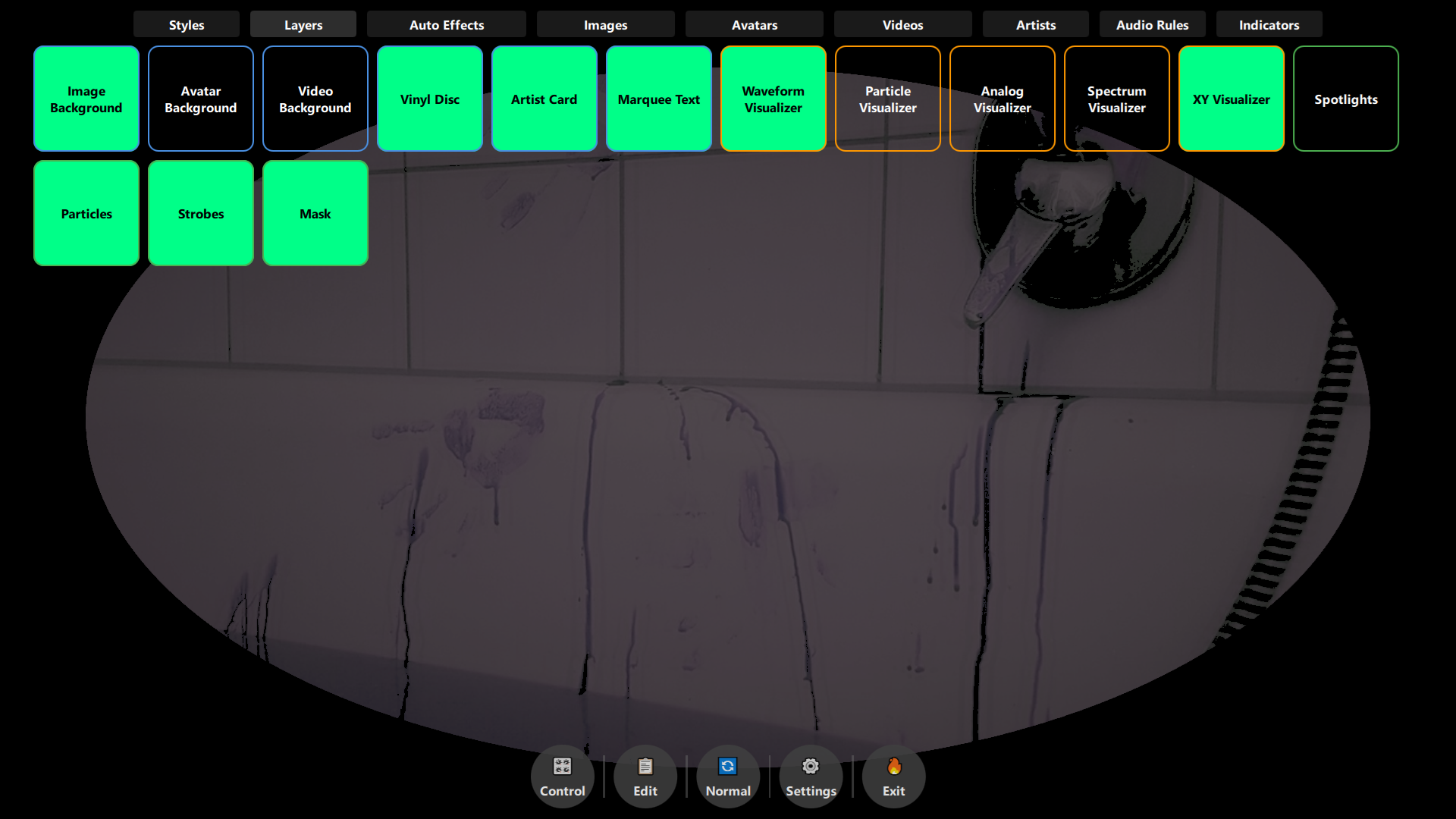
- Visual styles (190+ built-in) and every layer — image, video, avatar, visualizers and lighting
- Image, video and avatar playlists
- Audio rules (Drop, Build, Break, Peak, Silence) and their 80+ parameters
- Artist profiles and branding
- Content search and download (Pixabay, Pexels) and AI logo generation
- Live audio analysis readouts — BPM, key, energy and song structure

Windows and macOS. No credit card needed.
Requirements
The DjMirror Pulse desktop app (Windows or macOS) must be open with its local server enabled. Your AI assistant connects to that server on your own machine — nothing about your show leaves your computer.
The first AI-native DJ/VJ software. Connect Claude and run your whole show by asking. Try DjMirror Pulse free for 14 days — no credit card.


