
NDI & Spout Video Output for VJs
Stream DjMirror Pulse Over Your Network
Your visuals, anywhere on the network.
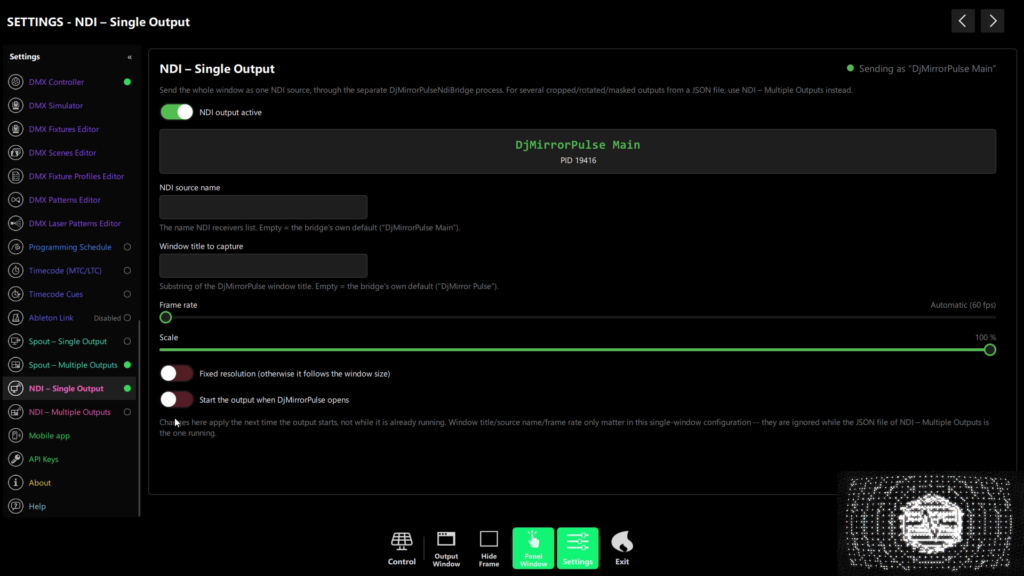
Send your DjMirror Pulse visuals over the network as a clean NDI source — no capture cards, no long HDMI runs. Any NDI-aware app on the same network can pick up the feed: OBS, vMix, video switchers or remote screens.
Perfect for streaming, multi-room events and broadcast setups where the machine running the show isn’t the machine driving the screens. NDI output is available in the Full edition.
DjMirror Pulse can route its live visual output to external video software — OBS Studio, vMix, Resolume Arena, TouchDesigner, and any other NDI or Spout receiver — without any capture card or video encoding overhead. Two complementary technologies are available:
- NDI® (Network Device Interface by Vizrt) — streams over your local network to any machine on the same LAN.
- Spout — shares the GPU texture directly to other applications on the same Windows PC, with near-zero latency and CPU cost.
Note: NDI is available on Windows and macOS. Spout is Windows only — it does not appear in Settings on other platforms.
| Feature | NDI | Spout |
|---|---|---|
| Platform | Windows, macOS | Windows only |
| Target receivers | Any machine on the same LAN | Same PC only |
| Latency | ~1–3 frames (network) | Sub-frame (GPU texture share) |
| CPU cost | Moderate (encoding per frame) | ~0.5 ms/frame (GPU path) |
| Requires helper process | Yes — DjMirrorPulseNdiBridge | No — runs in-process |
| Multi-output layout | ✅ Yes (JSON config) | ✅ Yes (JSON config, same format) |
| Audio | Video only (no audio) | Video only |
| Best for | Multi-machine setups, broadcast rigs | Same-PC routing to OBS/Resolume |
License: a single Spout2 or NDI output needs a Professional (or Enterprise) license. Multi-output layouts with the JSON layout editor need an Enterprise license. See License & Activation.
Windows and macOS. No credit card needed.
What you can do with NDI & SPOUT
- Stream to OBS or vMix — pull the visuals straight into your live stream as an NDI & Spout source, no capture hardware.
- Feed a video switcher — send the show to a production switcher for multi-camera events.
- Drive remote screens — run the show on one machine and display it on others across the venue.
- Shape each output — apply per-output crop, rotate and mask so every screen gets exactly the right frame.
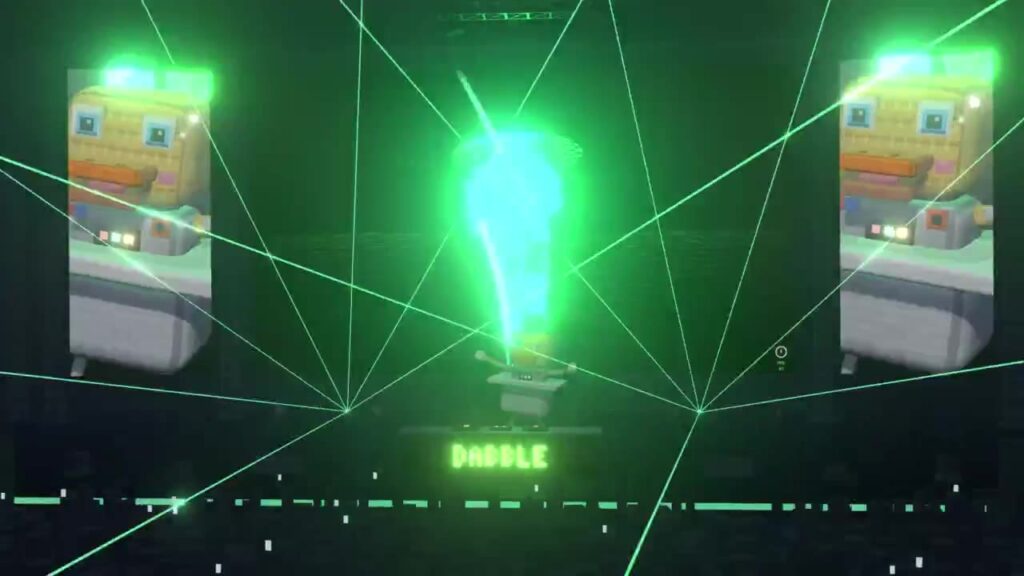
How NDI & Spout output works
Enable NDI in DjMirror Pulse and the app publishes a named output (for example, “DjMirror Pulse Main”) onto your local network. Any NDI receiver on the same network discovers it automatically — no IP addresses to type.
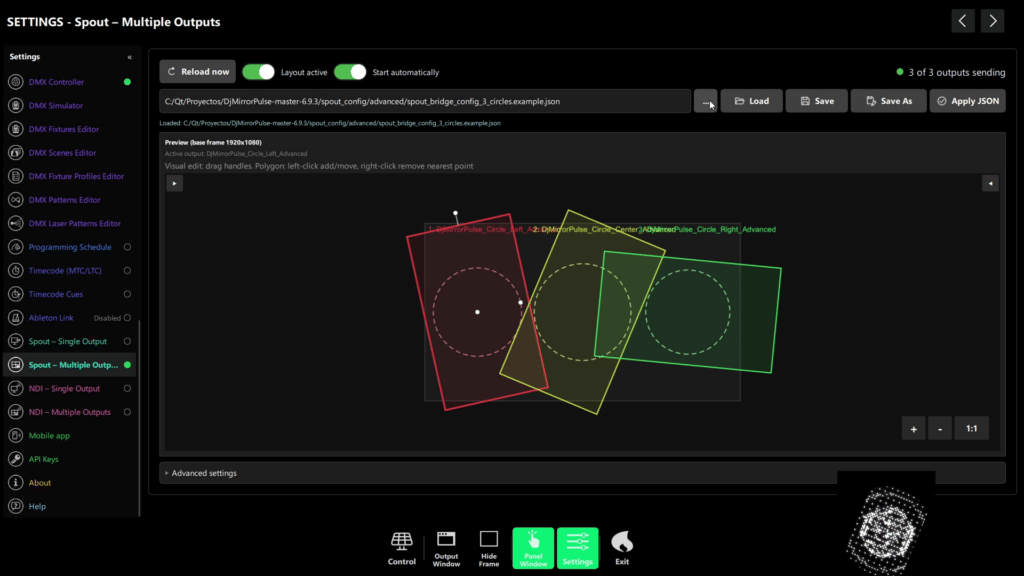
Each output is configurable: set its resolution, crop the frame, rotate it, or apply a mask. Need more than one feed? Add additional named outputs, each shaped independently.
Multi-Output Layout
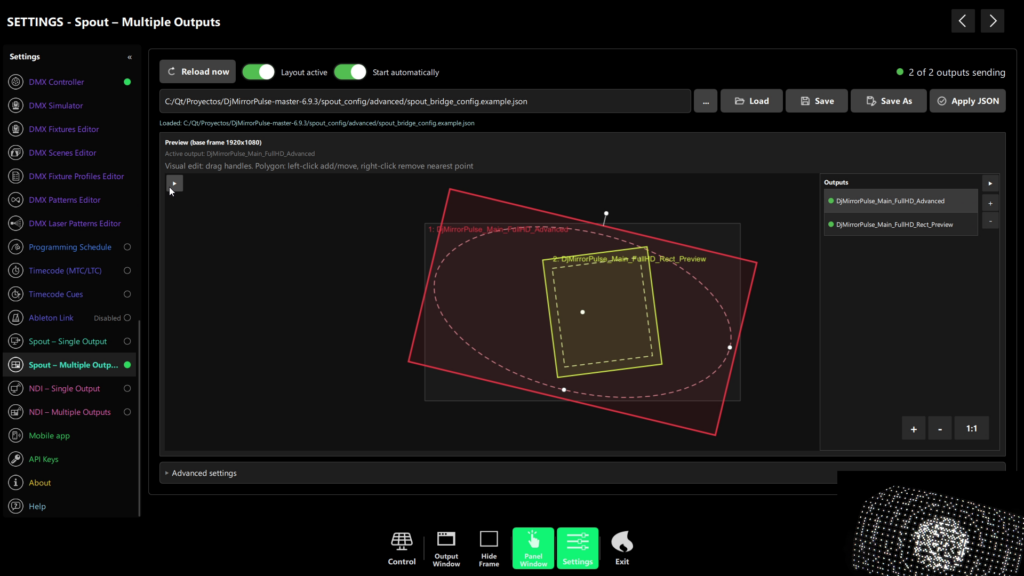
Like the NDI multi-output panel, Spout can send multiple named senders simultaneously, each with its own crop, rotation, and mask, defined in a JSON file.
NDI & Spout2 output at a glance
| Capability | Details |
|---|---|
| Resolution per output | Up to 1920×1080 |
| Named outputs | One or more (e.g. “DjMirror Pulse Main”) |
| Per-output shaping | Crop, rotate and mask |
| Receivers | OBS, vMix, video switchers, remote screens — any NDI or Spout2-aware app |
| Recommended network | Wired Gigabit Ethernet |
| Edition | Full edition (Windows and macOS) |
Requirements
A single Spout2 or NDI output needs a Professional (or Enterprise) license. Multi-output layouts with the JSON layout editor need an Enterprise license. See License & Activation. Windows and macOS. For live shows, connect everything over wired Gigabit Ethernet — NDI is bandwidth-heavy and Wi-Fi can drop frames under load.

Windows and macOS. No credit card needed.
Frequently Asked Questions
Does DjMirror Pulse support NDI?
Yes. The Full edition includes an NDI output bridge that publishes your visuals to the local network at up to 1920×1080 per output.
Which apps can receive the NDI feed?
Any NDI-aware application — OBS Studio (with the NDI plugin), vMix, hardware and software video switchers, and other machines running an NDI receiver.
Can I send more than one NDI output?
Yes. You can configure multiple named outputs, each with its own crop, rotate and mask, so different screens or destinations get different framing.
Do I need special hardware?
Yes. DjMirror Pulse can be used standalone or as an add-on to Resolume Arena, automating reactive visuals and DMX lighting that Resolume does not handle natively.
Do I need a separate VJ to use DjMirror?
No capture cards are required — NDI travels over standard Ethernet. For reliable live performance, use wired Gigabit networking rather than Wi-Fi.
Is NDI in the Standard edition?
No. NDI output is a Professional/Enterprise-edition feature (direct download for Windows and macOS). The Standardedition runs the same audio-reactive and DMX engine without NDI.
Send your show anywhere on the network — OBS, switchers, remote screens. NDI output is built into the Full edition. Try DjMirror Pulse free for 14 days, no credit card.