
Free VJ Loops for DJs: Audio-Reactive Visuals That Work
Thousands of Loops. Fully Audio-Reactive. Ready Now.
Every DJ wants their set to look as good as it sounds. But licensing professional VJ loops is expensive, and finding quality free ones is a minefield of watermarks. And even when you find good footage, it plays on loop with no connection to your music.
This guide covers the best sources for free VJ loops, how to use them legally, and why the biggest upgrade isn’t better footage — it’s making your visuals react to the music automatically with DJMirror Pulse. New to visuals? Start with our guide to VJ software, or compare the best free VJ software for DJs.
Where to Find Free VJ Loops — and What “Free” Really Means
Pixabay & Pexels: Thousands of abstract and motion-graphics clips under royalty-free licences. Quality varies — useful for testing, limited for professional shows.
Creative Commons Search (CC0): Filter for CC0 (public domain) content for maximum freedom in commercial shows.
DJMirror Pulse Built-In Library: The most practical option for working DJs. Includes thousands of video loops, abstract animations, and image content — no download queue, no licence checks, no copyright risk. Available immediately when you open the software. Fully audio-reactive out of the box.
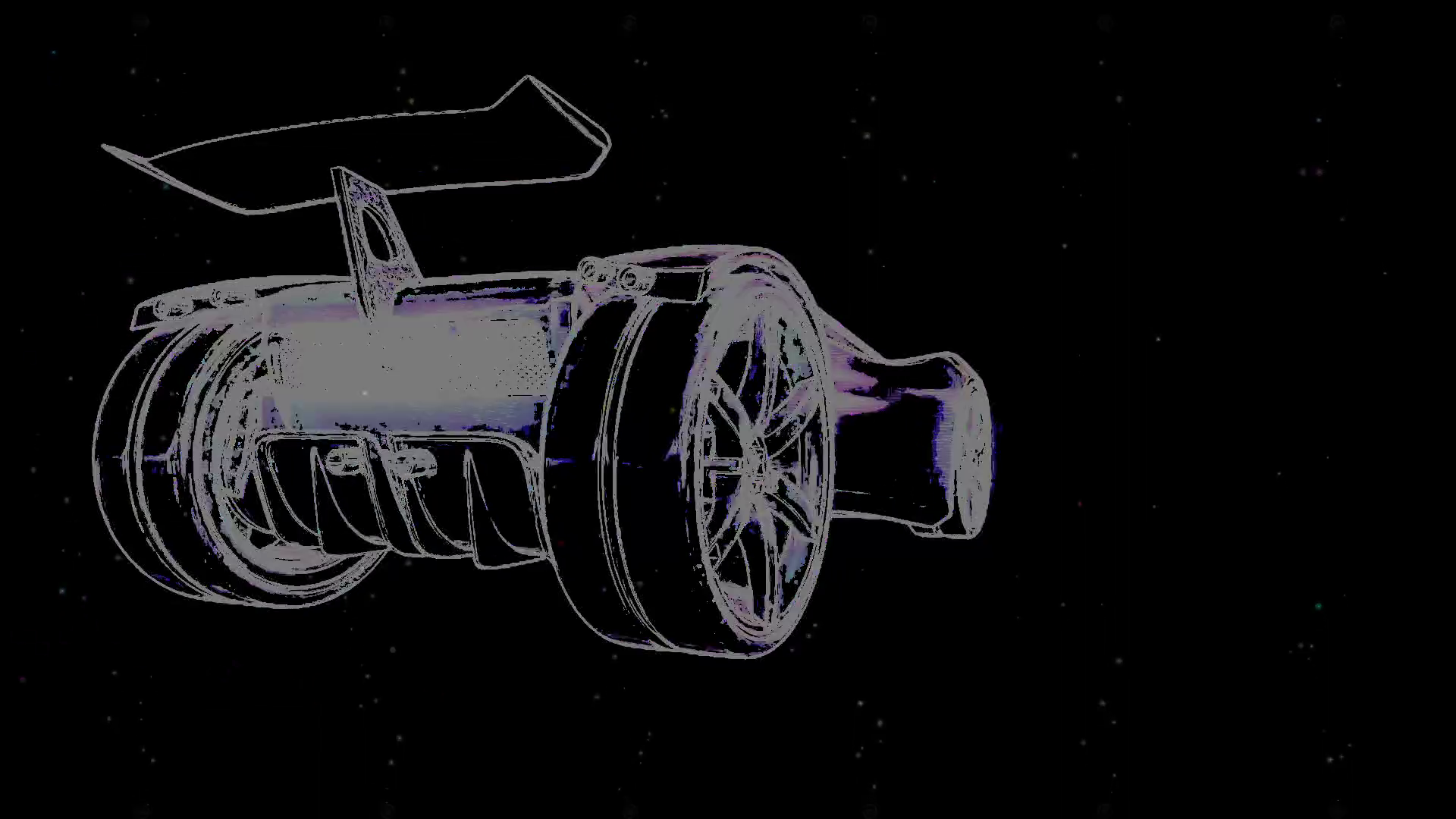
Visual Styles Inside DJMirror Pulse
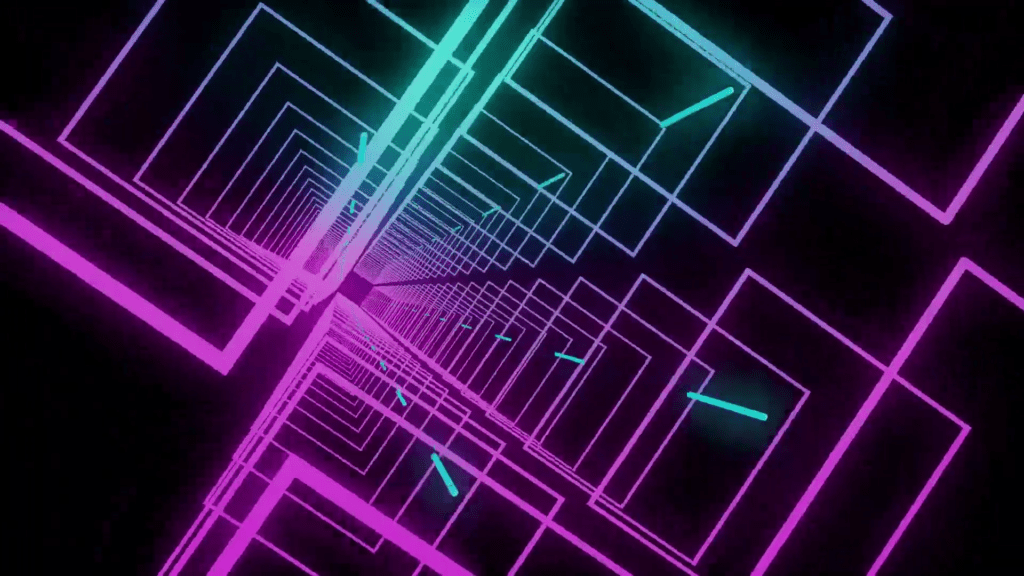
Neon
Geometric tunnels in pink and cyan that pulse with the music. Perfect for electronic and house sets.
Abstract
Flowing organic shapes that breathe with track energy. Works across all genres.
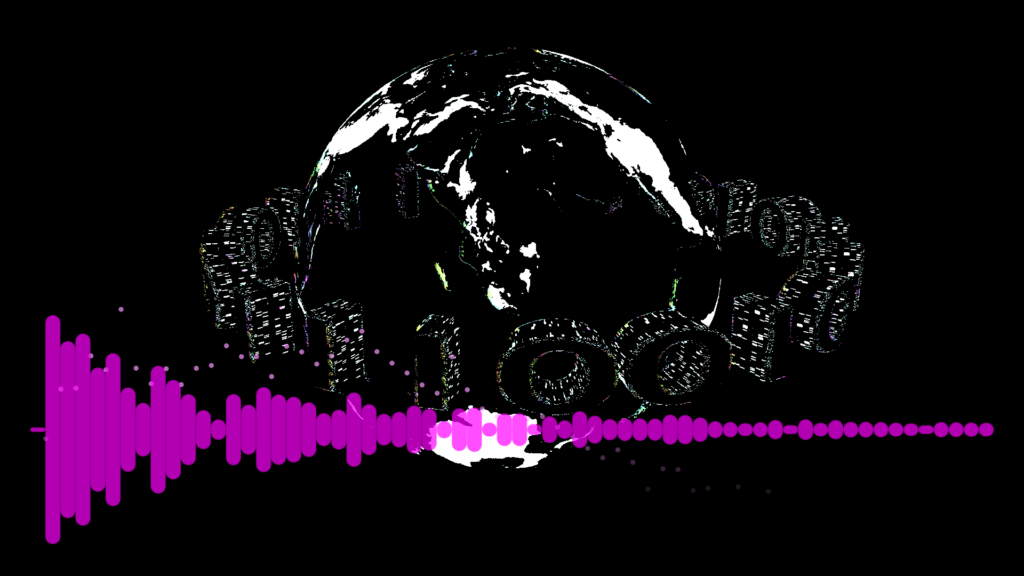
Energy
Explosive particle effects that peak on drops and builds — the crowd feels it before they see it.

The Real Problem With Static VJ Loops
The footage itself is almost irrelevant. What matters is the relationship between the visuals and the music. A generic particle loop that reacts to every kick drum hit creates more energy than the most cinematic video clip playing indifferently in the background.
- BPM controls animation speed — visuals accelerate and decelerate with your mix.
- Energy drives brightness and particle density — quiet passages breathe; drops explode.
- Song structure triggers presets — different visual scenes auto-load at intros, builds, and drops.
- Sub-12ms latency — instant reaction. The crowd feels synchronisation, not lag.
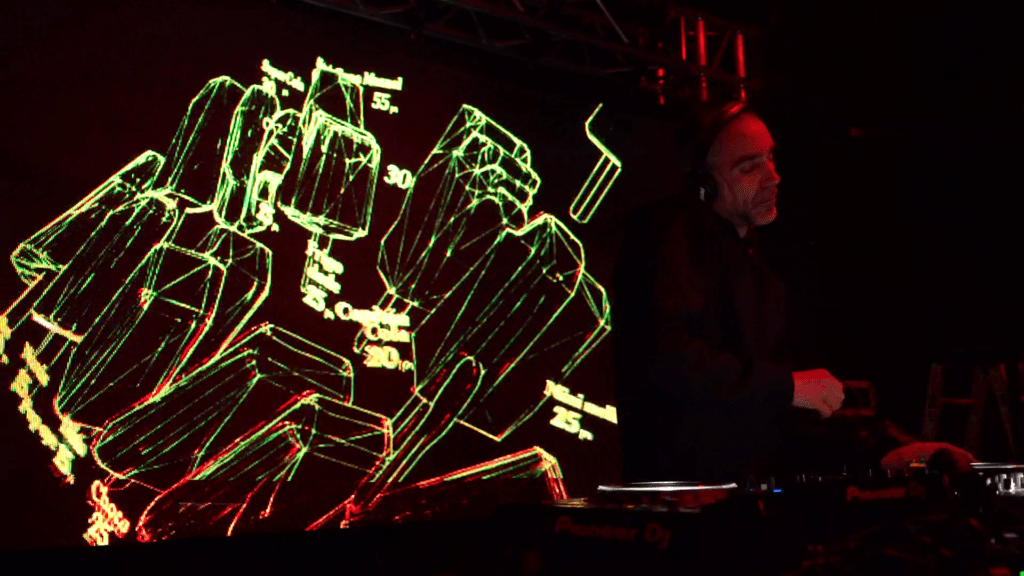
Setting Up in Under 5 Minutes
Whether you’re using your own downloaded loops or the built-in library, DJMirror Pulse setup takes under 5 minutes. Open the Content Manager, drag in your files or browse the built-in library, select a Style preset, connect your audio source, and let it run. Your loops play, react, and transition automatically.
Add Your Own Brand to the Visuals
Free VJ loops are a starting point. What separates professional DJs is making the visuals their own. DJMirror Pulse lets you drop in your logos, photos, and custom videos — and they react to the music exactly like the built-in content. Your brand becomes part of the light show.
Start With Free. Scale From There.

900+ DJs performing with DJMirror Pulse. The trial takes 5 minutes to install.
Sources
- Pixabay — Free CC0 video loops for VJs
- Pexels — Royalty-free video loops
- Resolume — Professional VJ software and loop packs
- DJMirror Pulse — 1,000+ built-in audio-reactive VJ loops
Get 1,000+ built-in loops, automatic AI selection, and audio-reactive playback out of the box. Try DJMirror Pulse free for 14 days — no credit card.
Related Posts
Free VJ Software for DJs: What You Get and What You’re Missing
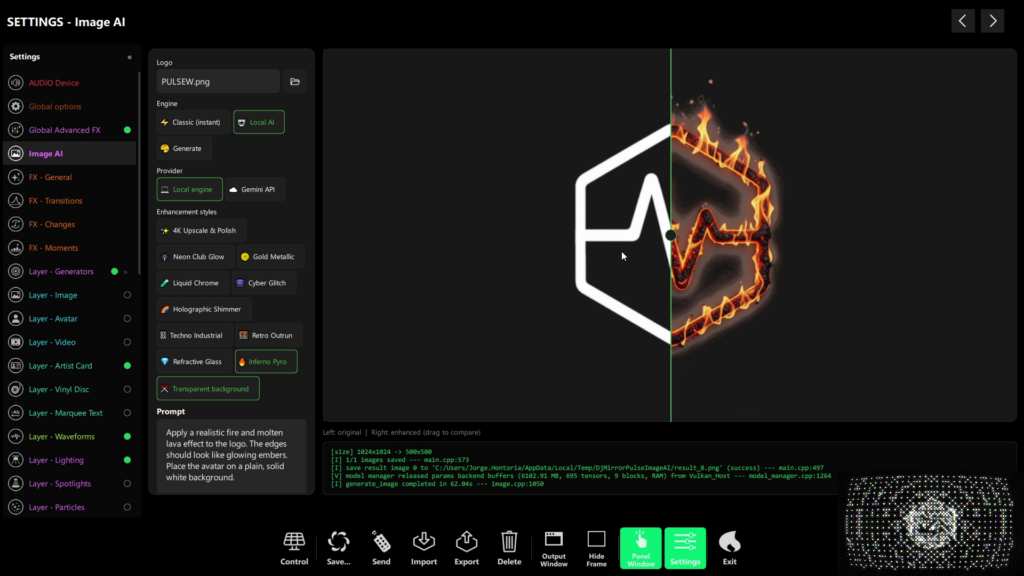
What’s New in DjMirror Pulse: Art-Net & AI FX
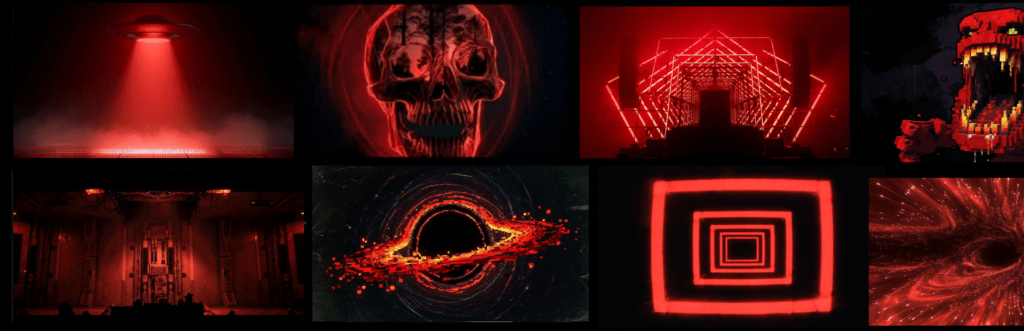
How to Make Your Own DJ Visuals (Without Being a Designer)
Want unlimited visual styles?
You’ve reached today’s free download limit. Get every style — plus audio-reactive visuals and automatic DMX lighting — with DjMirror Pulse.
Download free — 14-day trial No credit card required