How to Make Your Own DJ Visuals (Without Being a Designer)
Three Honest Paths. Only One Holds Up Live.
There are three honest paths to making your own DJ visuals in 2026, and most of what you read online mixes them up.
You can build them by hand in After Effects. You can curate free clips from Pixabay and Pexels and mix them live. Or you can let DJMirror Pulse generate audio-reactive visuals from your set in real time, which is where things get interesting for a solo DJ who does not want a second job.
Path 1: Build Them by Hand
This is what most tutorials show you on YouTube. Open After Effects, drop in a particle plugin like Trapcode Form, key some animations to a music track, render out a loop. It works, and the results can look great. It is also a full second job.
A single one-minute loop takes anywhere from three hours if you are fluent in the software to a full weekend if you are learning. You need to build maybe thirty of them to cover a two-hour set without repeats. Most DJs who try this path quit after the first two loops, because they got into DJing to play music, not to become motion designers.
If you still want to try it, the honest starter stack is Blender for 3D geometry (free), DaVinci Resolve Fusion for compositing (also free), and Trapcode Form if you have the budget for particles. Render at 1920×1080, 30fps, ProRes or DNxHR. H.264 loops chunk on darker gradients.
If you want to see what that looks like without installing anything, the styles page is browsable in the browser.
Path 3: AI Visuals
Tools like Runway, Kaiber and Sora generate stunning short clips from a text prompt. For a music video you edit over a weekend, they are a genuine option.
For live DJing they are not there yet. Generation latency is measured in seconds or minutes rather than milliseconds, there is no beat detection loop, and cost per second of video is real money. You end up with beautiful pre-rendered clips that you are back to triggering manually, which puts you back in Path 2 with prettier source material.
If you are set on the AI angle, the workflow that holds up is generating a batch of clips with Runway ahead of the gig, then feeding them into an audio-reactive engine that beat-matches on top. Hybrid of Path 3 and Path 4.
The Four Paths Compared
| Path | Time to Set Up | Live BPM Sync | Skill Required | Cost |
|---|---|---|---|---|
| Path 1 — Build in After Effects | Weeks (30+ loops) | ❌ Manual triggering | Motion design | Free tools, huge time cost |
| Path 2 — Curate Free Loops | An afternoon | ⚠️ Needs external sync engine | DJ workflow only | Free (CC0 clips) |
| Path 3 — AI Generated | Hours per clip | ❌ Pre-rendered only | Prompt engineering | $20 to $200/month per tool |
| Path 4 — Audio-Reactive Software | 10 minutes | ✅ Automatic real-time | None | $99 one-time or free trial |
Which Path Wins for You?
“I love the design side and have time to spare”
→ Path 1. Blender plus DaVinci Fusion cost you nothing but time. If you enjoy motion design as much as DJing, this path gives you visuals that no one else on the planet has.
“I want visuals this weekend without learning software”
→ Path 2 with our styles page. Grab a handful from the free styles library, load them into any player, and see if the workflow feels sustainable. That test alone tells you whether you have the patience for Path 1.
“I want unique visuals, not another stock loop”
→ Path 3 hybrid. Generate a batch of AI clips with Runway or Kaiber and feed them into DjMirror Pulse so the beat-matching happens automatically. Best of pre-rendered look plus live sync.
“I am a solo DJ, I have no VJ, and gigs do not wait”
→ Path 4: DJMirror Pulse. The software listens to your set, reads BPM, key, energy and song structure, and drives the visuals from that. You choose a style, not clips. Ships with 1,000+ audio-reactive elements plus the 59 free style presets. Runs on Windows and macOS, works with Rekordbox, Serato, Traktor, VirtualDJ or a hardware mixer.
“I want the visuals to feel like mine, not a preset”
→ Path 4 with custom assets. Inside DjMirror Pulse you drop in your own logos, video loops, event branding and colour palettes, and save them as reusable styles. The “make your own” part shifts from designing visuals to designing identity. Minutes, not weeks.
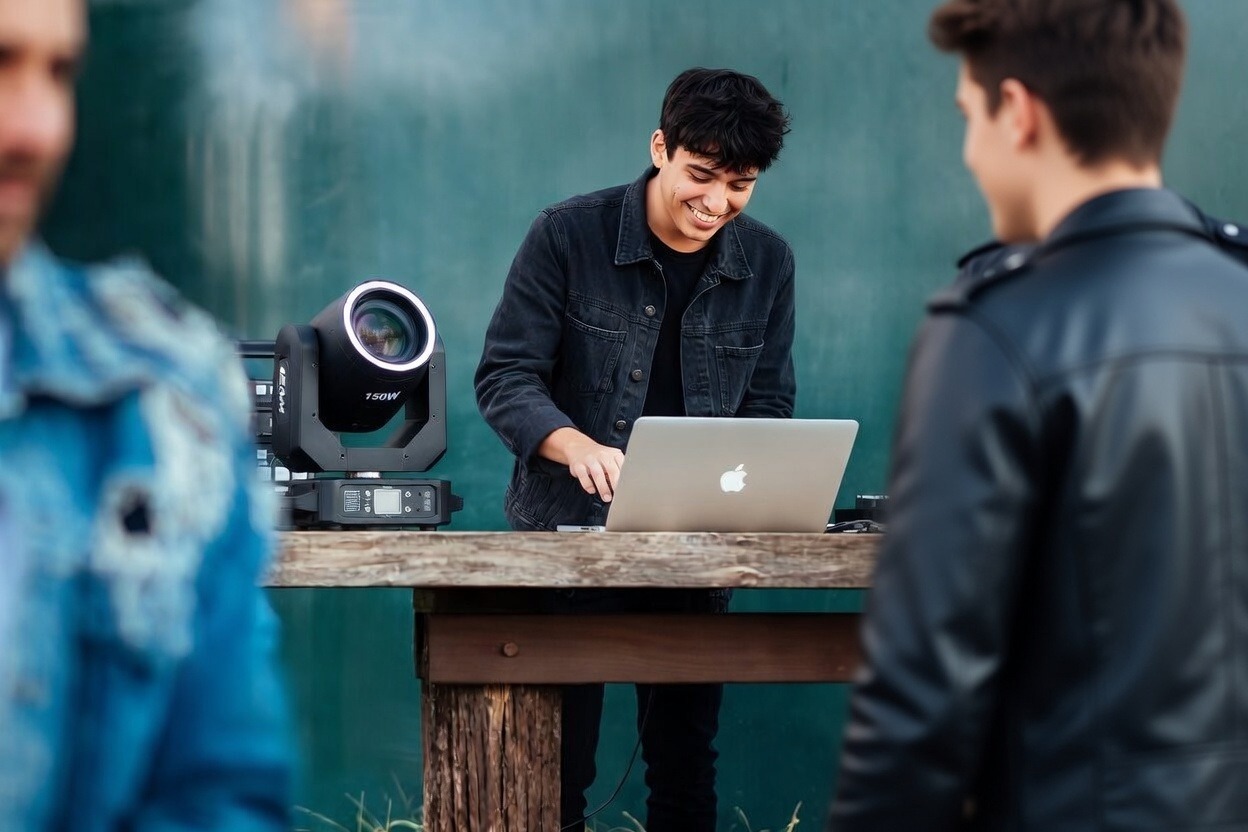
Native Windows and macOS. 1,000+ audio-reactive elements. No credit card needed.
Stop designing loops. Start playing them. DjMirror Pulse runs the whole visual show automatically from your audio input.
Related Posts
Free VJ Loops for DJs: How to Find and Use Audio-Reactive Visuals
VJ Software for Mac: The Best Options for DJ Visual Shows in 2026
Difference Between DJ and VJ: Everything You Need to Know
Want unlimited visual styles?
You’ve reached today’s free download limit. Get every style — plus audio-reactive visuals and automatic DMX lighting — with DjMirror Pulse.
Download free — 14-day trial No credit card required

