
Resolume vs VDMX vs MadMapper vs TouchDesigner vs Pulse

WHICH LIVE VISUALS SOFTWARE FOR DJS?
Four great tools for VJ, and one built for the DJ who wants the screen and the lights to run themselves. Honest comparison, real prices, and screenshots.
Short answer: Resolume is the standard for VJs who mix clips live, VDMX with MadMapper is the best value on a Mac, and TouchDesigner is for people who want to build their own engine. If you’re a DJ who wants the screen and the DMX lights to follow the music on their own while you mix, none of those four do that out of the box. DjMirror Pulse does, in one app on Mac or Windows, from $99 paid once.
Every beat detected. Every drop synced. Visuals and DMX, automatic.
Updated September 2026. Full disclosure: we make DjMirror Pulse, so read that section knowing who wrote it. The other tools here are ones we respect and have used.
The numbers first
| Software | Built for | Platform | Who runs the show | DMX lights | Price |
|---|---|---|---|---|---|
| Resolume Avenue | Club VJing, clip mixing | Mac and PC | You, live | No | €299 |
| Resolume Arena | Festivals, mapping, LED | Mac and PC | You, live | Yes, you program the cues | €799 |
| VDMX6 | Custom VJ rigs | Mac only | You, in a layout you build | Yes, over Art-Net, you program it | $199 ($349 Plus) |
| MadMapper | Projection and LED mapping | Mac and PC | You, set up in advance | Yes, you program it | From €519 (MadBundle), rental from €49/month |
| TouchDesigner | Installations, generative art | Mac and PC | Whatever you build | Yes, you build it | Free non-commercial, $600 commercial |
| DjMirror Pulse | DJs with a screen and lights | Mac and PC | The software, from the audio | Yes, automatic | $99 once, or $179/year commercial |
The question that actually decides it
A useful way to think about this whole market is to ask who operates the visuals during the gig. Resolume, VDMX, MadMapper, and TouchDesigner all assume somebody is doing it, either live on a controller or hours before the show in a timeline or a node network.
That’s fine if you’re a VJ. It’s the job.
But most of the people who write to us are DJs. They’re already beatmatching, reading the room, and taking requests, and the screen behind them is a second job they never asked for. For them the useful question isn’t which tool is the most powerful. It’s which one keeps the screen and the lights doing something good while their hands are on the decks.
Resolume Avenue and Arena
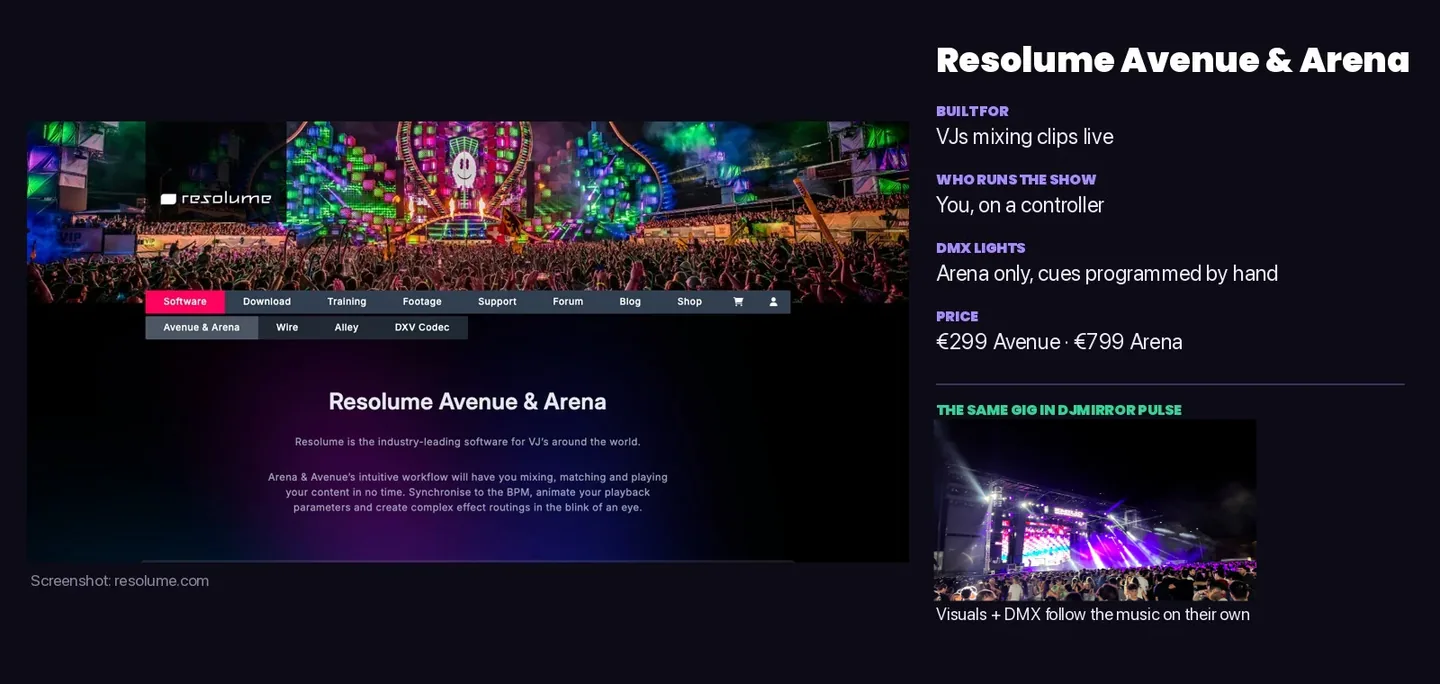
Resolume is the one venues expect, and for good reason. It’s stable, it runs on Mac and Windows, and if you walk into a festival booth there’s a decent chance Arena is already open on the media server. On a Windows laptop with a proper NVIDIA card, it’s also the obvious choice.
Avenue at €299 does the clip mixing. Arena at €799 adds projection mapping, advanced output, and DMX, so it can talk to lights and LED fixtures. My reservations are about cost over time and about the codec. Resolume performs best with its own DXV format, which is great inside Resolume and awkward everywhere else, and updates are sold as yearly renewals.
For a DJ the bigger issue is simpler. Resolume reacts to audio and syncs to BPM, but it doesn’t decide anything for you. Somebody still picks the clip, triggers the change, and builds the DMX cues. It’s a brilliant instrument, though an instrument still needs playing.
VDMX6
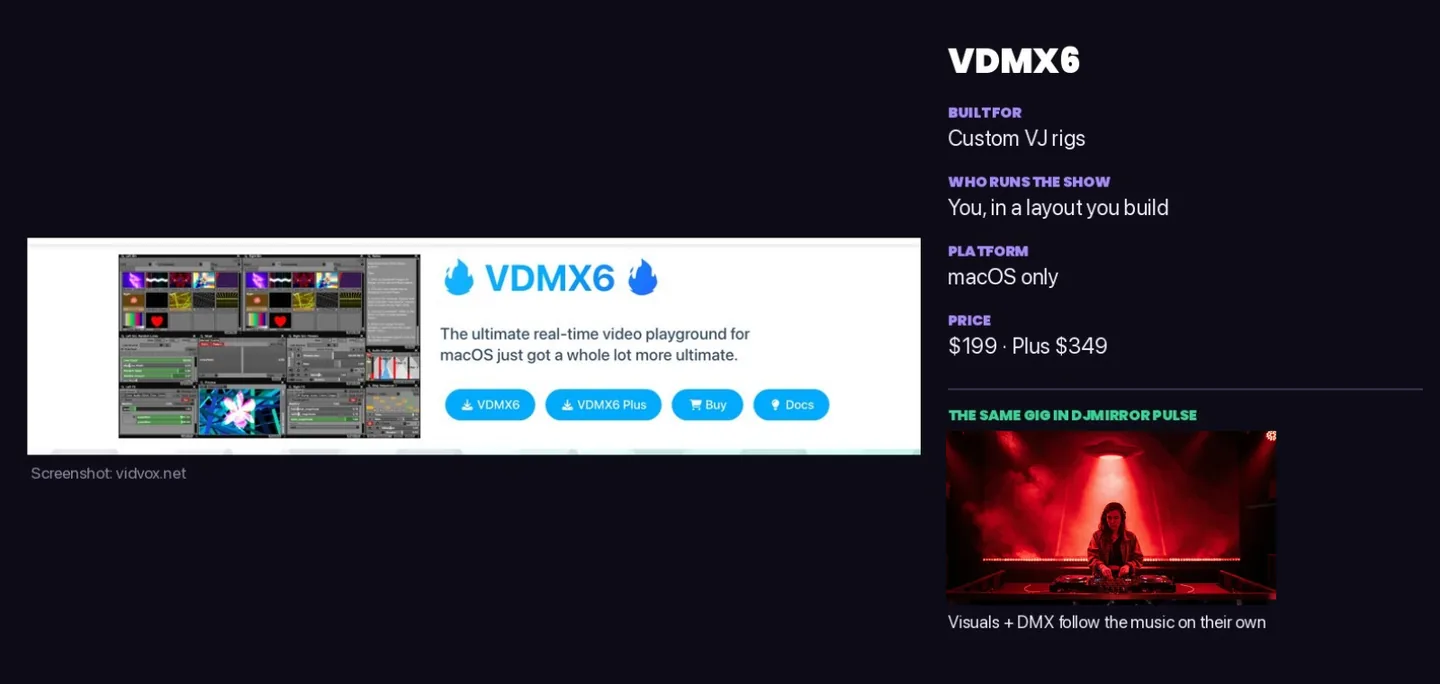
VDMX sits between Resolume’s plug-and-play feel and TouchDesigner’s blank page. It’s modular, so you build the interface you want out of the pieces you need. At $199 it’s the cheapest paid entry point here, with a Plus version at $349 that adds TouchDesigner and Vuo integration.
The demo is generous, believe it or not. It’s fully functional except for saving projects, so you can learn it properly before paying. The catch is that it’s Mac only, and building your own layout is the whole point, so there’s a real setup phase before it feels like yours.
MadMapper
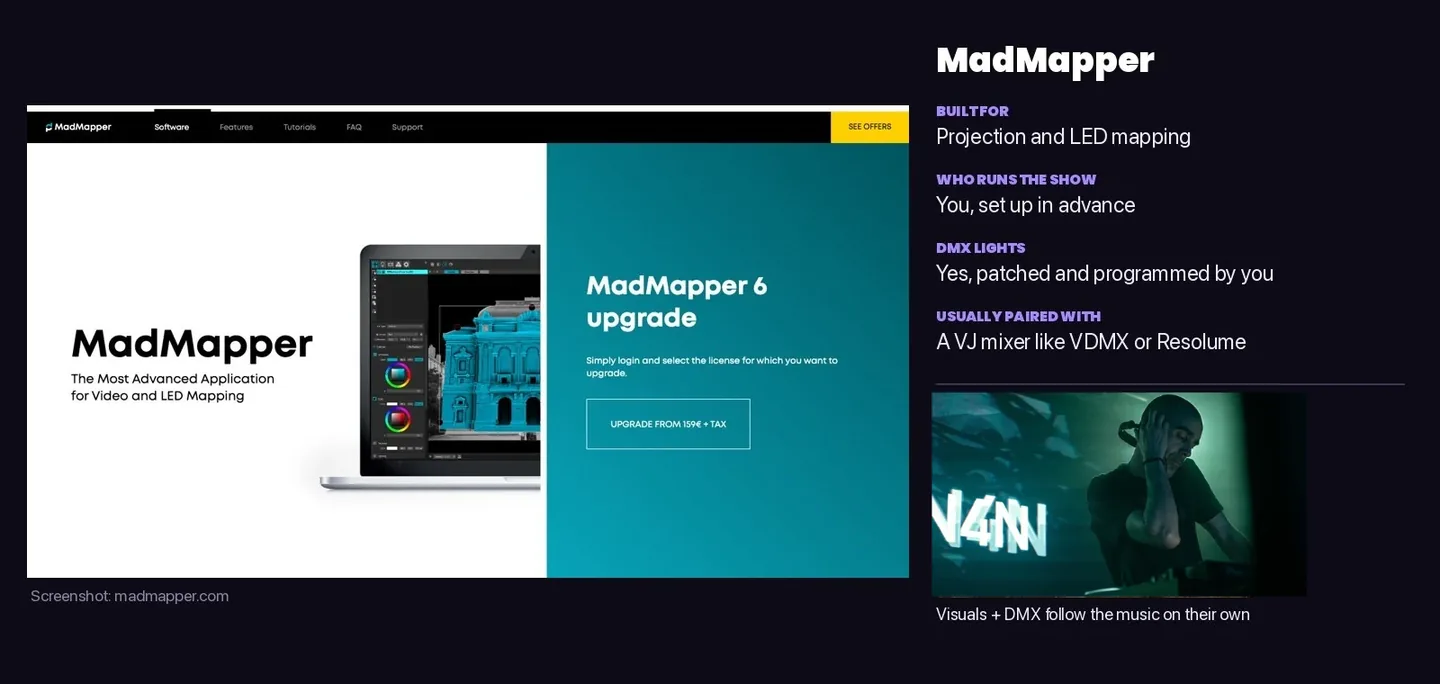
MadMapper is the mapping specialist. If you’re wrapping visuals around a stage set, a DJ booth facade, or LED strips, it’s excellent, and the MadLaser extension adds laser control without the proprietary hardware that Pangolin needs.
It isn’t a full performance tool, though. Most people pair it with VDMX or Resolume and send the video across with Syphon or Spout, which is powerful and also means two apps to learn and run.
TouchDesigner
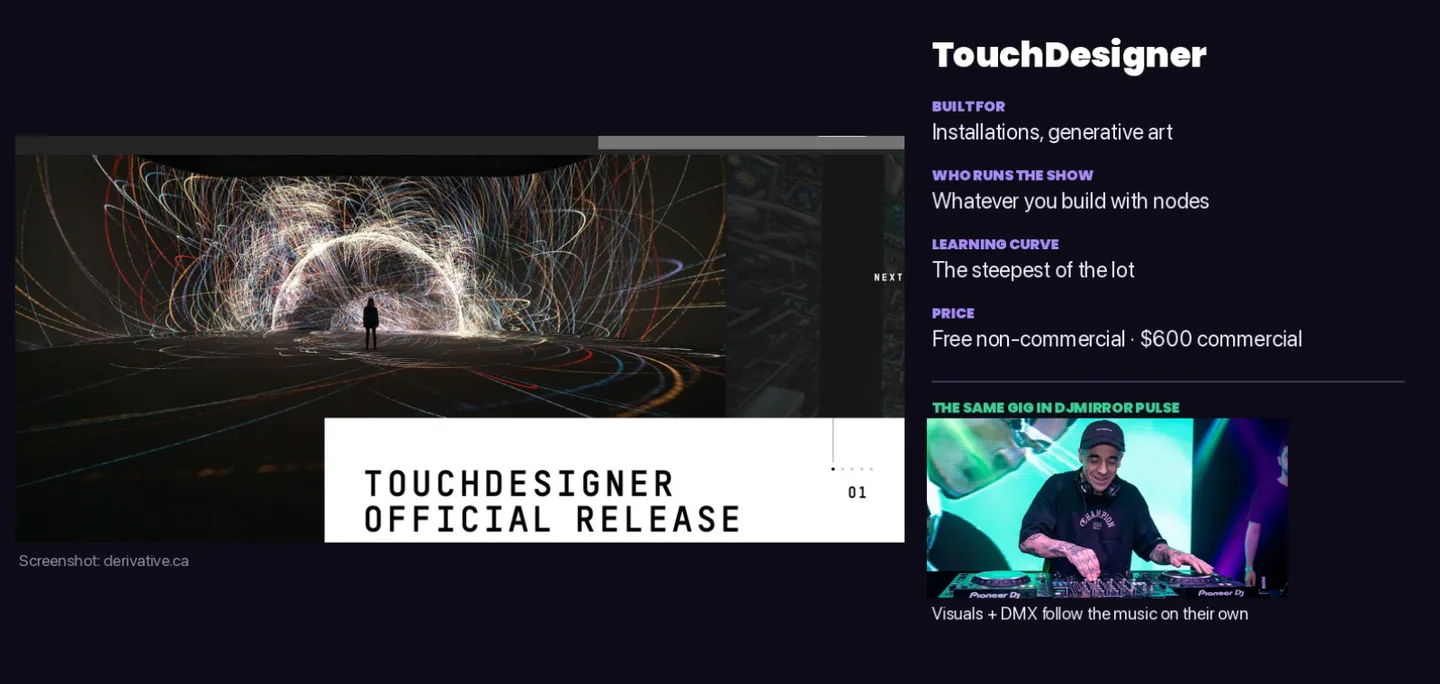
TouchDesigner is node-based, so you wire operators together and can build almost anything, from sensor-driven installations to fully generative shows. The non-commercial version is free, and the commercial license is $600.
It has the steepest learning curve of the lot. If your gig is on Saturday and it’s Wednesday, this isn’t the one to start with. If you enjoy the building as much as the show, you’ll love it.
DjMirror Pulse
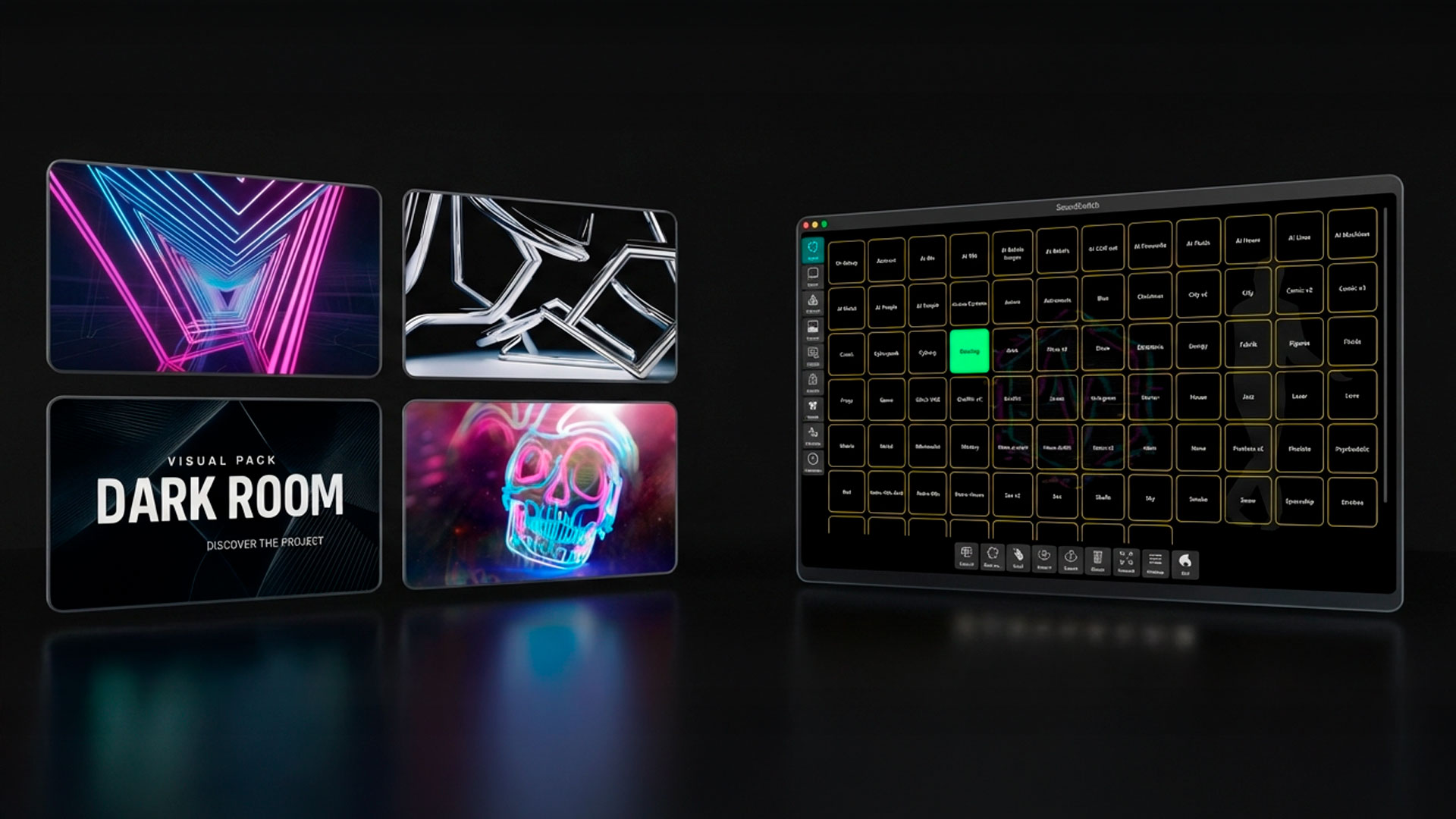
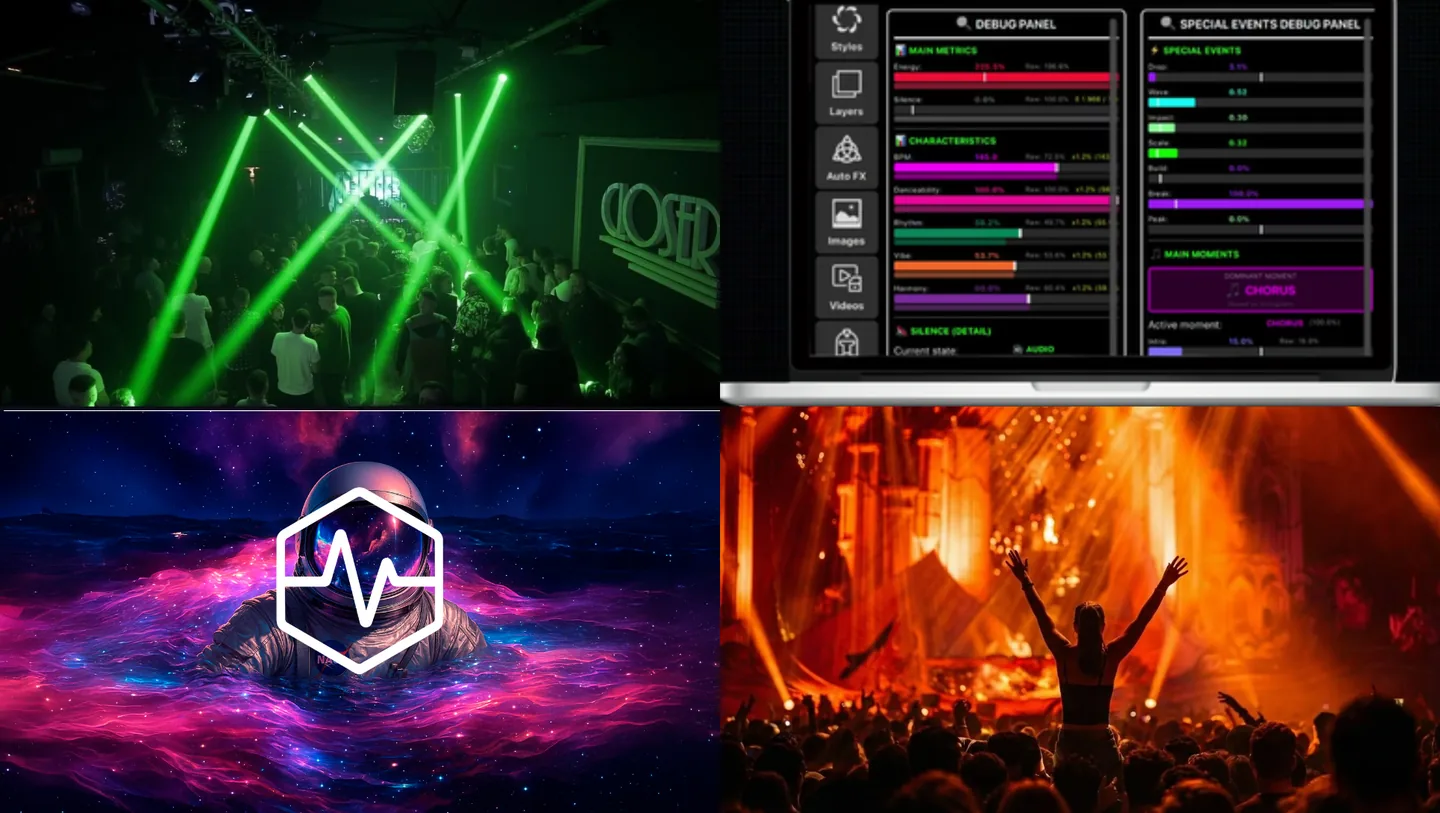
Now our own software, which is where you should look at the screenshots rather than take my word for it.
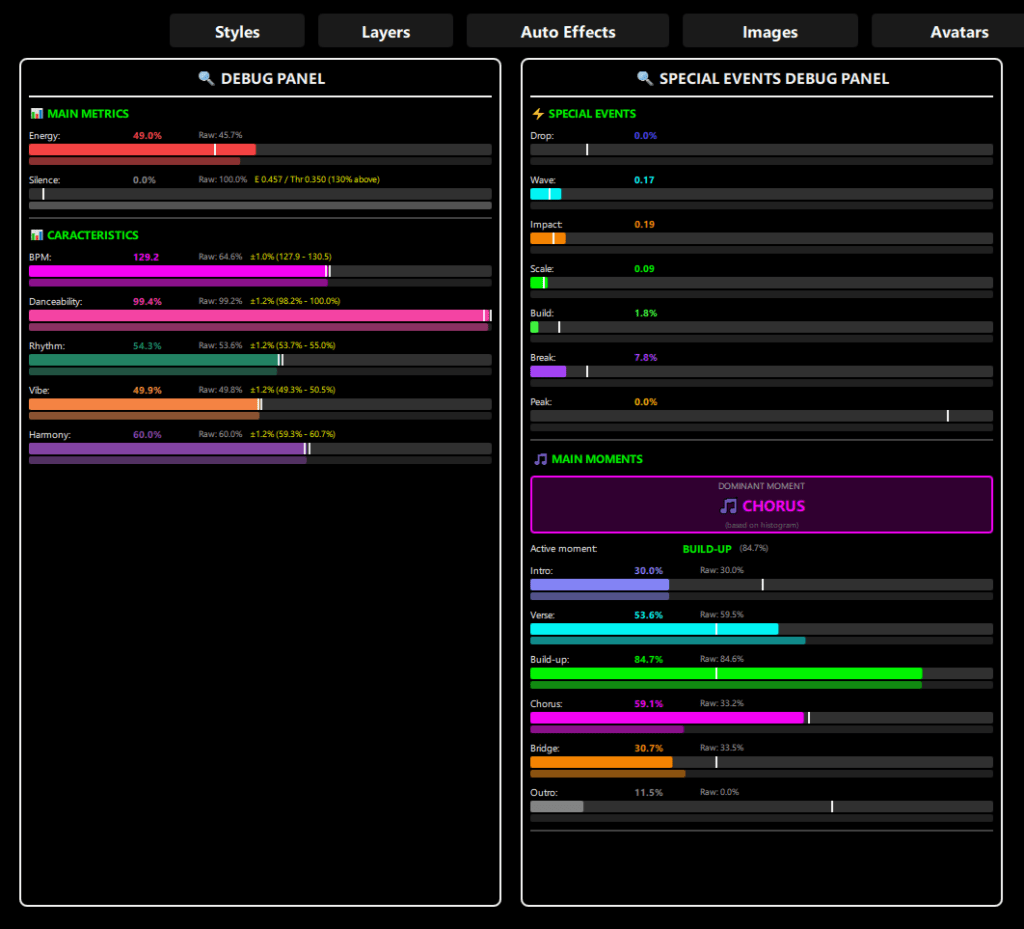
Pulse goes the other way from the four above. Instead of giving you controls to operate, it listens to what’s playing and makes the decisions itself. It reads BPM, musical key, and song structure in real time, so the screen changes on builds and drops, and the same analysis drives your DMX fixtures.
The styles
You start by picking a style. There are more than 80, from AI-generated looks to retro, house, trance, and wedding themes, and each one bundles video, images, colours, effects, and lighting behaviour. You can put your own logo and photos in any of them, and save your own.
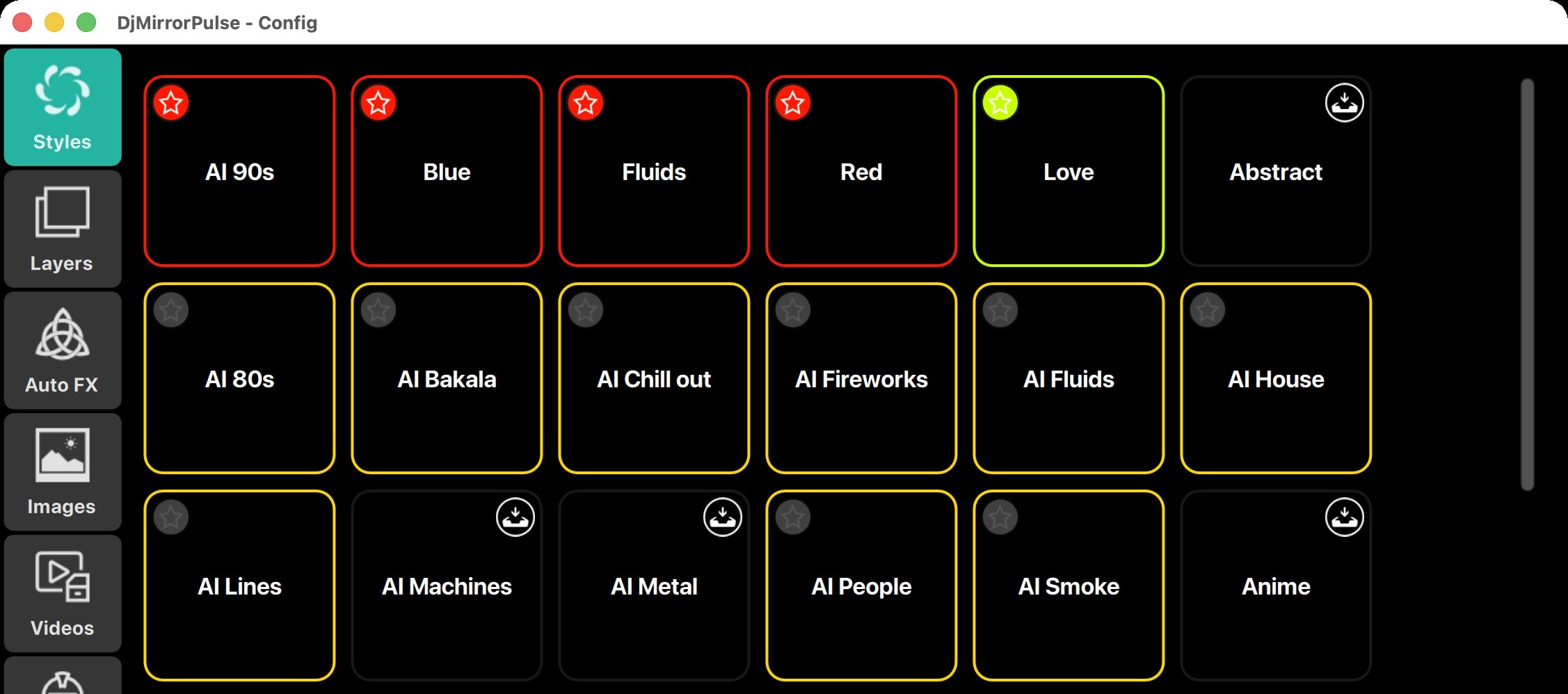
Layers you can switch on and off
Under each style there are nine layers stacked on top of each other: images, avatars, video, a vinyl disc, lighting effects, waveforms, your artist card with the logo, scrolling marquee text, and a mask. The waveform layer alone has five visualizers, including a spectrum analyzer and an XY scope.
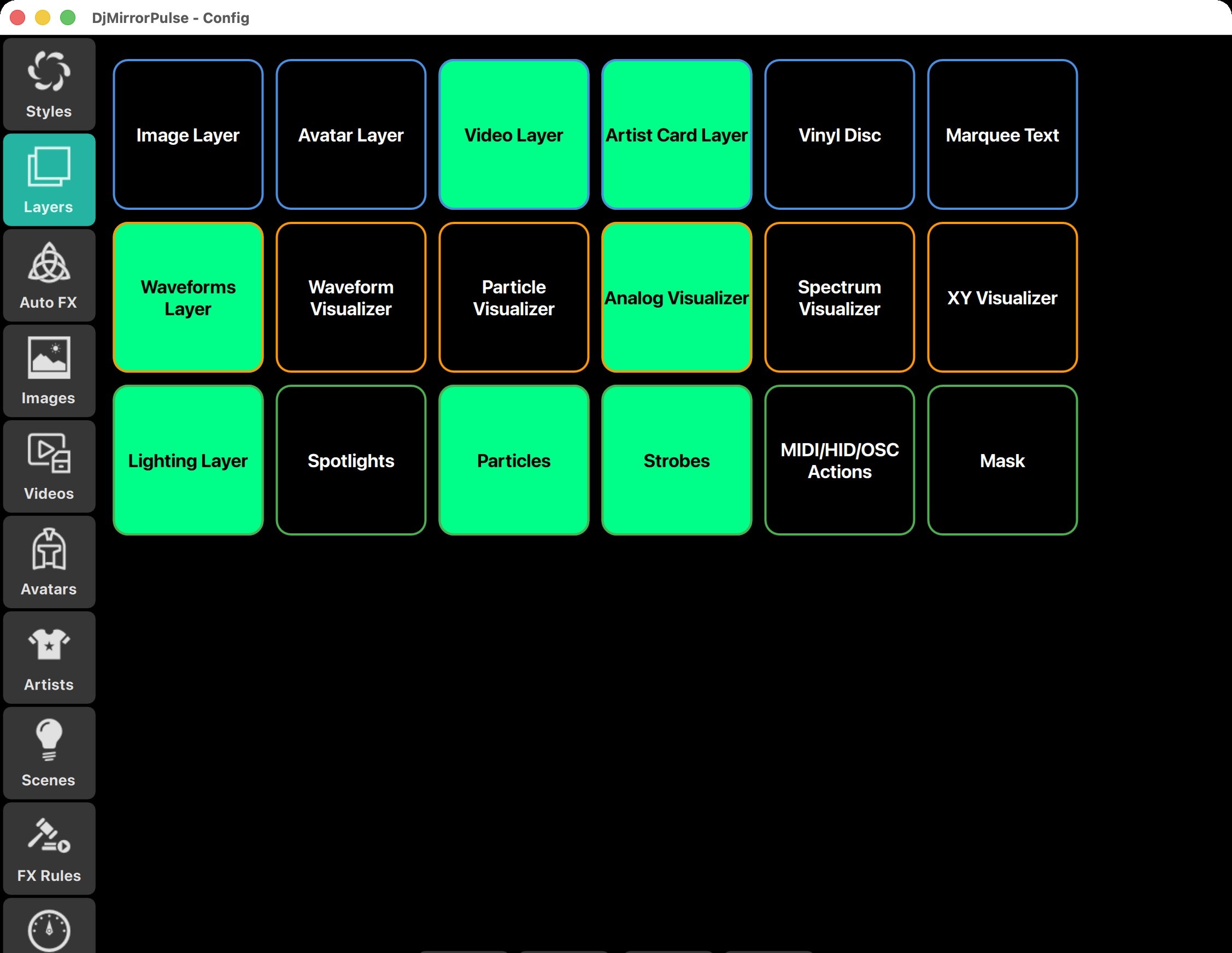
What it listens for
This is the part none of the other four have ready-made. Pulse detects 22 musical moments, intro, verse, chorus, build, drop, break, bridge, outro, peak, silence, and changes in key, energy, and vibe among them, and each one fires its own effect. You can leave the defaults alone, which is what most DJs do.
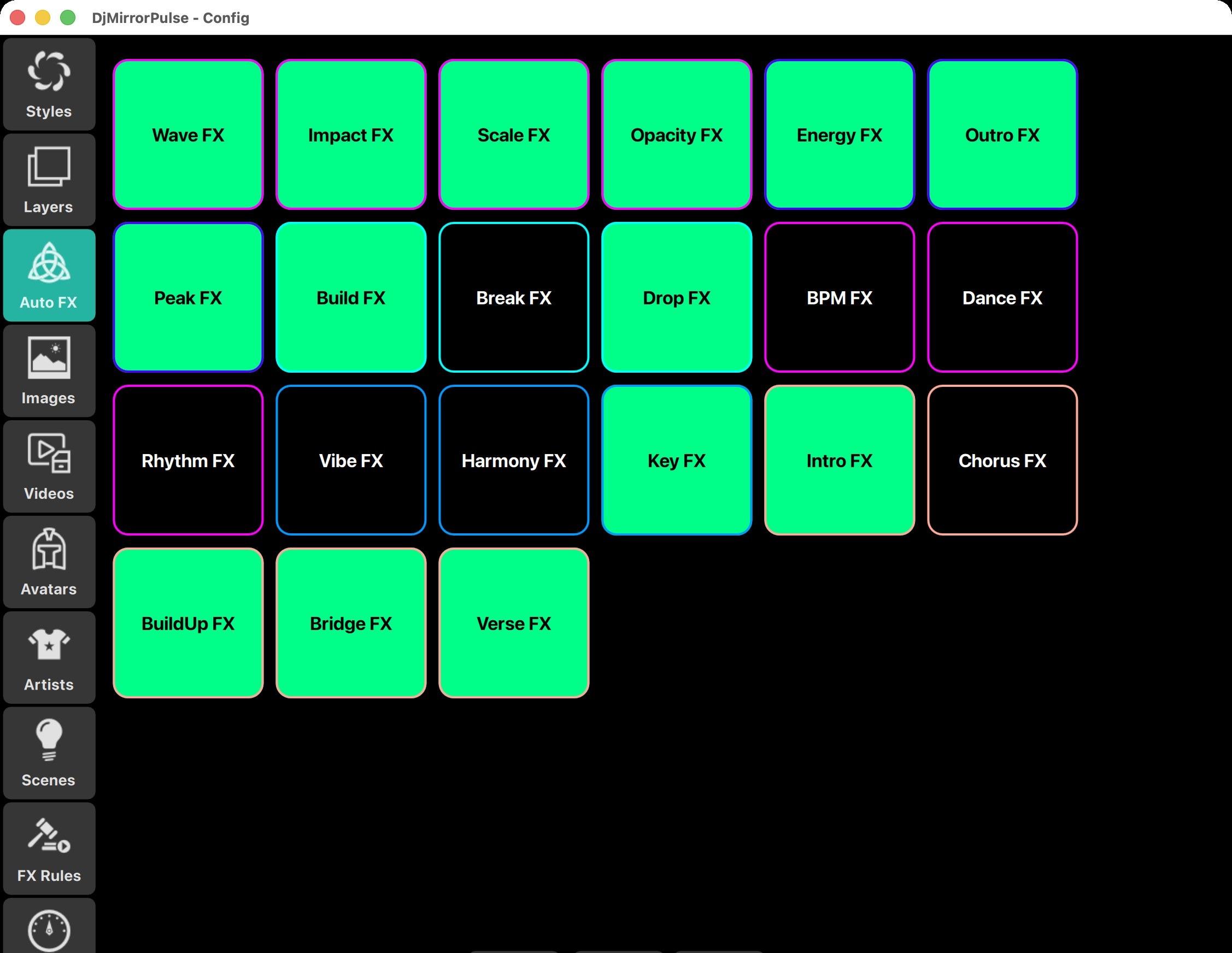
If you do want to tune it, every threshold and cooldown is exposed.
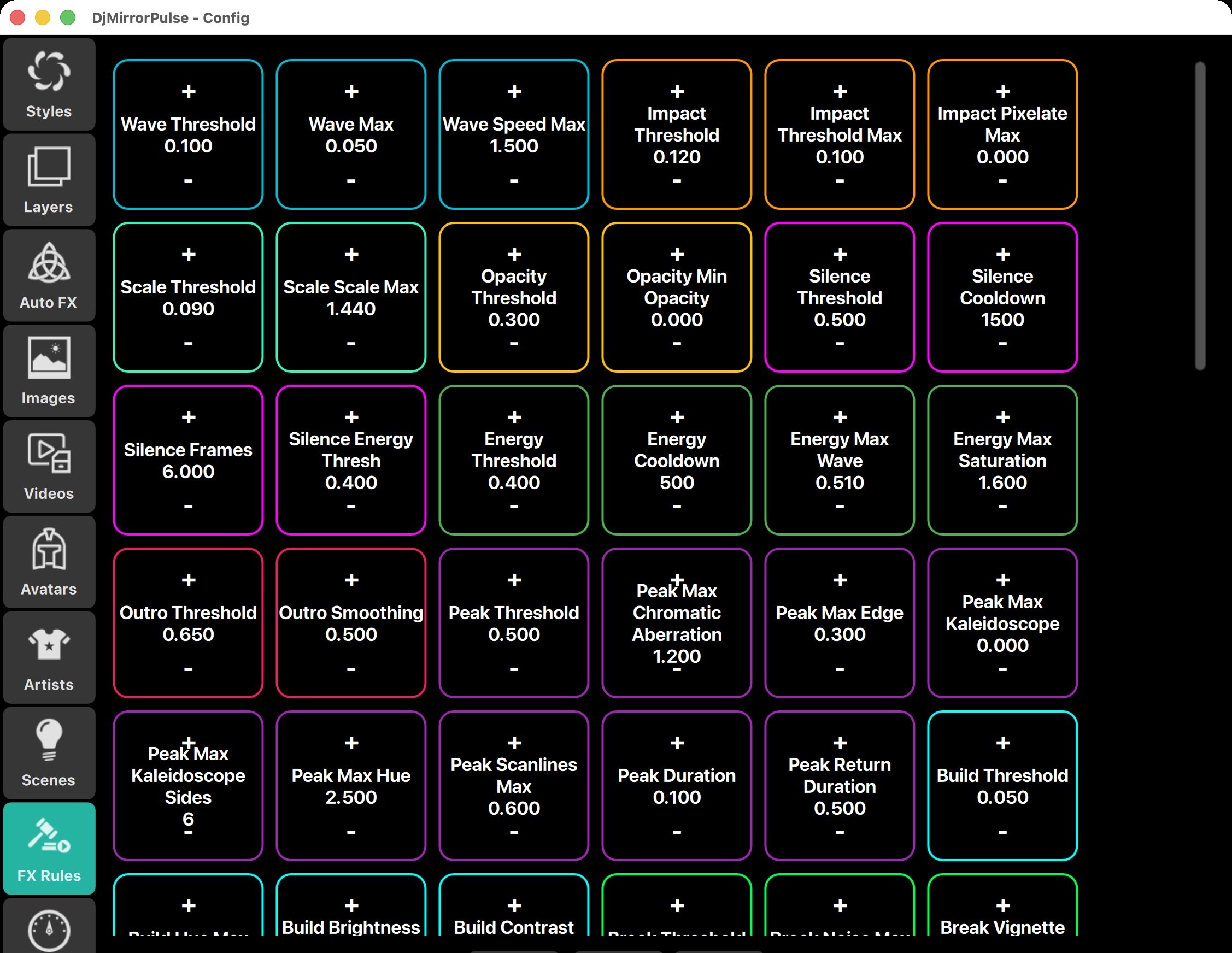
The DMX side
The lights run from the same analysis. There are ready scenes for different energies, auto movement for moving heads, an auto dimmer, laser patterns, and one-tap macros for fog, haze, strobe, and blackout. It works through standard USB-DMX adapters (Enttec, DMXKing, Eurolite, and other FTDI-compatible ones), and the fixture library has more than 24,000 fixtures, which exports to GDTF, QLC+, and ChamSys if your lighting tech wants the patch.
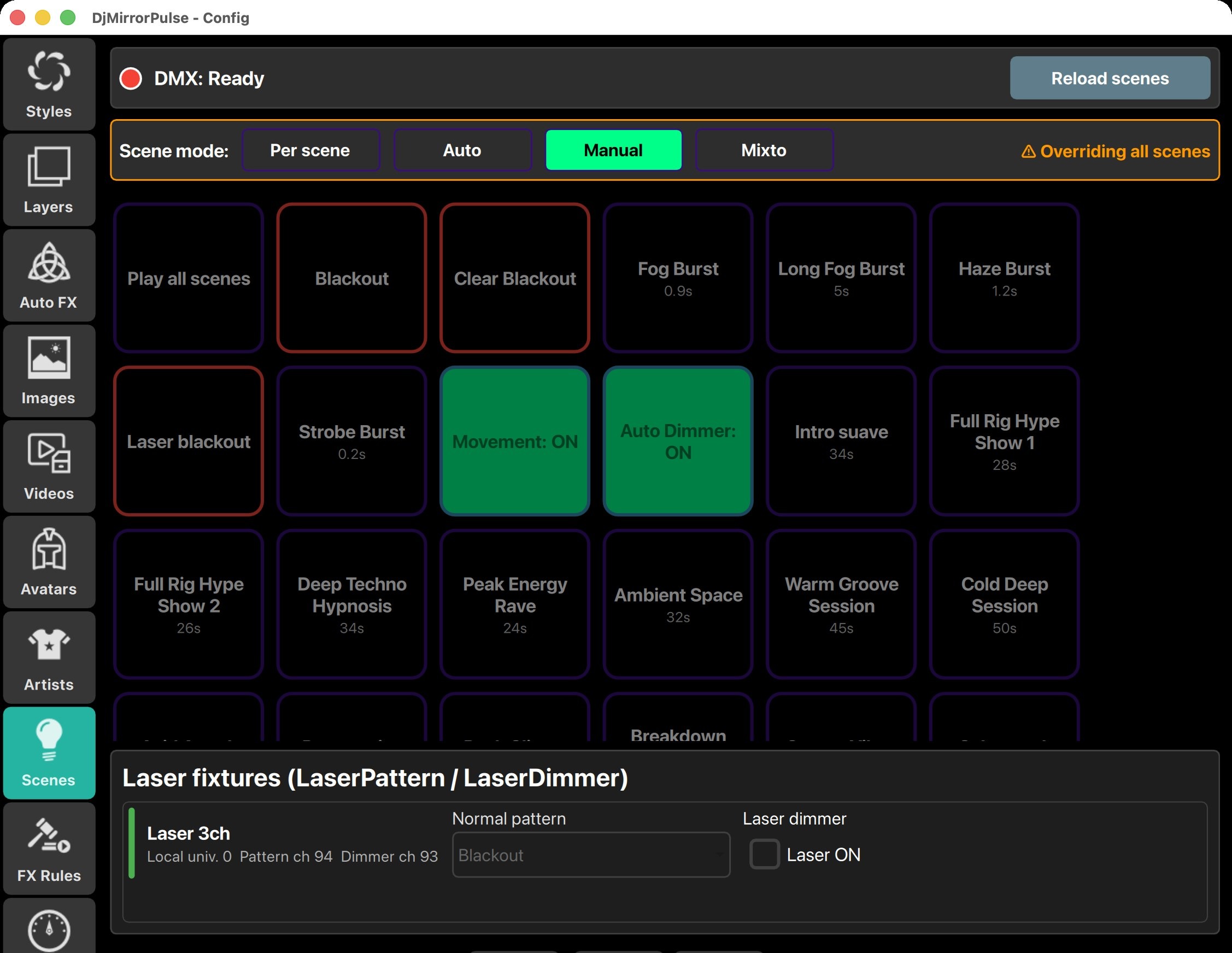
The extras that working DJs end up using
NDI output, so the picture can go to another machine or into Resolume. MIDI and OSC actions. Traktor integration across four decks. A scheduler that changes styles by the clock, which is handy on long weddings. Timecode cues from MTC or LTC. A built-in stock search for Pixabay and Pexels videos and images. Screen recording of the output for your socials. And you can run the whole thing from an AI assistant like Claude through MCP, with 168 commands exposed, which sounds like a gimmick until you ask it to build a wedding style from a couple’s photos in a minute.
The honest trade-off is control. You get a big library of styles and settings, not a blank canvas. A VJ who wants to sequence every clip will find that limiting. A DJ who wants the room to look like a production while they mix usually finds it’s exactly the point.
The personal license is $99, paid once. The commercial license is $179 a year. There’s a free 14-day trial and no card is needed.
Feature by feature
| Resolume Arena | VDMX6 | MadMapper | TouchDesigner | SoundSwitch | DjMirror Pulse | |
|---|---|---|---|---|---|---|
| Visuals on a screen | ✅ | ✅ | ✅ | ✅ | No | ✅ |
| Reacts to builds and drops without programming | BPM sync, cues by hand | Mapped by you | Mapped by you | You build it | Lights only | ✅ 22 detected moments |
| DMX lighting | You program it | You program it | You program it | You build it | ✅ Automatic | ✅ Automatic |
| Moving heads, fog, haze, strobe, laser | By hand | No | By hand | By hand | ✅ | ✅ Automatic scenes and macros |
| Fixture library | No | No | No | No | ✅ | ✅ 24,000+, exports GDTF, QLC+, ChamSys |
| Your logo reacting to the music | As a clip you set up | As a clip you set up | As a clip you set up | You build it | No | ✅ Built in |
| Ready-made visual styles | Demo clips | No | No | No | No | ✅ 80+ styles, stock search built in |
| NDI output | ✅ | ✅ | ✅ | ✅ | No | ✅ |
| Scheduler and timecode cues | Timecode (Arena) | Timecode plugin | Via MIDI or OSC | You build it | No | ✅ Both |
| Control from an AI assistant (MCP) | No | No | No | Community projects | No | ✅ Built in, 168 commands |
| Platform | Mac and PC | Mac | Mac and PC | Mac and PC | Mac and PC | Mac and PC |
| Learning curve | Medium | Medium to high | Medium | High | Low to medium | Low |
| Price | €799 | $199 | From €519 | $600 commercial | $79.99/year | $99 once |
Two ways to build a DJ rig with a screen and lights
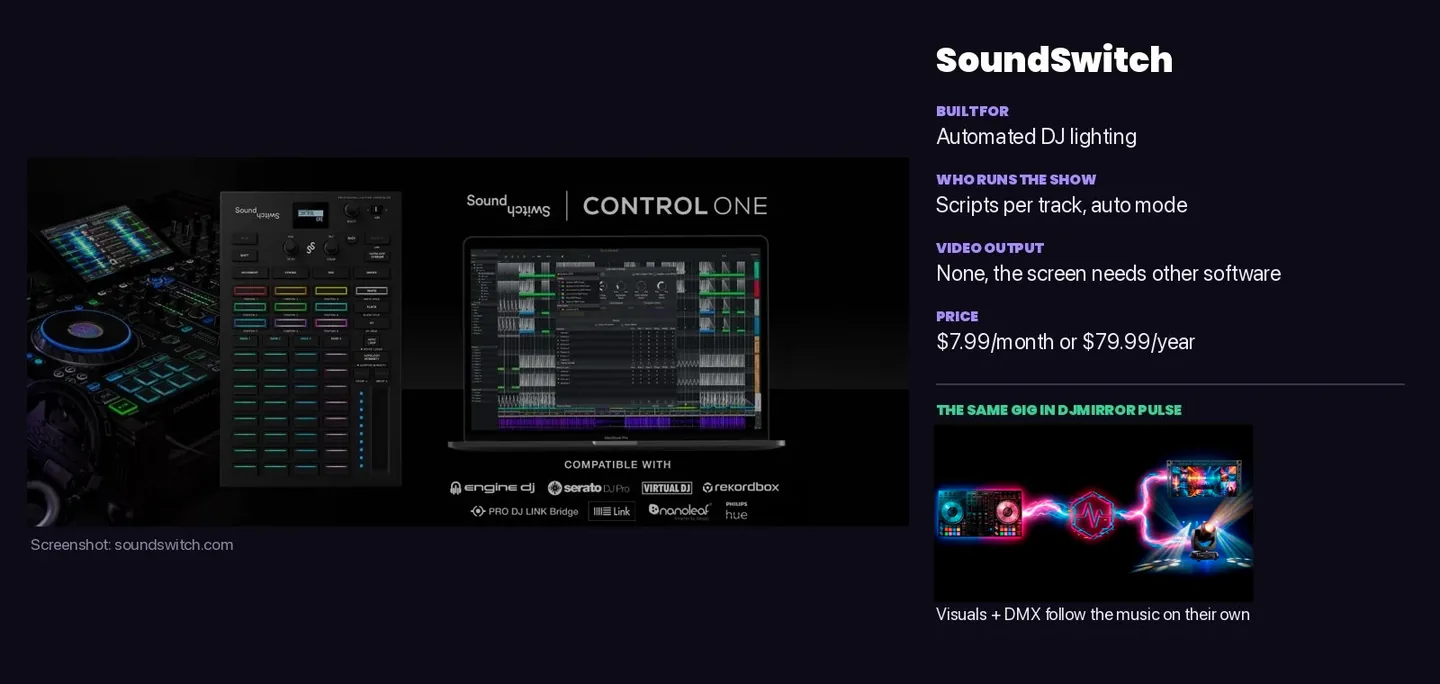
This is the comparison people tend to skip, and it’s the one that matters for a working DJ.
The usual route is Resolume Avenue for the screen plus SoundSwitch for the lights. That’s €299 plus $79.99 a year, and it means two programs, two sets of cues, and in plenty of booths two laptops. SoundSwitch is good at lights, but it has no video output, so the screen still needs its own software and somebody minding it.
The other route is one app doing both from the same audio analysis. That’s what Pulse does, and it’s why the price isn’t really the headline. The headline is that you’re watching one thing instead of two.
If you already own Arena and enjoy programming DMX cues, you don’t need us. If you’ve been dreading exactly that, you probably do.
Verdict by DJ Profile
“I’m a solo DJ playing clubs and mobile gigs”
→ DJMirror Pulse. Built exactly for this. Automatic DMX, automatic visuals, no second operator. Use the Professional plan ($179/year) if you need commercial use rights. Compare all top VJ software options.
“I’m a professional VJ hired for visual production”
→ Resolume Arena. Its projection mapping, edge blending, SMPTE sync and enormous plugin ecosystem are unmatched for dedicated VJ work. The $899 price is standard for the production value it enables.
“I’m a Mac-only artist who wants deep modularity”
→ VDMX5 ($199–$349). Its modular build-your-own approach is the deepest on macOS. Ideal if you want to build custom reactive instruments. Requires serious setup time — expect days, not hours.
“I want pro visuals at a festival main stage but I’m still the DJ”
→ Both, layered. Many performers run DJMirror Pulse for automatic DMX lighting while a dedicated VJ handles Resolume on the LED screens. The tools complement each other — Pulse handles reactivity, Resolume handles production-level mapping.
“I’m starting out and $899 is too much right now”
→ Start with DJMirror Pulse ($99). Learn audio-reactive visual workflows, build your DMX rig, get comfortable performing with visuals live. Add Resolume to your stack if you later move into large-scale production VJ work.
Others worth knowing
Synesthesia is lovely for shader-based audio-reactive visuals and supports Spout and Syphon, though it’s built for hands-on VJ control and doesn’t run lights (we compared it in detail in our Synesthesia Live alternative write-up). HeavyM is the friendliest way into projection mapping. MaestroDMX automates lights without touching the screen. And for timeline shows in theatres, Millumin is the one people reach for.
Final thoughts
There isn’t one best tool here, and anyone who tells you otherwise is selling something (yes, we’re aware of the irony).
If you’re a VJ on Windows, Resolume is still the standard. On a Mac with a budget, VDMX with MadMapper gets you a lot for the money. If you want to build your own engine, TouchDesigner. And if you’re a DJ who wants visuals and lights to follow the music on their own, one laptop and one app, try Pulse for 14 days and see whether you miss the controls.
Common questions
Which live visuals software is best for DJs in 2026?
It depends on who operates the show. For DJs who want visuals and DMX lights to run on their own while they mix, DjMirror Pulse. Resolume suits VJs who mix clips live, and TouchDesigner is the pick for custom builds and installations.
Can Resolume control DMX lights?
Resolume Arena can send DMX and Art-Net, but you build and trigger the cues yourself. Resolume Avenue doesn’t output DMX.
What’s the cheapest way to run visuals and DMX lights from one laptop?
DjMirror Pulse, at $99 paid once for the personal license. The common alternative is Resolume Avenue plus a SoundSwitch subscription, which costs more and runs as two separate programs.
Does VDMX run on Windows?
No. VDMX is macOS only. On Windows, look at Resolume, MadMapper, TouchDesigner, or DjMirror Pulse.
Does DjMirror Pulse replace Resolume?
For a DJ who wants automatic visuals and lights, usually yes. For a VJ who sequences clips by hand, no, and Pulse can run next to Resolume through NDI.
How long does DjMirror Pulse take to set up?
You choose an audio source and a style, and it starts reacting. Adding DMX fixtures takes longer the first time, and the built-in library of more than 24,000 fixtures saves most of the patching.
Also comparing single tools? See the best Resolume alternative for beginners and DjMirror Pulse vs HeavyM.
Start free. See why DJs are switching.
Free trial. Honest feedback. Founder price, locked in forever.
We’re giving full 14-day Pro trial access to a select group of DJs before public launch. No restrictions, , no gimmicks. Just test it on real stages and tell us what you think.
The most active testers who send real feedback are in the running for a free lifetime license. Everyone else can lock in at $99 before we switch to public subscriptions. If it’s not for you, no problem.
“The crowd noticed something different. That’s all I needed to know.” — DJ Rony Rex · @itsronyrex
Start Free. No Card. No Catch.
Full Pro access for 14 days. If you want to keep it after that, lock in the Founder Price before it’s gone.
ZERO PROGRAMMING. FULL STAGE IMPACT.
DJMirror Pulse listens to your mix and reacts, visuals and lights in perfect sync, automatically. No manual setup. Tap a style and play. That’s it.
Already on real stages. Already getting reactions.
Built for Gigs That Actually Matter
From underground clubs to 5,000-capacity festivals, tested live, not in a demo room. If it works there, it works everywhere.
Your Mix Controls Everything , Automatically
Pulse reads the audio from your mixer in real-time and drives both on-screen visuals and DMX lighting, no extra buttons, no manual triggers. Just play.
The question isn’t “can I afford it”, it’s “can I afford not to”
Is This You?
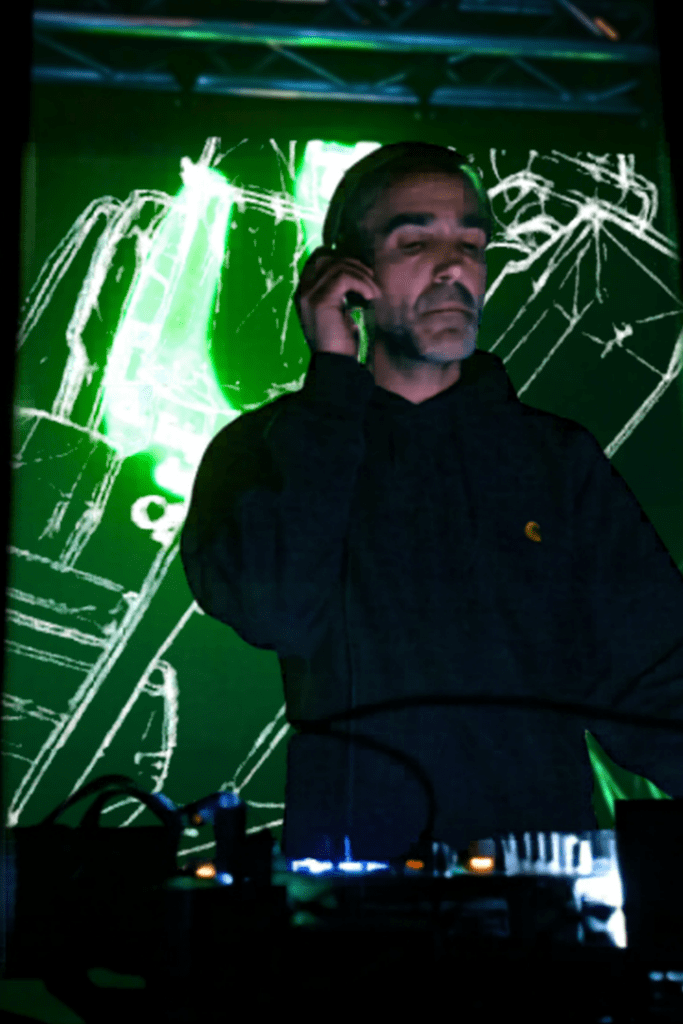
The DJ Who Wants the Full Show
You’re tired of showing up with just audio. You want visuals that move with the music , without hiring a VJ tech or spending 40 hours learning Resolume. Pulse gives you that in 2 minutes.
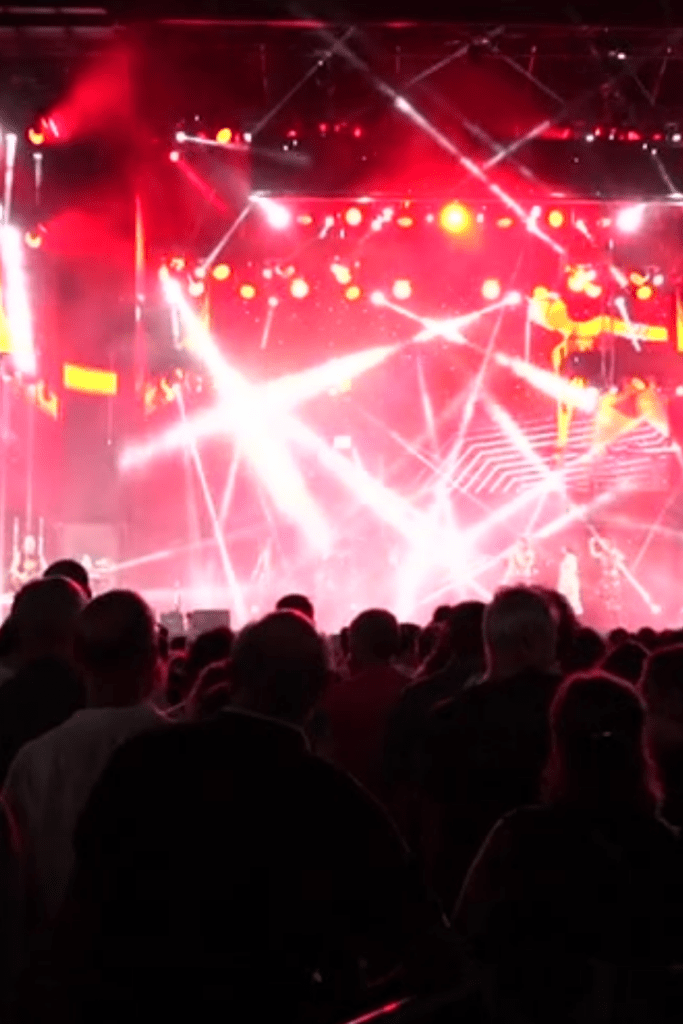
The Mobile DJ or Venue Operator
You do 3 gigs a week in different venues. You can’t spend an hour setting up a light show each time. Pulse auto-pilots the atmosphere, you tap a style, it handles the rest. Every room looks pro.
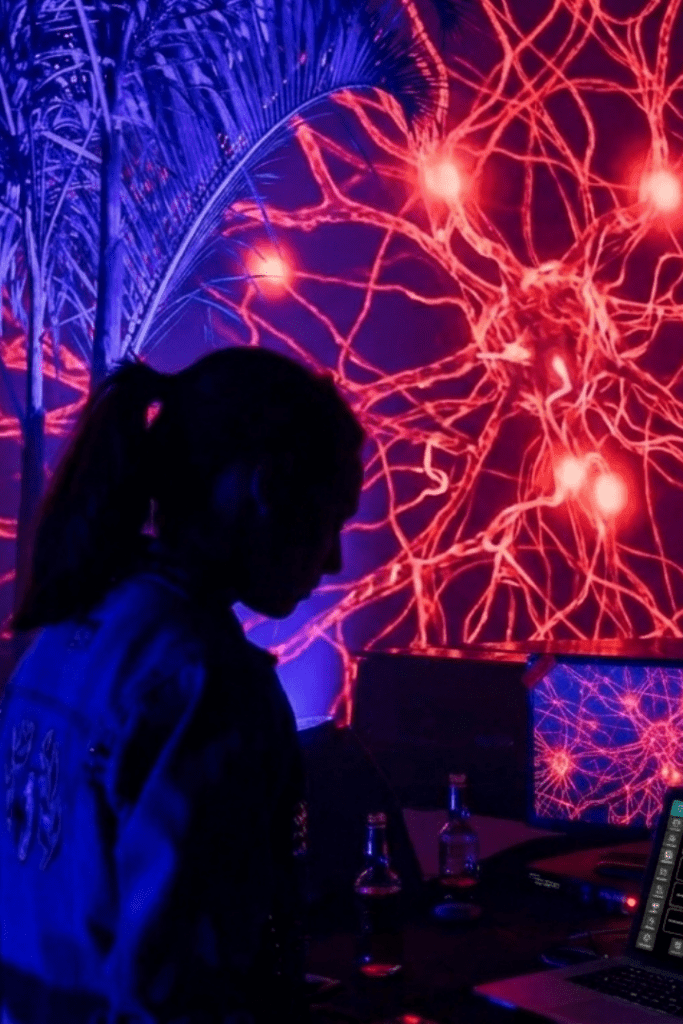
The VJ or Experienced Operator
You already have your setup. Pulse isn’t here to replace it, it’s the fast-reactivity layer you add for long sets, surprise drops, and moments when your pre-programmed show can’t keep up. A co-pilot, not a replacement.
From Download to Live Stage in Under 2 Minutes
Download & Install
Click the button below, pick Windows or Mac, and install. Takes under 60 seconds. No bloatware, no extra software.
Open & Activate
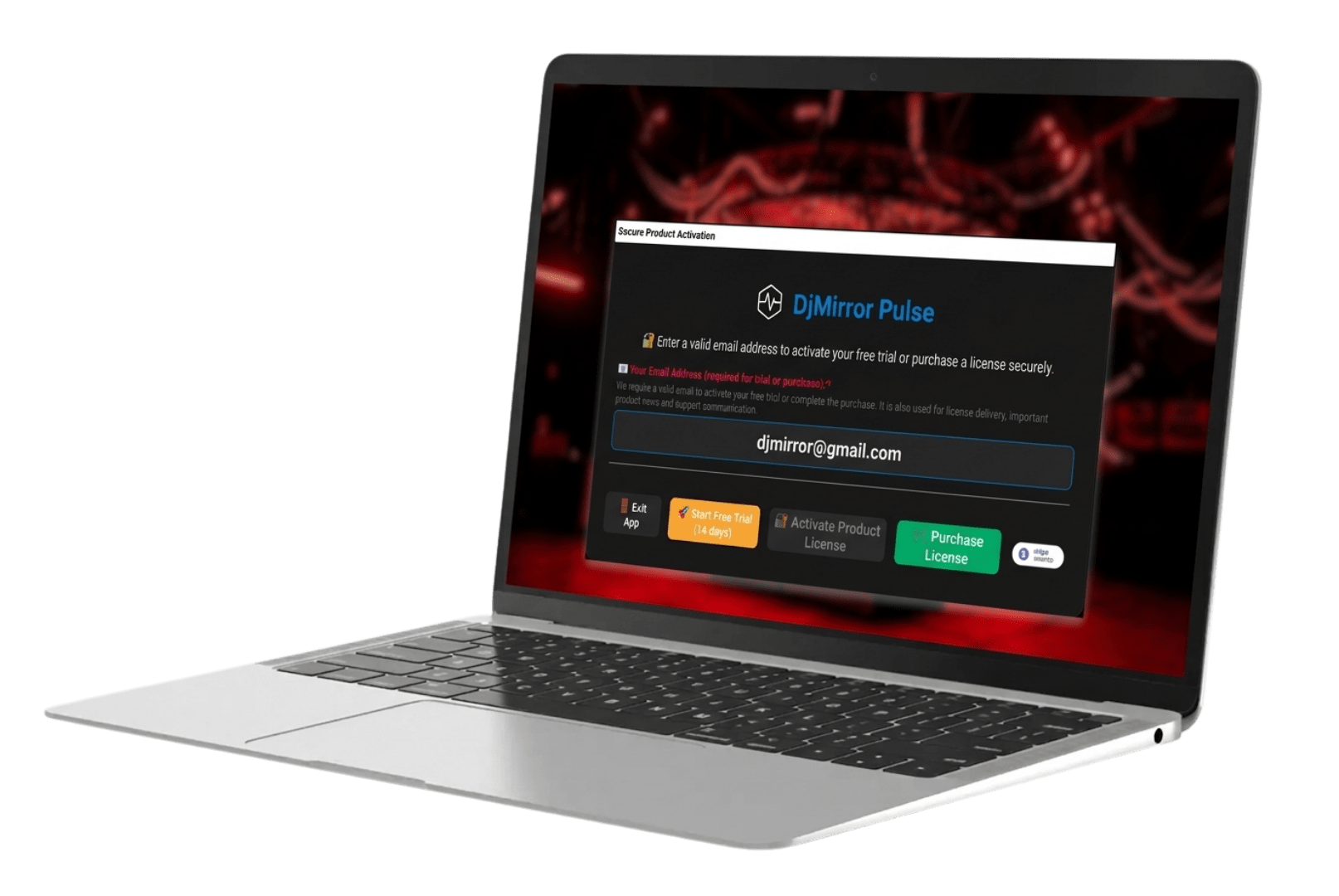
Enter your email inside the app. Your full 14-day Pro trial activates instantly, no license key, no delay.
Connect Your Audio & Go Live
The setup wizard connects your audio in under 2 minutes. When the energy bar turns green, you’re live. That’s the whole setup.
More free tools for DJs
Free Resources While You Wait for Your Trial
Royalty Free DJ Visuals
Transform Your Branding
Transform Your Photos
Questions? We Reply Personally.
We’re a small team and we read every message. If you have a question about compatibility, setup, or anything else, write us. We’ll get back to you the same day.
Related Posts
Synesthesia Live Alternative: DjMirror Pulse vs Synesthesia Live
VDMX vs Resolume vs DJMirror Pulse: Which VJ Software Is Best for DJs?
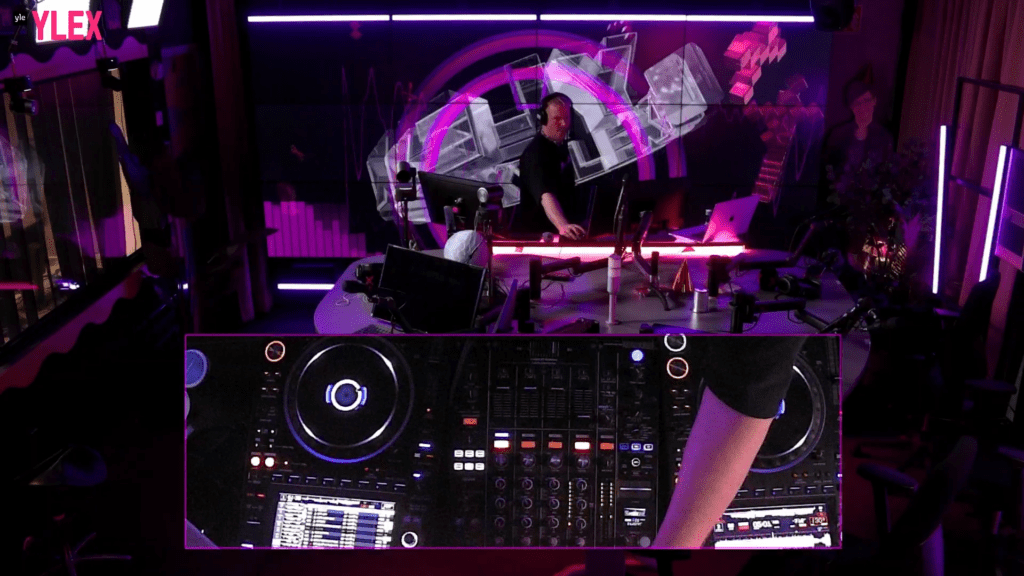
DjMirror Pulse vs Resolume Arena: Which One Is Right for You in 2026?
Want unlimited visual styles?
You’ve reached today’s free download limit. Get every style — plus audio-reactive visuals and automatic DMX lighting — with DjMirror Pulse.
Download free — 14-day trial No credit card required