
Looking for a Synesthesia Live Alternative?
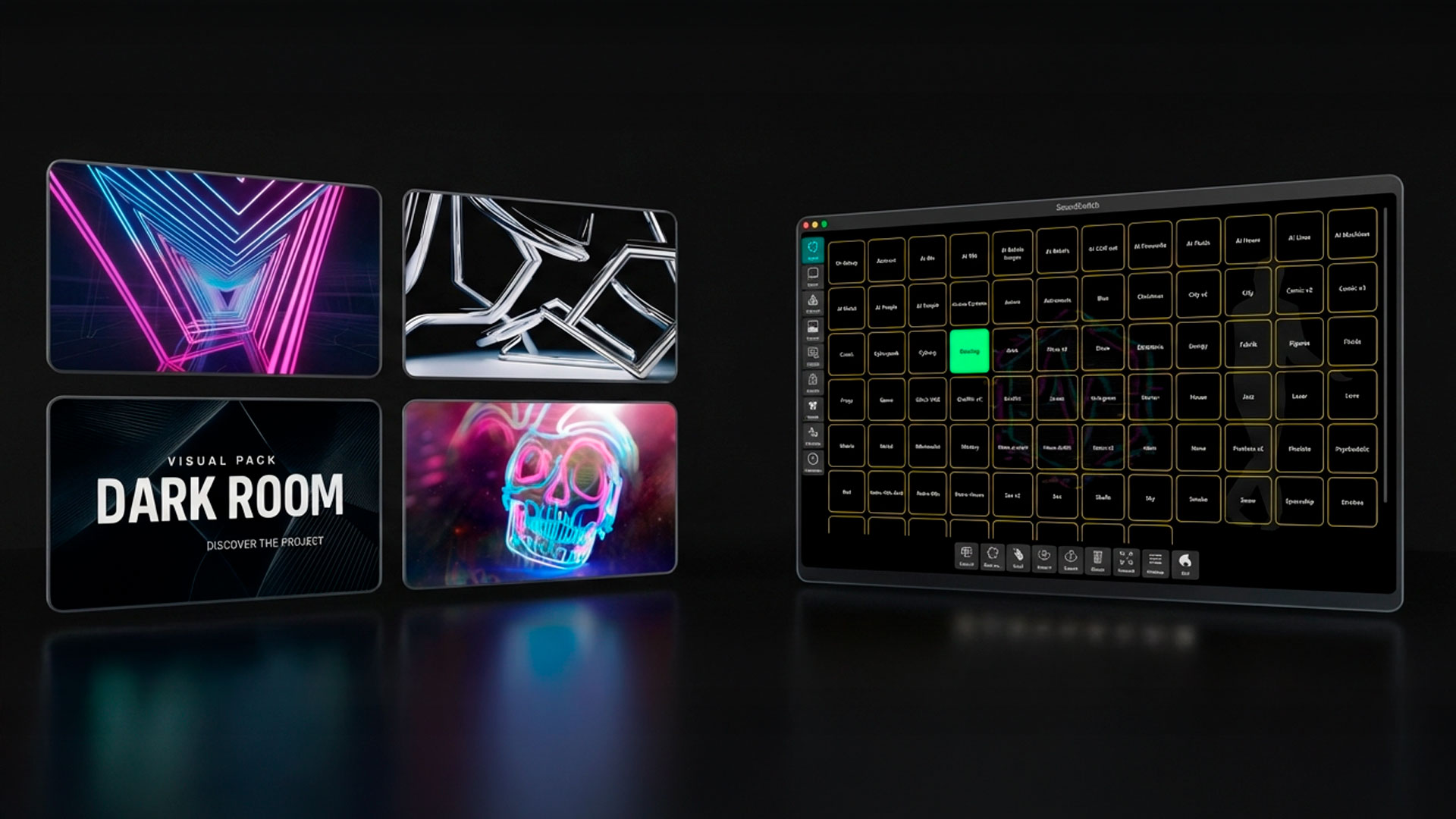

SYNESTHESIA LIVE ALTERNATIVE FOR DJS
Synesthesia Live is good. But if you need something that runs itself automatically, syncs visuals and DMX to every drop without manual triggers, and takes 2 minutes to set up, that’s a different product. 14-day trial.
Short answer: the best Synesthesia Live alternative for DJs who want the show to run itself is DjMirror Pulse. Synesthesia is built for hands-on VJs who trigger scenes live. Pulse detects BPM, builds and drops on its own and drives your screen and your DMX lights from the same analysis, in one app on Mac or Windows. Personal license $99 once, free 14-day trial, no card.
Every beat detected. Every drop synced. Visuals and DMX, automatic.
Synesthesia Live vs DjMirror Pulse: the honest comparison
Synesthesia Live is genuinely good software. That needs saying upfront, because this isn’t a takedown. If you’re a hands-on VJ who wants precise control over what goes on your screen, beat by beat, Synesthesia is probably the right call. It’s been around long enough to have a real user base, the community is active, and it connects to a wide range of sources.
But there’s a specific situation where people start looking for a Synesthesia Live alternative, and it tends to go the same way: you’re a DJ who bought or already has a screen, you found Synesthesia, and you quickly realised the hands-on workflow isn’t really what you were hoping for. You wanted something that just ran. That synced to your music without you managing it between tracks.
That’s the gap DjMirror Pulse was designed for.
What Synesthesia does and who it’s built for
Synesthesia Live is a content player that reacts to audio. You load clips, you trigger things, you build a show around it. The software gives you a lot of control, which is its whole point. It originated in the VJ world, and you can feel that in how it’s structured.
For a VJ, or a DJ who doubles as a VJ, that level of control is exactly what you want. For a DJ who just needs visuals on a screen while they mix, it can feel like a full-time side job.
The other thing worth knowing: Synesthesia gets its audio through window capture or a dedicated audio input, which works fine, but it introduces a layer between your music and the visuals that you have to manage.
Where DjMirror Pulse is different
Pulse captures audio directly from whatever’s playing on your machine. You don’t point it at a window or configure a virtual cable. It hears what’s playing and reacts to it.
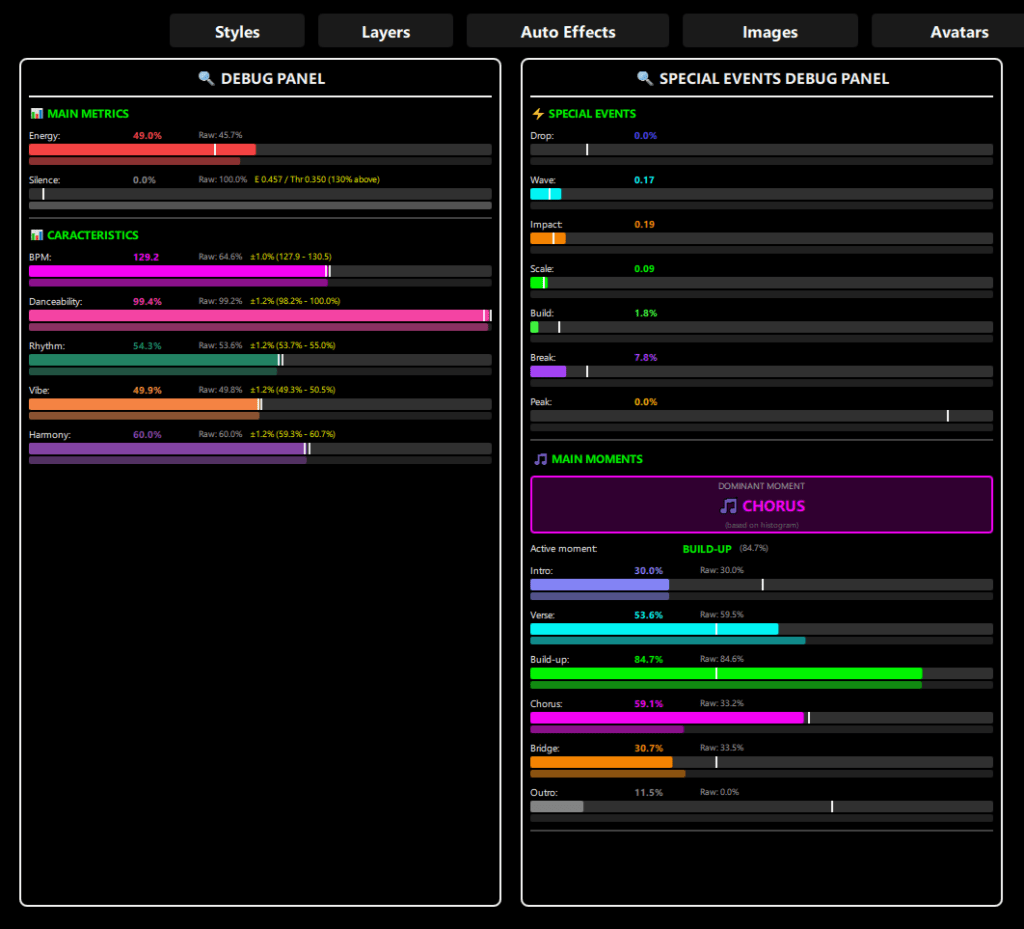
The reactivity is automatic. The software detects builds, drops, and BPM changes without you setting any triggers. For an EDM set, that means the visuals are genuinely responding to the structure of your music rather than running on a loop you built in advance.
The other significant difference is DMX. Pulse controls your stage lighting automatically, synced to the same audio analysis driving the visuals. You can see the full feature breakdown here. Synesthesia Live focuses on video output. If you want DMX alongside your visuals, Pulse combines both in one application, which is still fairly unusual in this space.
Now the style library, which is where it gets interesting if you’re coming from Synesthesia. Pulse ships with a large selection of audio-reactive styles, each with adjustable parameters, and you can upload your own logo or images to brand the output. It’s not a blank canvas the way Synesthesia is. My overall feeling is that this is the right trade-off for a working DJ: you lose some creative flexibility, but you gain a setup that largely runs itself.
The setup, compared
Both run on PC. Both get audio from your machine.
Where they diverge is the first 20 minutes. Synesthesia has a real configuration phase: sources, layers, clips, tests. Pulse has a shorter path. You pick your audio source, pick a style, and it starts working. Fair enough on Synesthesia’s side. The configuration phase is there because hands-on control is the whole point.
One thing worth knowing: Pulse uses window capture for its video output right now. Spout support is on the roadmap, which would make the pipeline cleaner, but for most DJ applications the current approach does the job without issues.
Who should stay with Synesthesia
VJs, and DJs who also VJ, will find Synesthesia handles their workflow properly. The trigger system is there because the product was built around it. A show you’ve built clip by clip, session by session, belongs in software that thinks about clips.
Who should try Pulse instead
A working DJ who doesn’t want to think about visuals between tracks. Someone running EDM who wants the screen to actually respond to drops and builds rather than loop through preset content. A solo DJ who wants DMX and visuals from one application without a second laptop running.
Pricing
The personal license is $99, paid once. The commercial license is $179 a year. There’s a free 14-day trial, no card required, which is long enough to run it through a real set and see whether the automatic approach suits you or whether you’d miss the hands-on control.
A lot of DJs who came from Synesthesia find they don’t, which is usually where this kind of switch starts.
If you’re also comparing other options, we have write-ups on Pulse vs Resolume Arena and Pulse vs MaestroDMX.
Synesthesia Live alternative: FAQ
What is the best Synesthesia Live alternative for DJs?
For DJs who want visuals and lights to follow the music without triggering anything, DjMirror Pulse. It reacts to BPM, builds and drops automatically and controls DMX lighting from the same app. If you are a VJ who wants clip-by-clip control, Synesthesia is still a strong choice.
Can DjMirror Pulse control DMX lights like a lighting app?
Yes. Pulse runs your DMX fixtures automatically, synced to the same audio analysis that drives the visuals. It works with Enttec, DMXKing, Eurolite and other FTDI-compatible USB-DMX adapters.
Do I need to set up triggers or scenes like in Synesthesia?
No. You pick an audio source and a style and Pulse starts reacting. There is no trigger programming between tracks.
Can I put my own logo on the screen?
Yes. You can upload your logo and your own images, and they react to the music together with the visuals.
How much does DjMirror Pulse cost?
The personal license is $99, paid once. The commercial license is $179 a year. There is a free 14-day trial with no card required.
Does it run on Mac and Windows?
Yes, DjMirror Pulse runs on macOS and Windows.
Start free. See why DJs are switching.
Free trial. Honest feedback. Founder price, locked in forever.
We’re giving full 14-day Pro trial access to a select group of DJs before public launch. No restrictions, , no gimmicks. Just test it on real stages and tell us what you think.
The most active testers who send real feedback are in the running for a free lifetime license. Everyone else can lock in at $99 before we switch to public subscriptions. If it’s not for you, no problem.
“The crowd noticed something different. That’s all I needed to know.” — DJ Rony Rex · @itsronyrex
Start Free. No Card. No Catch.
Full Pro access for 14 days. If you want to keep it after that, lock in the Founder Price before it’s gone.
ZERO PROGRAMMING. FULL STAGE IMPACT.
DJMirror Pulse listens to your mix and reacts, visuals and lights in perfect sync, automatically. No manual setup. Tap a style and play. That’s it.
Already on real stages. Already getting reactions.
Built for Gigs That Actually Matter
From underground clubs to 5,000-capacity festivals, tested live, not in a demo room. If it works there, it works everywhere.
Your Mix Controls Everything , Automatically
Pulse reads the audio from your mixer in real-time and drives both on-screen visuals and DMX lighting, no extra buttons, no manual triggers. Just play.
The question isn’t “can I afford it”, it’s “can I afford not to”
Is This You?
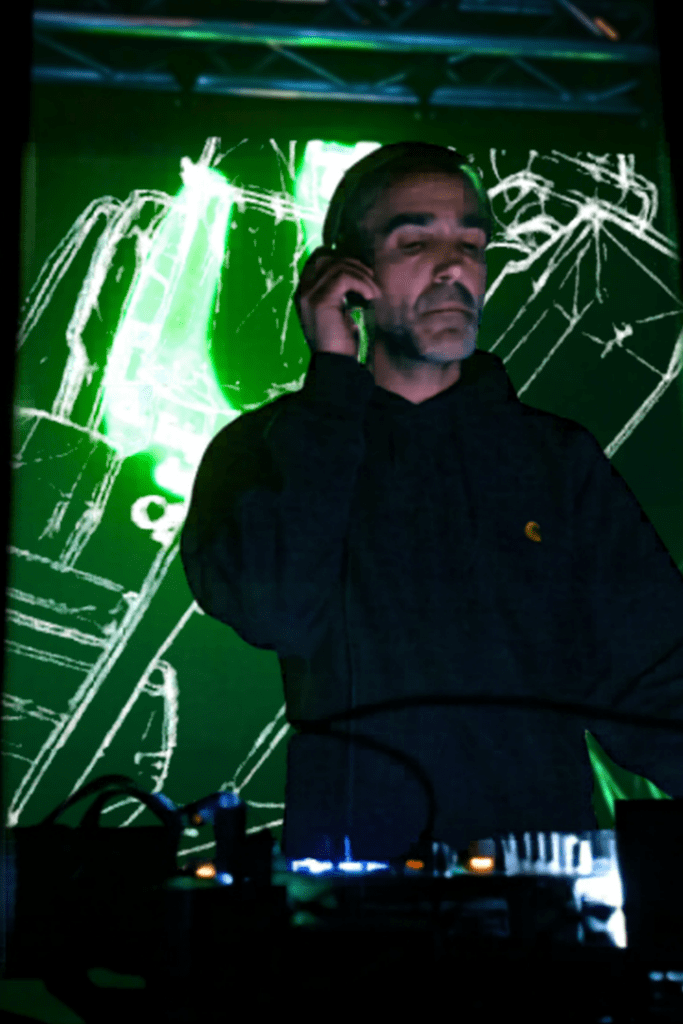
The DJ Who Wants the Full Show
You’re tired of showing up with just audio. You want visuals that move with the music , without hiring a VJ tech or spending 40 hours learning Resolume. Pulse gives you that in 2 minutes.
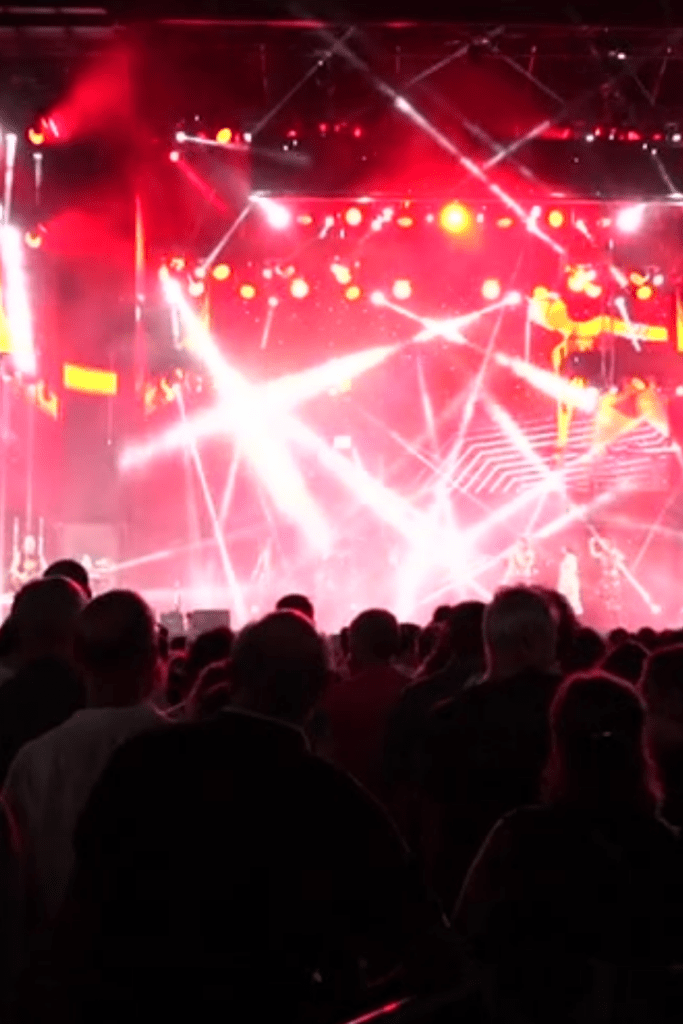
The Mobile DJ or Venue Operator
You do 3 gigs a week in different venues. You can’t spend an hour setting up a light show each time. Pulse auto-pilots the atmosphere, you tap a style, it handles the rest. Every room looks pro.
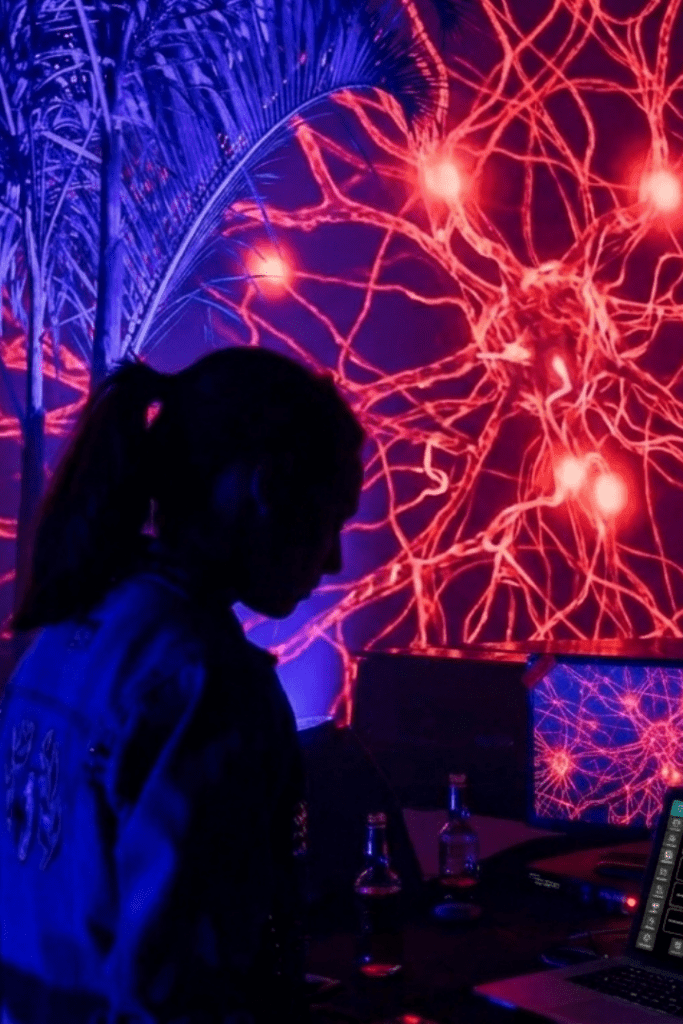
The VJ or Experienced Operator
You already have your setup. Pulse isn’t here to replace it, it’s the fast-reactivity layer you add for long sets, surprise drops, and moments when your pre-programmed show can’t keep up. A co-pilot, not a replacement.
From Download to Live Stage in Under 2 Minutes
Download & Install
Click the button below, pick Windows or Mac, and install. Takes under 60 seconds. No bloatware, no extra software.
Open & Activate
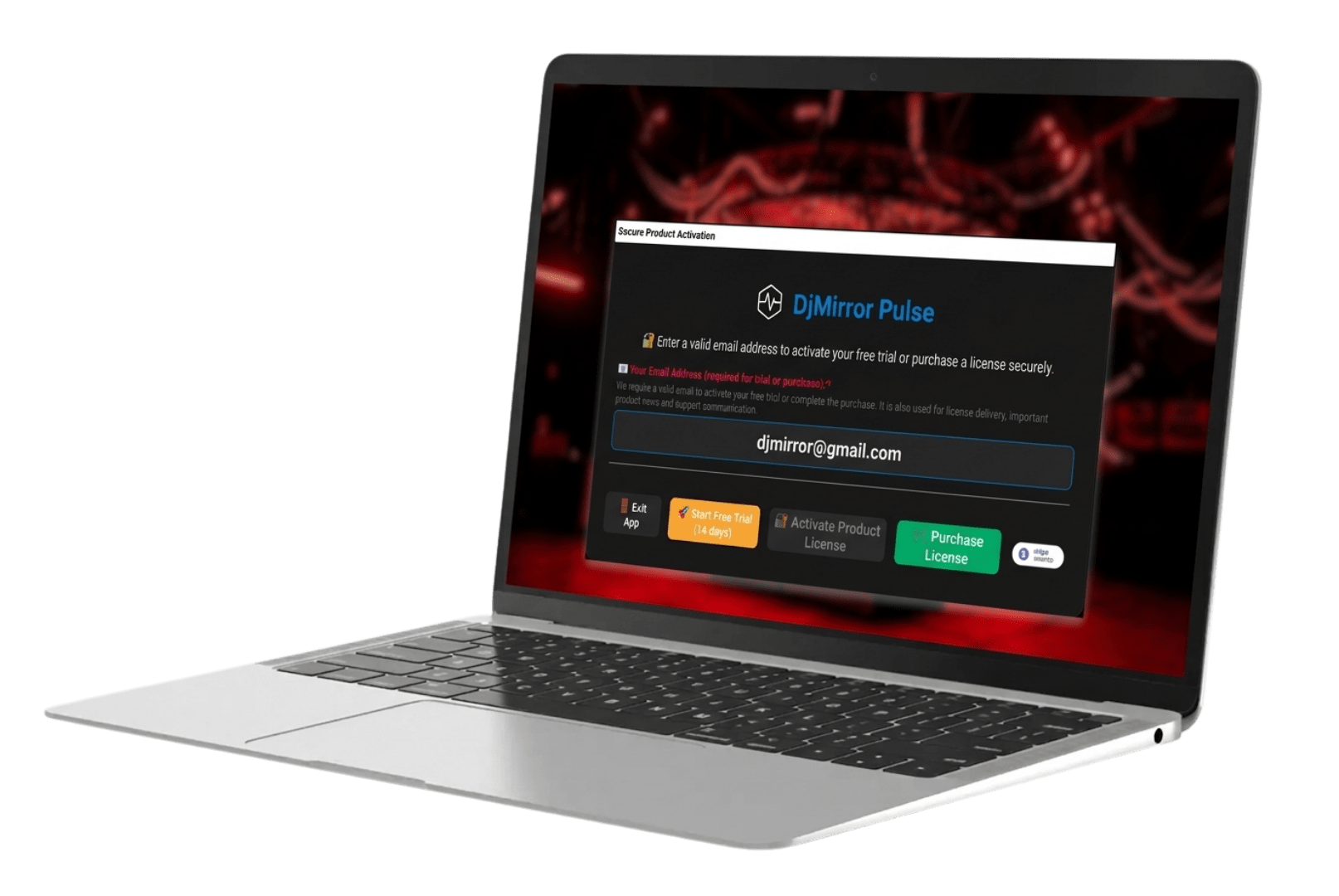
Enter your email inside the app. Your full 14-day Pro trial activates instantly, no license key, no delay.
Connect Your Audio & Go Live
The setup wizard connects your audio in under 2 minutes. When the energy bar turns green, you’re live. That’s the whole setup.
More free tools for DJs
Free Resources While You Wait for Your Trial
Royalty Free DJ Visuals
Transform Your Branding
Transform Your Photos
Questions? We Reply Personally.
We’re a small team and we read every message. If you have a question about compatibility, setup, or anything else, write us. We’ll get back to you the same day.
Related Posts
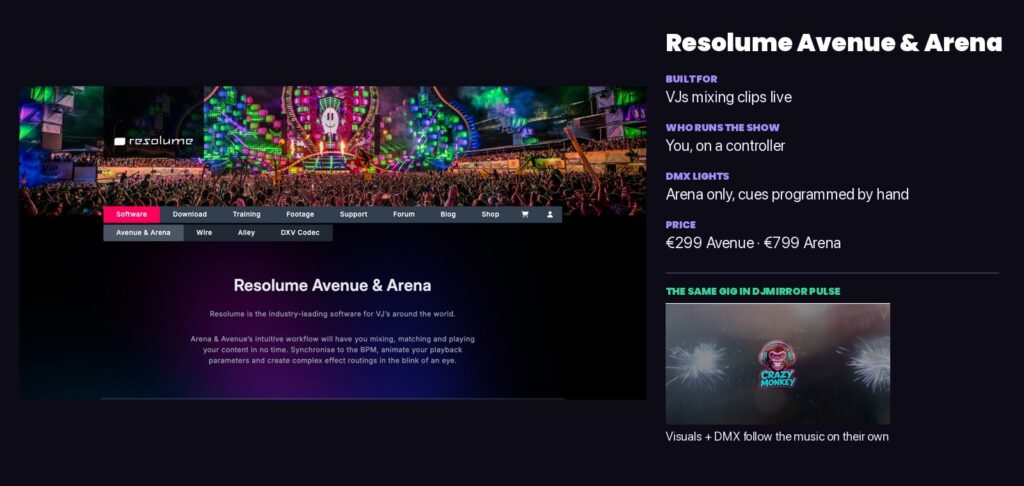
Resolume vs VDMX vs MadMapper vs TouchDesigner vs DjMirror Pulse: Which Live Visuals Software for DJs? (2026)
VDMX vs Resolume vs DJMirror Pulse: Which VJ Software Is Best for DJs?
DjMirror Pulse vs Resolume Arena: Which One Is Right for You in 2026?
Want unlimited visual styles?
You’ve reached today’s free download limit. Get every style — plus audio-reactive visuals and automatic DMX lighting — with DjMirror Pulse.
Download free — 14-day trial No credit card required