
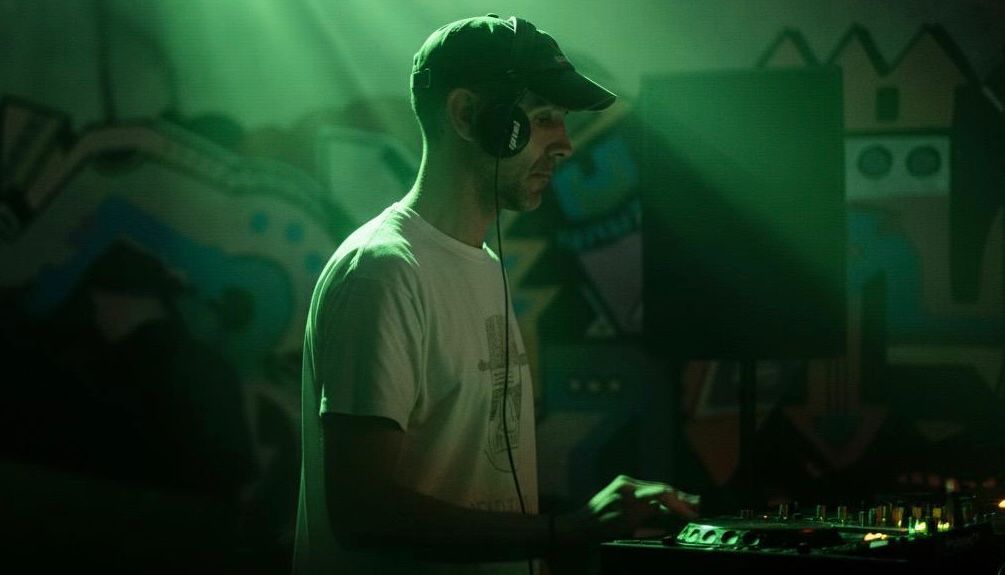
VJ Software Explained: A Beginner’s Guide for DJs
VJ Software for DJs: Visual Mixing. DMX Lighting. Total Show Control.
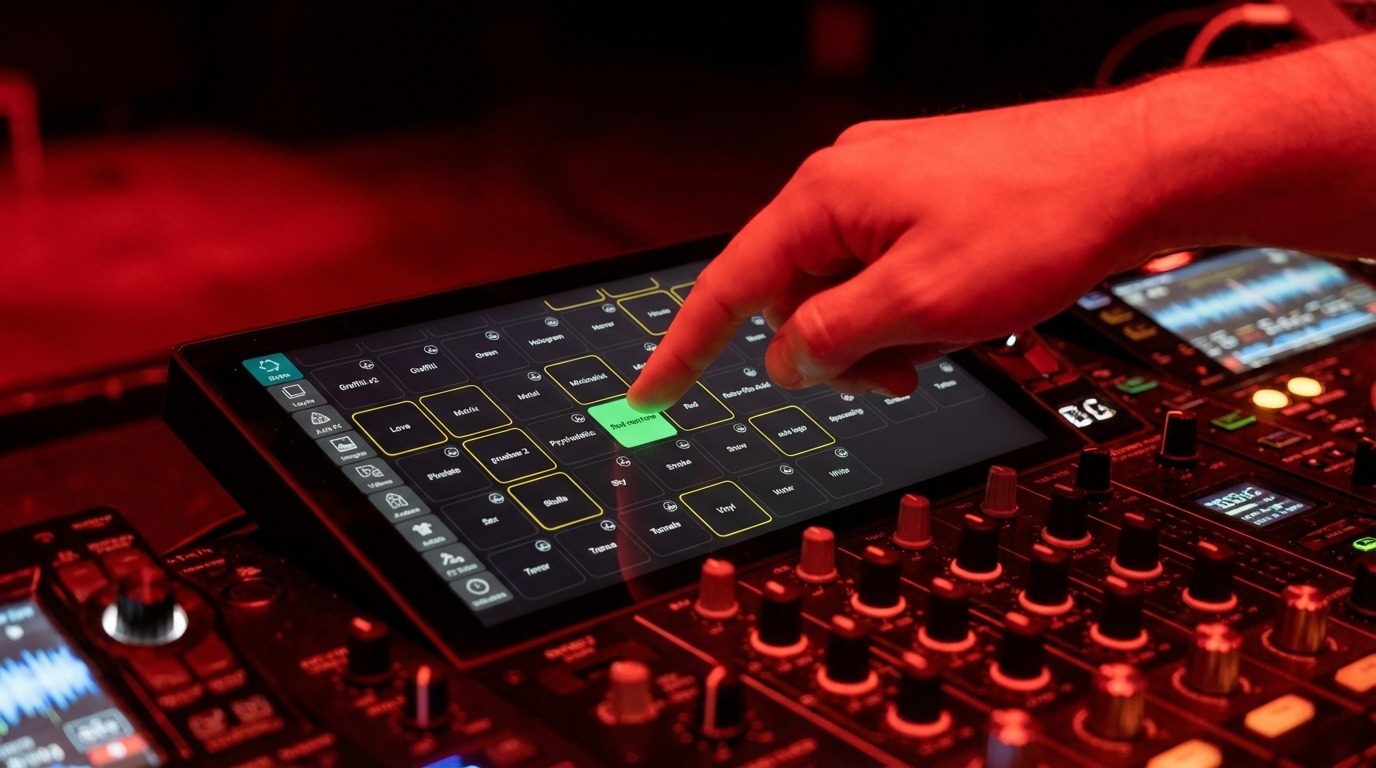
VJ software is what turns a DJ set into a full audiovisual show. You’ve seen it at festivals: the DJ plays a track and the screens respond, visuals shifting with every build and drop as if the software is reading the music. That’s exactly what it’s doing.
For a long time that meant hiring a dedicated VJ. VJ software for DJs like DjMirror Pulse changed that. The software analyzes 80+ audio parameters in real time and drives both visuals and DMX lighting on its own. No second operator needed.
How DjMirror Pulse Processes Your Audio
1. Analyze
DjMirror Pulse reads the audio: BPM, energy, harmony and song structure. All extracted in real time, with sub-12ms latency.
2. Generate
The software selects clips, effects and visual presets. Each one is matched to the current musical moment: intro, build, drop or outro.
3. Sync
Visuals and DMX lighting sync together. Every beat, every drop and every transition lines up with what’s happening in the music.
VJ Software vs DJ Software: The Key Difference
- DJ software like Traktor, Serato or rekordbox manages audio. Mixing decks, EQ, effects and sync.
- Traditional VJ software means a clip grid and manual triggering. Usually a second person on a second laptop.
- DjMirror Pulse combines audio analysis with automatic VJ and automatic DMX. One machine, one operator.
DjMirror Pulse vs Traditional VJ Software
900+ DJs Already Running Solo Shows
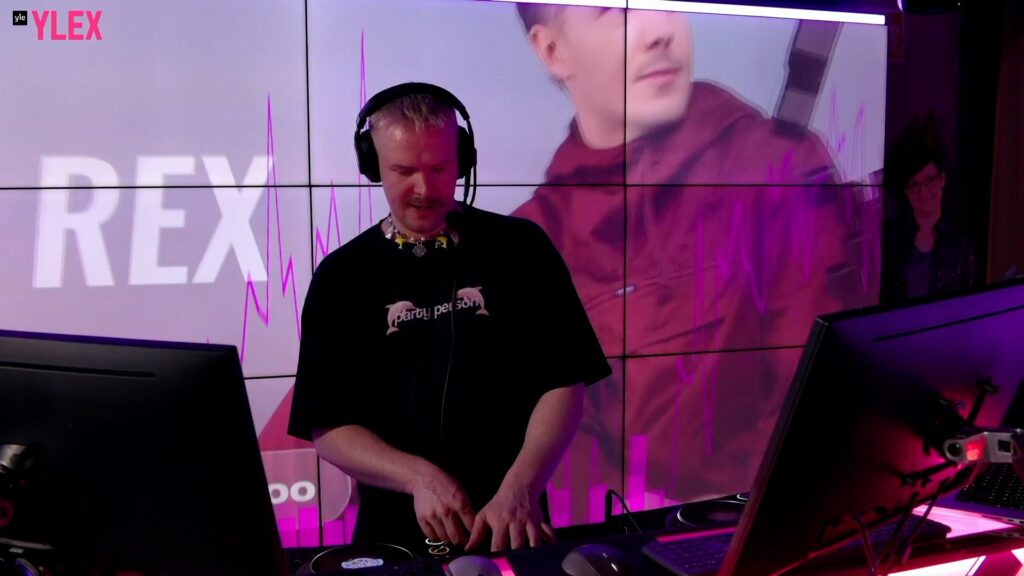
“I play 3-4 gigs a week and can’t afford a VJ every time. DjMirror Pulse solved that. My visuals look professional every single show.” , Rony Rex, DJ & Radio Host.
Works on Windows and macOS. No credit card. No setup headaches.
See It In Action: 100% Reactive Live Set
Every visual hit synchronized to the music’s structure, not just its tempo. This is what automatic song-structure detection looks like live.
Your First Show in 5 Steps
- Download and install DjMirror Pulse on Windows or macOS. Installation takes about five minutes.
- Connect your audio source: line-in from your mixer, or directly from your DJ software. The Cerebro engine starts analyzing your mix right away.
- Choose a visual style, or let the software pick one based on your genre and energy level.
- Plug in your DMX interface (optional). The lights start reacting to the music within seconds of mapping your fixtures.
- Play your set. Every build, drop and transition triggers a synchronized visual and lighting response. No manual operation required.
Works on Windows and macOS. No credit card. No setup headaches.
Questions
What is VJ software?
VJ software lets a performer mix, trigger and manipulate video and visual effects in real time, in sync with the music. Modern tools like DjMirror Pulse do this automatically, so there’s no manual triggering. The software analyzes BPM, energy, key and song structure, then drives visuals that match each musical moment.
Do I need a VJ to add visuals to my DJ set?
No. DjMirror Pulse is designed for solo DJs who want audio-reactive visuals and DMX lighting without a dedicated operator. The software analyzes your music and drives everything automatically: visuals, effects and DMX lighting.
What’s the difference between VJ software and DJ software?
DJ software (Traktor, Serato, rekordbox) manages audio playback, mixing and effects. VJ software manages real-time visual output: video loops, animations and effects. DjMirror Pulse handles both. Audio analysis, automatic VJ, automatic DMX, all on one machine. A solo DJ runs the entire show.
What hardware do I need to run VJ software?
A modern laptop is enough. Windows 10/11 works, and so does macOS Apple Silicon (M1 onwards) or an Intel Mac from 2019+. No dedicated GPU needed for standard 1080p reactive visuals. For DMX lighting, add a standard USB-DMX interface such as an Enttec or Eurolite.
How is DjMirror Pulse different from Resolume Arena?
Resolume Arena is designed for a dedicated VJ who manually mixes layers and triggers clips. DjMirror Pulse is built for a solo DJ who wants visuals and DMX running automatically. Resolume costs $899 and needs an operator; DjMirror Pulse costs $99 and runs itself. DJ LED screen software explained in full here. See the full comparison here.
Can VJ software control DMX lighting?
Most VJ software requires a separate DMX app or add-on. DjMirror Pulse has automatic DMX built in. Lights sync to BPM, musical key and song structure without any programming or manual operation. It works with standard USB-DMX interfaces and covers most fixtures from Chauvet, ADJ and Stairville.
Is there free VJ software?
Open-source options like Processing exist, but they require significant development knowledge. DjMirror Pulse offers a free 14-day trial with full feature access, no credit card required. For most DJs that’s the most practical starting point. See the full free VJ software guide.
See what DjMirror Pulse does automatically that other VJ tools make you do by hand. Try free for 14 days. No credit card.
Related Posts
Free VJ Software for DJs: What You Get and What You’re Missing
What’s New in DjMirror Pulse: Art-Net & AI FX
How to Make Your Own DJ Visuals (Without Being a Designer)
Want unlimited visual styles?
You’ve reached today’s free download limit. Get every style — plus audio-reactive visuals and automatic DMX lighting — with DjMirror Pulse.
Download free — 14-day trial No credit card required